Instagram Content Strategy: Themes, Formats and a Month of Posts
Build an Instagram content strategy you can keep up: how Instagram ranks Feed, Stories, Explore and Reels, which themes and formats to choose, an example plan and a one-month content calendar.
 By Kreatoai
An Instagram content strategy comes down to four decisions: which goal, which parts of Instagram reach it, which themes, and which formats, all set into a one-month calendar. The point many guides miss: Instagram does not have one algorithm but one ranking per surface, and Feed, Stories, Explore and Reels do not reach the same people. This guide starts from what Instagram itself says, read on November 15, 2026, and ends with an example plan and a content calendar you can copy.
In this guide:
- how Instagram decides what to show, surface by surface;
- the six steps of an Instagram strategy, from goal to measurement;
- the formats and their rules, in one table;
- what stops Instagram from recommending an account;
- an example Instagram marketing plan and a month of posts;
- how to keep the pace without losing your evenings.
An Instagram strategy is not a smaller social media strategy
The general method stays the same: a goal, an audience, themes, a pace, a measure. We covered it, based on Meta's guides, in the social media content strategy. What changes on Instagram is how the platform works: the same account talks to its followers in Feed and Stories, and to strangers in Reels and Explore. So an Instagram strategy first decides who it wants to talk to, then the surface and format that get there.
How Instagram decides what to show
Adam Mosseri, head of Instagram, wrote it in Instagram's official article on ranking, updated on May 31, 2023: Instagram does not have a single algorithm. Feed, Stories, Explore, Reels and Search each have their own, tailored to how people use them.
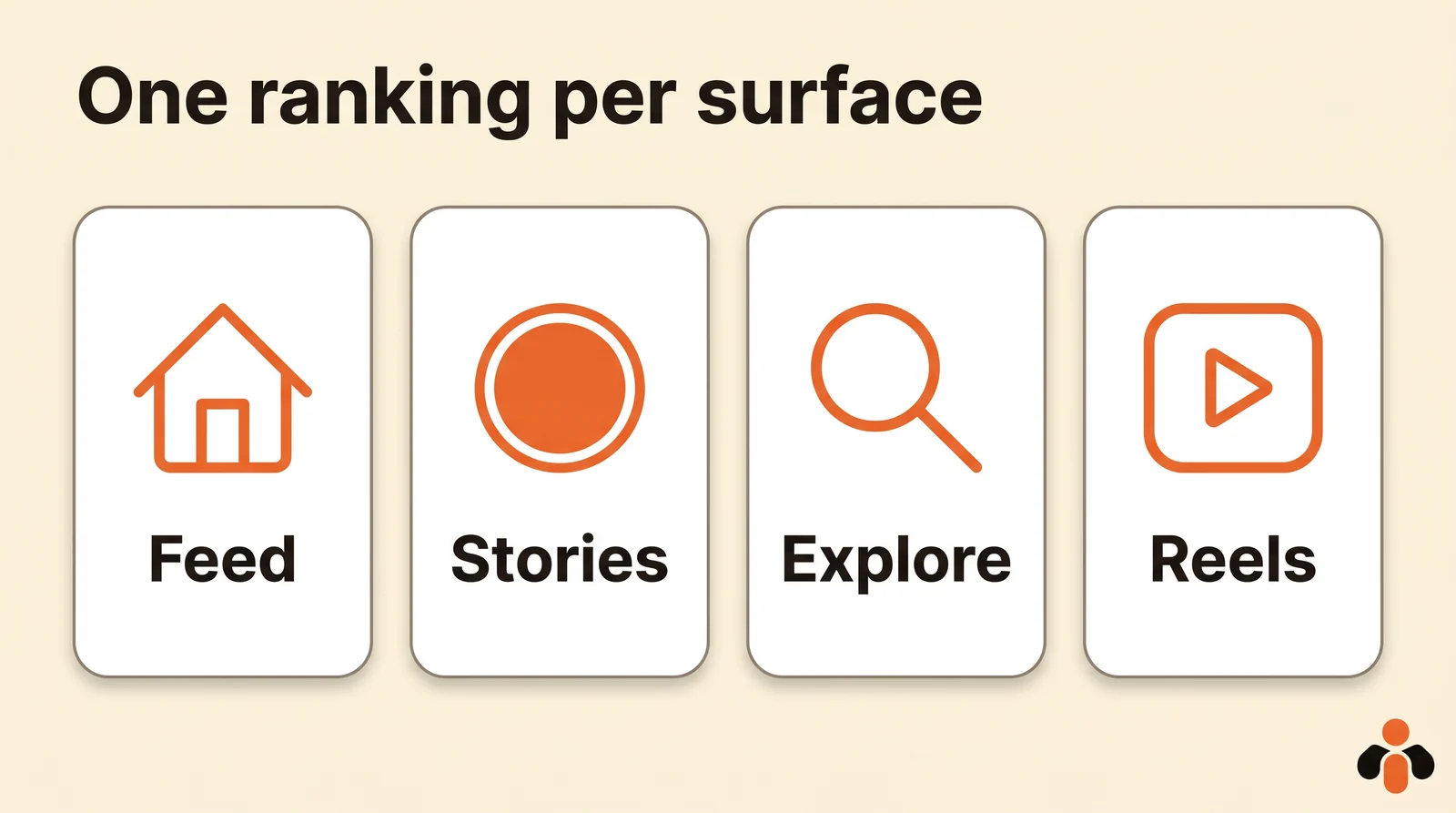
| Surface | Who sees your posts | What Instagram tries to predict |
|---|---|---|
| Feed | Mostly your followers, plus suggestions | Spending a few seconds, commenting, liking, sharing, tapping the profile photo |
| Stories | Your followers only (plus ads) | Tapping into the story, replying, or moving on |
| Explore | Mostly people who don't follow you | Liking, saving, sharing |
| Reels | Mostly people who don't follow you | Resharing, watching to the end, liking, opening the audio page |
Three lessons for your strategy:
- in Feed and Stories, the relationship matters. Instagram looks at how often someone views your stories, whether they reply, whether you comment on each other's posts. An account that answers its followers stays visible to them;
- in Explore, the post's popularity weighs much more. Instagram writes that popularity signals (how many people like, comment, share and save, and how quickly) matter much more in Explore than in Feed or Stories. A useful post that people want to save has its chance there;
- reels are for being discovered. Most reels people watch come from accounts they don't follow. What weighs most: being shared and watched to the end.
Instagram also says it avoids showing too many posts from the same account in a row. Posting five times in an hour does nothing: spread it out.
Step 1: one goal, and the surfaces that serve it
Pick one or two goals with a number and a date, no more. Then tie each to a part of Instagram:
- get known (gain followers, reach new people): short reels and posts worth saving, for Explore;
- stay in touch and bring people back (loyalty, bookings, repeat orders): Feed and Stories, with questions, behind the scenes, replies;
- sell: both, with a clear call to action in the caption and the bio.
A precise goal looks like this: "30 quote requests by direct message in three months." It says what to measure, and it already says that stories and replies to messages will matter as much as reels.
Step 2: three or four themes and a brand voice
An account people recognize keeps coming back to the same topics. Pick three or four recurring themes, each tied to your goal: what you know how to do, how you work, what your customers experience, what you offer. For each theme, write down three topics in advance: that is your reserve for weeks without ideas. Our Instagram post ideas give more, sorted by goal.
Then write your editorial line in five lines. An example for a ceramics brand that sells online:
Voice: warm, short sentences, first names. Visuals: daylight, linen or wood backgrounds, hands always in frame. Themes: the studio, one piece and how to use it, customers and their tables, new releases. Caption: the first line says it all, a question at the end. Never: photos edited so much they mislead on color.
Step 3: one format per theme
Each format has its job and its rules. Here are those from Instagram's official help, read on November 15, 2026:
| Format | What it does well | Rule to know |
|---|---|---|
| Carousel | Explain, show a method, a before and after: people swipe and save it | Up to 20 photos and videos, same crop for all; videos in a carousel are not reels |
| Reel | Get discovered by people who don't follow you | Up to 20 minutes, but past three minutes it won't be recommended to new audiences |
| Photo | An announcement, a product, a key moment | At most five hashtags per post |
| Story | Daily life, questions, reminders, for your followers | Ranked on stories already viewed, replies and closeness with each follower |
A simple rule: the "know-how" theme as carousels, "behind the scenes" as short reels, announcements as photos, and stories any day you have something to show. For video, our guide to scheduling Instagram reels covers formats and paths; for stories, the one on scheduling Instagram stories.
Step 4: stay an account Instagram recommends
This is the step people forget, and it decides your reach with strangers. Instagram publishes its Recommendations Guidelines: some content stays allowed and visible to your followers, but isn't suggested to people who don't follow you.
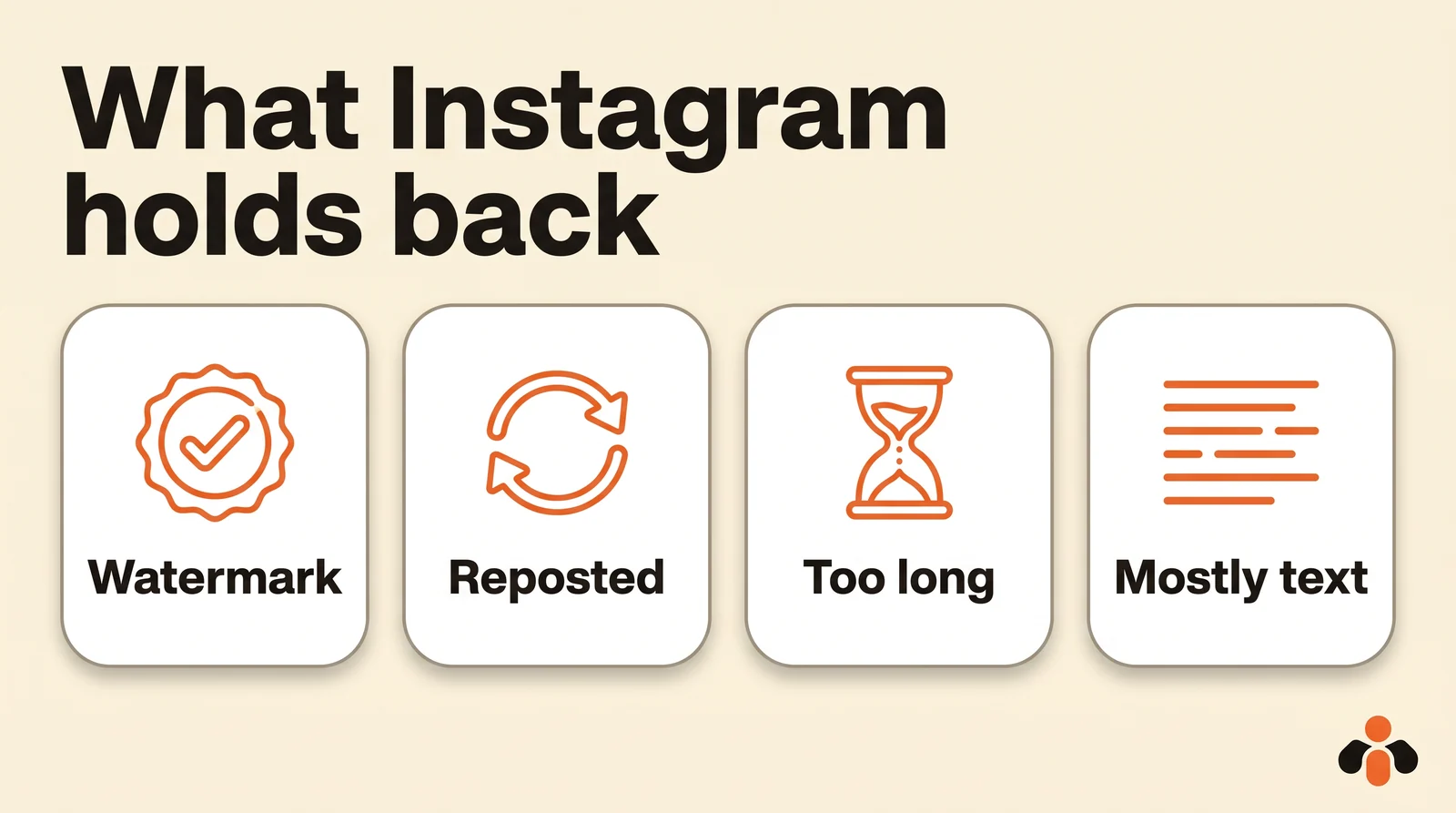
What Instagram says it holds back, according to its ranking article and its tips for creators:
- low-resolution or watermarked reels, muted ones, ones with borders, ones that are mostly text, or already posted on Instagram;
- unoriginal content reused from another source with minor edits, and accounts that mostly repost other people's content;
- long captions unrelated to the post and coordinated comment networks meant to inflate engagement;
- accounts that bought likes or followers, or that often break the rules.
Three habits follow. Post your own images and videos, without another app's watermark. Open Account Status in the app to check that your account can be recommended: Instagram shows what is wrong there and lets you appeal. Finally, put the words your audience searches for in your bio and captions: Instagram says Search uses them to find an account, for followers and non-followers alike.
Step 5: a one-month Instagram content calendar
The calendar turns themes into dates. One row per post is enough: date, time, theme, format, caption, visual, goal, status. Our content calendar template details the columns; here is a month for the ceramics brand from step 2, at three posts a week:
| Week | Monday | Wednesday | Friday |
|---|---|---|---|
| 1 | Carousel: "throwing a bowl in six steps" (know-how) | 30-second reel: the kiln firing (behind the scenes) | Photo: the new collection (new release) |
| 2 | Carousel: "how to wash and store ceramics" (know-how) | Reel: a customer sets her table (customers) | Photo: one piece and its price (offer) |
| 3 | Carousel: "glossy or matte glaze?" (know-how) | Reel: the studio one morning (behind the scenes) | Photo: a customer review, with their consent (customers) |
| 4 | Carousel: the month's questions and answers (know-how) | Reel: opening the kiln (behind the scenes) | Photo: offer reminder, end date (offer) |
Add stories on posting days and whenever something new happens at the studio. For the pace, no official rule fits everyone: choose what you can sustain, and see what each platform advises in how often should you post. For the time of day, your own insights beat any generic chart: the method is in the best time to post on Instagram.
Once the month is written, schedule it. The Instagram app schedules posts, carousels and reels on a public account, up to 25 a day and up to 30 days ahead; product tags and collaborative posts can't be scheduled. The three ways to do it are in our guide on how to schedule Instagram posts.
Step 6: measure, test, keep what works
Instagram insights cover the last 90 days, for the whole account or post by post, on a public account. On desktop: Dashboard, then Insights under For professionals. Audience demographics require having reached more than 100 people over the period.
Once a month, look at three things:
- the share of accounts reached that don't follow you, which Instagram advises tracking over time: it measures your discovery;
- the theme and format of your five best posts, then of your five weakest;
- your numeric goal from step 1: requests, sales, bookings.
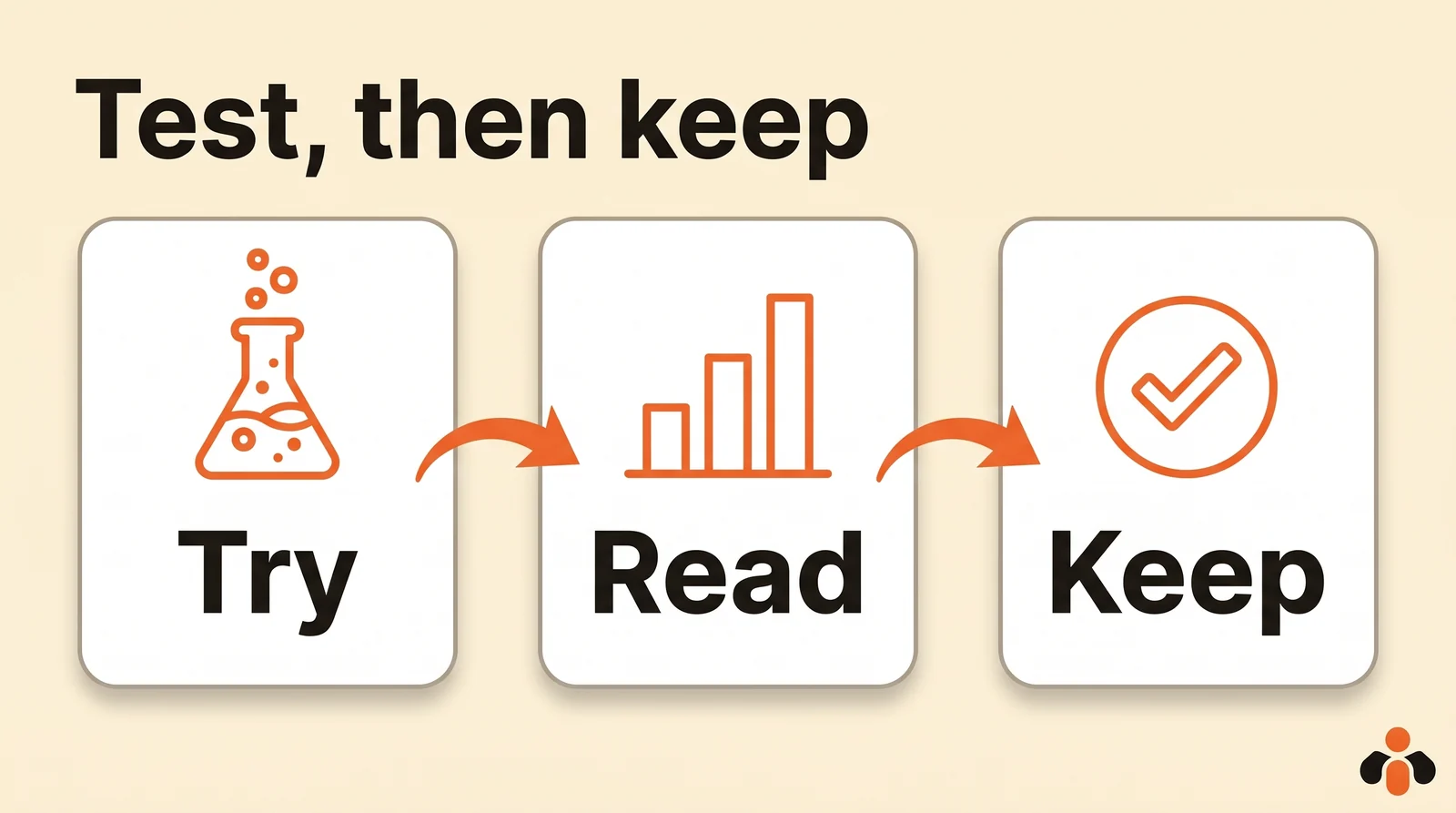
To try an idea without confusing your followers, Instagram offers trial reels: they are shown first to people who don't follow you, don't appear on your profile, and their insights arrive within 24 hours. If one works, Share to everyone puts it on your profile and in your followers' feeds. Instagram says a trial reel is ranked separately and doesn't affect the ranking of your other reels.
Instagram marketing strategy example
Everything on one page, for the same ceramics brand:
| Item | Choice |
|---|---|
| Goal 1 | 30 order requests by direct message in three months |
| Goal 2 | Raise the share of non-follower accounts reached from 20% to 40% in 90 days |
| Audience | People aged 28 to 45 who love hosting and look for handmade objects |
| Surfaces | Reels and carousels for discovery; Feed and Stories for loyalty |
| Themes | Know-how, behind the scenes, customers, new releases and offers |
| Formats | Know-how as carousels, behind the scenes as reels under a minute, announcements as photos, daily stories |
| Pace | Three posts a week, stories on studio days |
| Bio | What the brand does in one line, the words customers search for, a link to the shop |
| Rules | Own images and videos, no watermark; five hashtags at most; reply to every comment and message the same day |
| Measurement | Insights on the first Monday of the month; one trial reel a month to test an idea |
The last row matters as much as the others: replying to comments and messages builds the relationship that Feed and Stories ranking relies on. Our guides to replying to Instagram comments and Instagram auto reply show how to do it without spending the day on it.
Keep the pace without losing your evenings
An Instagram strategy only holds if you don't have to decide every morning what to post. The simplest method: one session a week or a month to prepare everything, then schedule it all. We detail it in manage social media in one hour a week.
Kreatoai brings Instagram and your other platforms together in one place: Facebook Pages, TikTok, personal LinkedIn profiles, YouTube (Shorts), Bluesky, Google Business profiles and Pinterest. One post goes out to several platforms and several accounts at once, right away or at the time you choose, and the dashboard shows the whole month as a list or a calendar; each post can be edited (text, image, time) or cancelled until it goes out. Instagram stories can be scheduled too: a photo or a video, without text.
You can also ask ChatGPT or Claude, connected to Kreatoai: give it your plan (goals, themes, formats, pace), it suggests the month's topics, writes the captions and dates, then, once you approve, schedules them. Kreatoai doesn't create visuals: Instagram needs an image or a video for every post, which you provide, and a photo still on your phone can be added through a QR code, without transferring it first. For step 6, the AI reads the insights of posts made with Kreatoai (views, likes, comments, shares, saves), by week or month, or post by post. It also reads the comments waiting for a reply and suggests one for each, sent after you approve. Ten posts are free every month, no credit card needed (see how to connect Claude).
Key takeaways
- Instagram has no single algorithm but one ranking per surface: Feed, Stories, Explore, Reels.
- Feed and Stories talk to your followers; Reels and Explore mostly to strangers.
- One or two numeric goals, three or four themes, one format per theme.
- Carousels up to 20 items, reels under three minutes to be recommended, five hashtags at most.
- No watermark, no reposting, and the words your audience searches for in your bio and captions.
- A one-month calendar, scheduled in one go: up to 25 posts a day and 30 days ahead in the app.
- Insights cover 90 days; trial reels test an idea without touching the rest of the account.
Frequently asked questions
- What is an Instagram content strategy?
- It is the written plan that says what your account posts, for whom, in which formats, how often and why. On Instagram it starts from a fact specific to the platform: Feed, Stories, Explore and Reels each have their own ranking, and they do not reach the same people.
- How do I make an Instagram content plan?
- Set one or two numeric goals, decide which parts of Instagram serve them (Feed and Stories for your followers, Reels and Explore to reach new people), pick three or four themes and one format per theme, then fill a calendar for a month. Check your insights every month and keep what works.
- What type of content performs best on Instagram?
- It depends on the surface. According to Instagram, Feed favors posts your followers are likely to spend a few seconds on, comment on, like, share or tap the profile photo of; Reels favors what people will reshare and watch to the end. Instagram recommends fewer reels longer than three minutes, reels with a watermark, reels already posted on Instagram and reels that are mostly text.
- How many hashtags should I use on Instagram?
- Five at most: Instagram's help says you can add up to five hashtags to a post. Instagram also advises putting the words your audience searches for in your caption and your bio, because Search uses them to find you.
- How long should an Instagram reel be?
- A reel can last up to 20 minutes, but Instagram's help says reels longer than three minutes won't be recommended to new audiences. To reach people who don't follow you, stay under three minutes.
- How do I build an Instagram content calendar?
- Use a table with one row per post: date and time, theme, format (carousel, reel, photo, story), caption, visual, goal and status. Prepare a whole month at once, then schedule it: the Instagram app schedules up to 25 posts a day and up to 30 days ahead, on a public account.
- Can I run my Instagram strategy with ChatGPT or Claude?
- Yes, with a tool connected to the AI such as Kreatoai: you give your strategy to ChatGPT or Claude, the AI suggests the topics for a week or a month, writes the captions and dates, then, once you approve, schedules them in Kreatoai. The photos and videos come from you: Kreatoai does not create visuals.
Have it done for you
Kreatoai publishes and schedules your posts on all your networks, from your dashboard or by asking ChatGPT and Claude, and its agent answers your direct messages. Ten free posts every month, no credit card.
Try it free