Instagram Post Ideas: 20 Ideas Sorted by Goal
20 Instagram post ideas sorted by goal, examples for brands, coaches and agents, the rules Instagram sets on originality, and a month of posts to schedule.
 By Kreatoai
The best Instagram post ideas come from one rule: every post serves one goal, and there are only four. Get discovered, show your work, build trust, bring people back. Below are 20 post ideas, five per goal, with examples by type of business and a plan to turn them into a month of scheduled posts. Instagram's own rules quoted here were checked on Instagram's help center and creator site on October 30, 2026.
In this guide:
- the four-goal rule, so you never start from a blank page again;
- five Instagram post ideas for each goal;
- examples for an online brand, a real estate agent, a coach, an app and a course creator;
- what Instagram itself says about original content, carousels and hashtags;
- a month of posts, prepared in one session.
What to post on Instagram: four goals are enough
An account that posts at random sounds like it is talking to itself. An account that rotates four goals gives people a reason to follow it, then to stay: get discovered, show your work, build trust and bring them back. Every Instagram post idea in this article fits one of these four boxes.
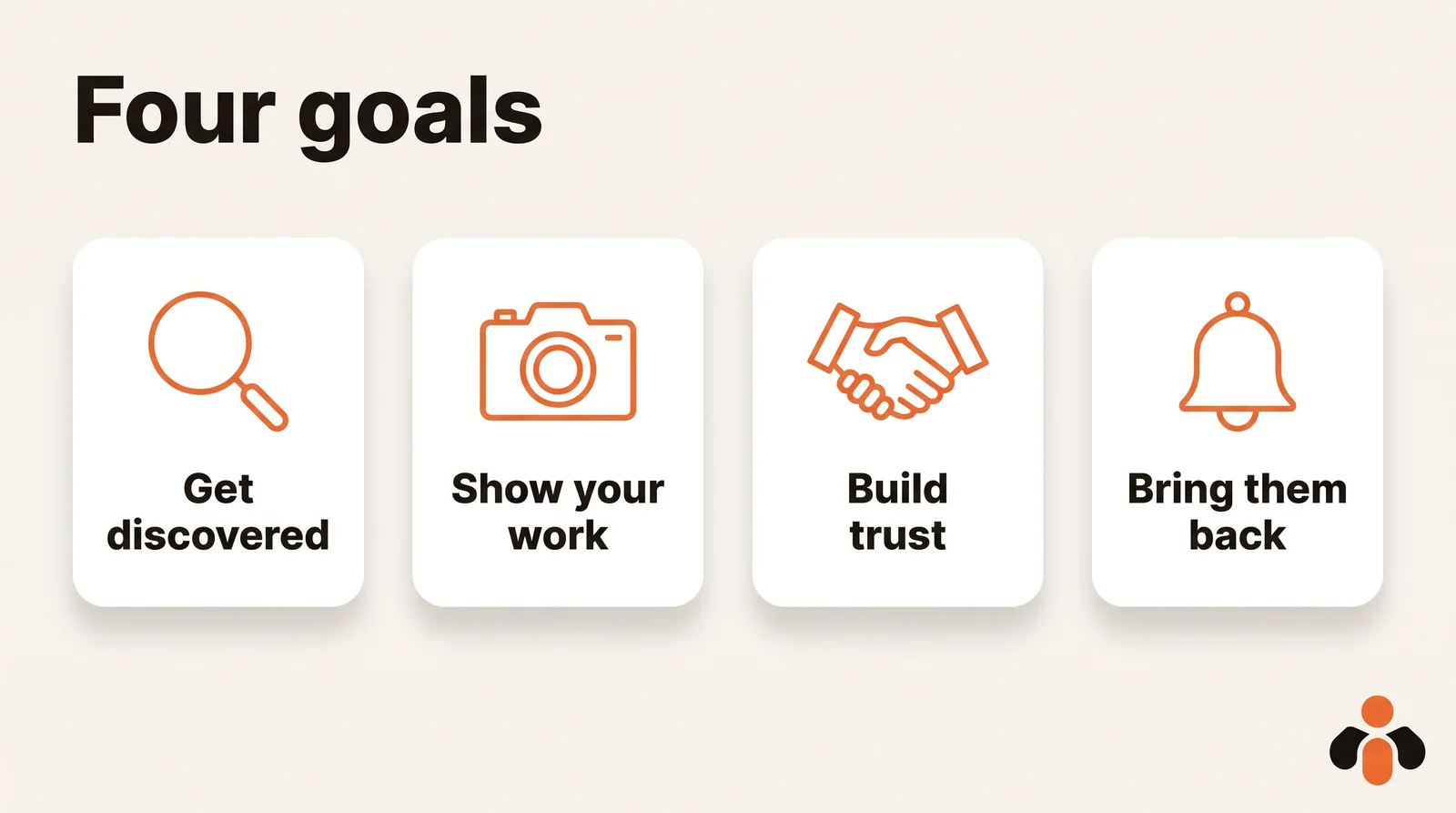
Most lists of Instagram content ideas sort them by type: questions, behind the scenes, launches, seasons. Sorting by goal is more useful. Before you pick an idea, you know what the post must achieve, and you can see at a glance when your week only talks about one thing.
To find topics, Instagram's creator site points to its own trend tools: Trending Audio lets you browse the top 50 tracks on Instagram, and the Reels camera offers trending templates. Use them to spot formats, never to copy a post. More on that below, because Instagram no longer recommends accounts that mostly re-upload other people's work.
Instagram post ideas to get discovered
These posts speak to people who do not follow you yet. They must make sense in two seconds, without knowing your business.
- The problem you solve, in one sentence. One image, one headline: "Still struggling with...?" It is the simplest of all Instagram content ideas.
- A short, useful tip. A three- or four-slide carousel that teaches one concrete thing, the kind people save.
- A myth, debunked. "People think... in fact..." makes people read to the end.
- A question for your audience. It invites a reply in the comments without selling anything.
- A collab post. With Instagram collabs, the post also shows on the collaborator's profile and is distributed to their followers in Instagram feed, so one post reaches two audiences.
If you want to test an idea on strangers first, Instagram offers trial reels, which you share with non-followers first to see what performs best before showing them to your followers. For anything aimed at new people, take care with the first image: it is what shows in the feed and on your grid.
Instagram content ideas to show your work
Here you show how things get made. This is the content you can prepare in advance, because it comes from what you already do.
- Behind the scenes of a day. A workspace, a shoot, a client call setup, an order being packed: three photos are enough.
- Before and after. Two images side by side, with one sentence on what changed.
- A project told in steps. A carousel: the request, the work, the result. A carousel can hold up to 20 photos and videos, with a single caption or one caption per photo or video.
- A tool, a gesture, a material. A detail nobody sees from the outside, filmed up close.
- A number from your business. Ten orders packed this morning, a third cohort of students: a real number, without hype.
Instagram's originality rule works in your favor here. For the platform, original content includes photos or videos you took and content you designed, such as a how-to guide or a visual story. Your behind-the-scenes posts tick both boxes.
Post ideas to build trust before a purchase
Before buying or booking, people look for proof. These posts give it without promising too much.
- A customer review, with their permission. A screenshot or a short quote, with a name only if the person agrees.
- One frequent question, one answer. "How long does delivery take?" "Does it work for beginners?" One post per question you get in your messages.
- Meet the team. A face, a first name, what the person does. People buy more easily from someone.
- A dated result. A real case: what was done and what happened, with no invented numbers.
- The steps of an order or a booking. Three slides: choose, book, show up. Future customers know what to expect.
One piece of advice: write nothing you cannot prove. Instagram itself lists content containing exaggerated health claims or attempting to sell products or services based on these claims among the content that may not be eligible for recommendations.
Ideas to bring customers back
Someone who has already bought from you is the easiest audience to reach. These ideas put you back in their feed.
- Something new, or back in stock. One photo, one sentence, one date.
- A countdown. Instagram suggests you promote any moment using the countdown sticker in stories, before a launch or an opening.
- An unexpected use. A way to use what you sell that nobody thought to ask about.
- A customer's post, shared with credit. When a customer posts about you, share it to your story or use reposts: both highlight other people's work while the original creator keeps attribution.
- A seasonal post. Back to school, a holiday, a moment of the year that matters to your customers, announced a week ahead.
Avoid posts that say "like if you agree" or "comment to get the link". Instagram lists content that users broadly tell us they dislike, such as clickbait or engagement bait among the content that may not be recommended.
Instagram post ideas for business: what to post by type of business
The four goals stay the same; what changes is the photo you take. Here is one idea per goal for five kinds of business.
| Business | Get discovered | Show your work | Build trust | Bring them back |
|---|---|---|---|---|
| Online skincare brand | a routine tip as a carousel | an order being packed | the ingredients explained, a customer review | back in stock, with a countdown |
| Real estate agent | a 30-second property tour | a sale from valuation to signing | buyers' questions, one answer each | a new listing, an open house date |
| Coach | one exercise from your method, filmed | a session setup, with the client's consent | your process in three steps | a new program, a start date |
| Mobile app | the problem the app solves, in one screen | a feature being built | answers to support questions | an update, a countdown to release |
| Online course creator | a lesson tip in three slides | behind the scenes of a recording | the syllabus, a student's question | enrollment opening, a date |
For real estate, a filmed tour of a property says more than another description. For a coach, the reflex is to ask before showing a client. For an app, a screen recording of the problem being solved works better than a logo.
An agency or a freelancer managing several accounts gets the same table, one column per client. An online brand can add a row for "what customers ask us in messages": the questions you receive are the best idea bank you have. If you still need a starting point, the free social media post ideas tool and the Instagram caption generator help with the first draft.
Feed, story or reel: formats and rules to know
One idea can take several forms. The simplest approach is to match each goal with a format.
- Get discovered: a reel or a carousel people save. Instagram says you can upload a reel with an aspect ratio between 1.91:1 and 9:16, with a minimum frame rate of 30 FPS and a minimum resolution of 720 pixels.
- Show your work: a carousel in the feed, or a series of stories. Instagram advises you to post multiple stories about an experience and update your highlights regularly with new content.
- Build trust: a feed post that stays on your grid, or a story kept in highlights.
- Bring them back: a story with a countdown, then the post at launch time. Our guide on how to schedule Instagram stories covers that part.
Two format rules apply to every post. First, you can use up to 5 hashtags on a post, and with more than 5 your comment won't post: pick a few precise ones. Second, for photos, Instagram keeps the original resolution for widths between 320 and 1080 pixels, as long as the aspect ratio is between 1.91:1 and 3:4; outside those ratios, the photo is cropped.
Then comes the rule that matters most for any content idea: originality. Instagram has announced that the protections introduced for reels in 2024 now apply to photos and carousels. Accounts that mainly post unoriginal content are no longer shown where Instagram recommends content, and re-uploading someone else's work with just a border, a watermark, subtitles or a credit in the caption does not count as original. To feature another account, use collabs, remix, sharing to your story or reposts: they keep the creator's credit.
A month of Instagram posts without running out of ideas
Here is how to go from twenty ideas to a month of posts. The simplest way is to work in batches, once a month, instead of searching every morning.
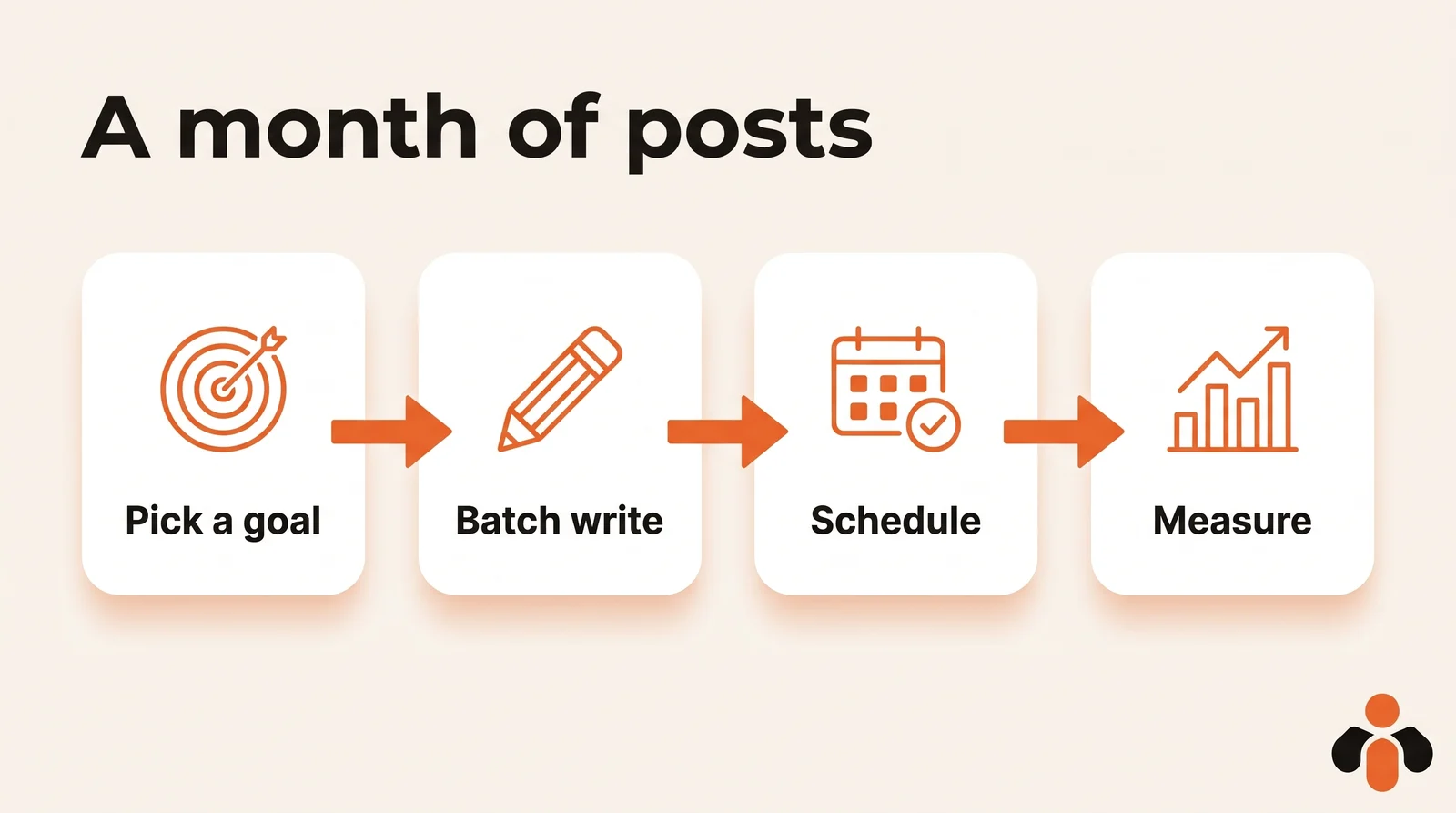
- Pick one goal per week. Week 1: get discovered. Week 2: show your work. Week 3: build trust. Week 4: bring them back. Next month, rotate.
- Take three ideas per week. For example two feed posts and one series of stories. Three a week is a starting point, not an Instagram rule: a pace you keep beats an ambitious one.
- Write and prepare the visuals in one session. Captions, images, five hashtags at most. Write the date, goal, format and caption in a table: our social media content calendar template does exactly that.
- Schedule. Once the batch is ready, nothing forces you to post by hand. Our guide on how to schedule Instagram posts compares the options, and the best time to post on Instagram helps you set the time from your own analytics.
- Measure at the end of the month. Instagram lets you view insights on an aggregate or individual post basis, for any time period within the past 90 days, and you need a public account. On instagram.com, select Insights below For professionals (or Your dashboard with a personal account), then choose Content. See which goal worked best, and do more of it next month.
Keep a reserve as well: one or two backup posts, ready for the week that overflows. The trust ideas (a frequent question, a team introduction) suit this role because they do not go stale.
Scheduling a month of ideas instead of posting by hand
Writing the ideas is half the job; posting them on the right day is the other half. Kreatoai publishes to Instagram, Facebook Pages, TikTok, personal LinkedIn profiles, YouTube Shorts, Bluesky and Google Business profiles, right away or at the time you choose, with a calendar. You can ask ChatGPT or Claude to prepare a month of posts from your four goals: the AI suggests the topics, writes the captions and dates, then, after your approval, schedules them. It also schedules Instagram stories, a photo or a video without text.
Instagram always needs an image or a video, which you provide. Each scheduled post can be edited or canceled as long as it has not gone out. You can see how it works in ChatGPT or in Claude, read the overview, or create an account.
Key takeaways
- To decide what to post on Instagram, file each idea under one goal: get discovered, show your work, build trust or bring them back.
- The best ideas come from what you already do: behind the scenes, customer questions, the steps of an order, new releases.
- Instagram favors original content: re-uploads with only a border, watermark, subtitles or credit no longer count, for photos and carousels as well as reels.
- A carousel can hold up to 20 photos and videos, and a post accepts at most 5 hashtags.
- A month is prepared in one session: one goal per week, three posts a week to start, and a review of your insights at the end.
- Prepare your ideas in batches, then schedule them so the account keeps going during busy weeks.
Frequently asked questions
- What should I post on my business Instagram?
- Rotate four goals: get discovered by new people, show your work, build trust before a purchase, and bring past customers back. Behind-the-scenes posts, answers to common customer questions, before-and-after pictures and launch countdowns cover all four, and they come from work you already do.
- What should I post on Instagram when I have nothing to post?
- Look at the questions customers sent you this week and answer one per post, or show a behind-the-scenes moment from your day. Keep two evergreen backup posts ready, such as a team introduction or a frequent question, for the weeks when nothing new happens.
- What should I post in an Instagram story for my business?
- Show what is happening now: a behind-the-scenes moment, a question for your followers, a countdown before a launch. Instagram's creator site advises posting multiple stories about an experience, updating your highlights regularly with new content, and using the countdown sticker to build anticipation.
- Can I repost another account's content on Instagram?
- Yes, with Instagram's own tools: collabs, remix, sharing to your story or reposts, which keep the original creator's credit. Instagram now says accounts that mainly re-upload others' photos, carousels or reels are no longer shown in recommendations, and adding only a border, watermark, subtitles or a credit in the caption does not make content original.
- How many photos can an Instagram carousel have?
- Up to 20 photos and videos in one post, according to Instagram's help center. The orientation you choose (square, portrait or landscape) applies to every photo and video in the carousel, and you can write one caption for the post or one caption per photo or video.
- How many hashtags can I use on an Instagram post?
- Instagram's help center says you can use up to 5 hashtags on a post, and if you include more than 5 on a single photo or video, your comment won't post. Pick a few precise hashtags rather than a long list.
- Can I schedule Instagram posts in advance?
- Yes. With a public account, the Instagram app schedules reels, photos and carousels up to 30 days ahead, up to 25 posts a day, and Meta Business Suite schedules from a computer. Kreatoai also schedules a week or a month of Instagram posts at once, from ChatGPT or Claude, and they can be edited or canceled until they go out.
Have it done for you
Kreatoai publishes and schedules your posts on all your networks, from your dashboard or by asking ChatGPT and Claude, and its agent answers your direct messages. Ten free posts every month, no credit card.
Try it free