Connect ChatGPT to TikTok: Plugin, MCP and TikTok's Rules
How to connect ChatGPT to TikTok: what it does on its own, installing a plugin or adding an MCP server, posting a video from a chat, and the rules TikTok sets.
 By Kreatoai
Yes, you can connect ChatGPT to TikTok, but not through a hidden setting in either app. You install a plugin from ChatGPT's directory, or add an MCP server by its URL, authorize your account on TikTok's own screen, then ask ChatGPT to post or schedule the video. This guide was checked against OpenAI's and TikTok's official pages on November 14, 2026.
In this guide:
- what ChatGPT does for TikTok on its own, with prompts to copy;
- the three ways to connect ChatGPT to TikTok, and which one actually posts;
- installing a plugin from the directory, then adding an MCP server by URL;
- the TikTok rules that apply to every plugin, whoever builds it.
ChatGPT and TikTok: what ChatGPT does on its own
On its own, ChatGPT stays inside the chat. It finds ten hooks for the same video, turns a blog post into a 30-second script, writes the on-screen text, suggests hashtags or plans two weeks of topics. It does not see your TikTok account, does not read your analytics and does not send any file.
ChatGPT's connected apps do not change that until one of them talks to TikTok. OpenAI's help article on connected apps, read on November 14, 2026, uses Google Drive, Gmail, Slack and GitHub as examples, not TikTok. People searching for "chatgpt tiktok app" therefore find plugins from other publishers, not an OpenAI app.
Three prompts to copy, for a skincare brand that sells online:
Write a 30-second TikTok script showing our serum in three steps. A hook under ten words, three shots, one closing line. For each shot, give the on-screen text.
Here is the script: [text]. Suggest five different hooks, from the most direct to the most intriguing, and tell me which one you would keep for viewers aged 25 to 35.
Write three TikTok captions for this video, two lines at most, with three hashtags each. No emojis, no promised results.
For more prompts, our guide to ChatGPT prompts for social media has some for every network. One step remains: opening TikTok, uploading the video, pasting the caption. That is the step a plugin removes.
Three ways to connect ChatGPT to TikTok
Results for "connect ChatGPT to TikTok" mix three tools that do different things. Before choosing, check which one you want.
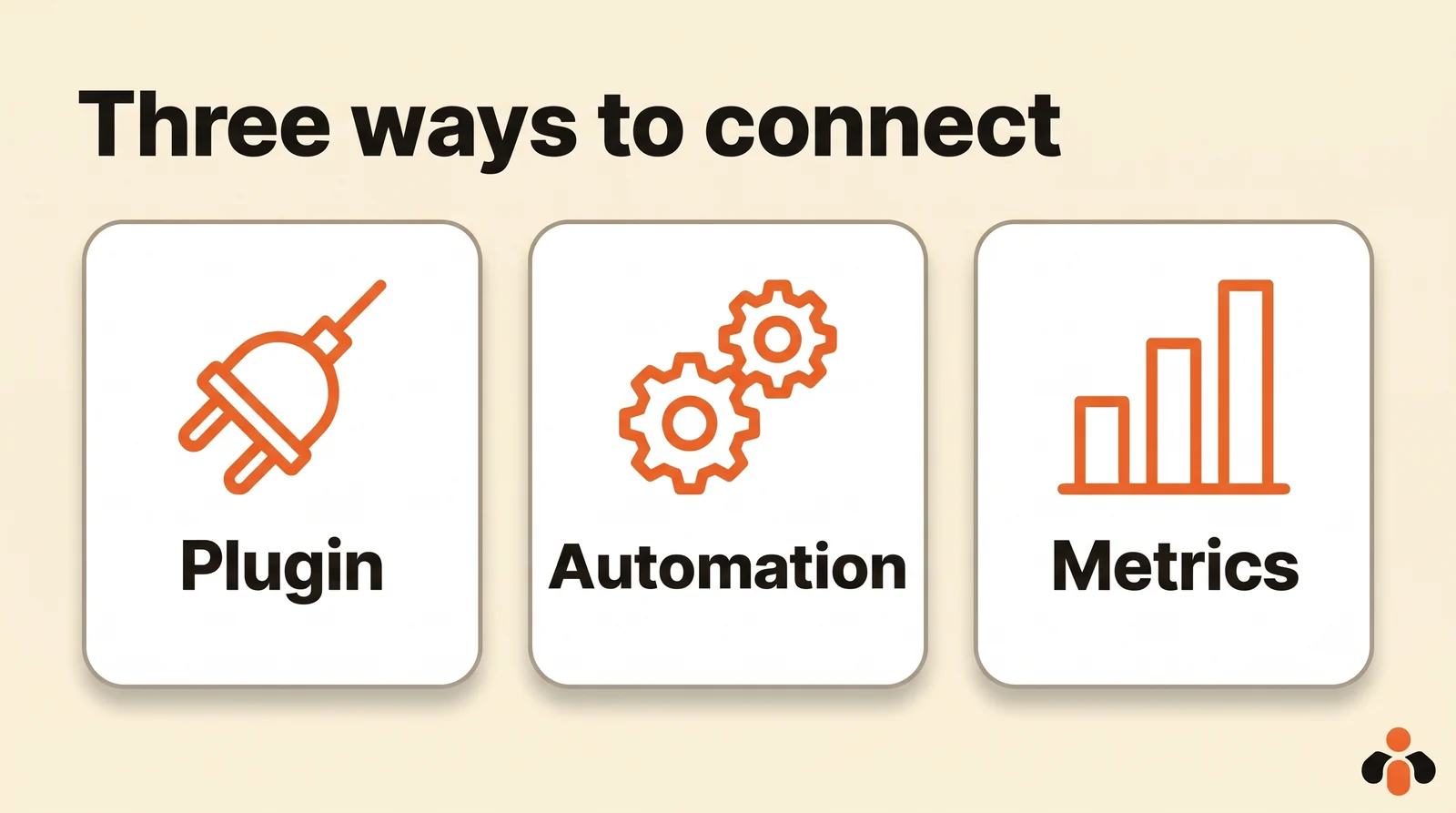
| Option | What it does | Best for |
|---|---|---|
| Publishing plugin (MCP server) | Posts and schedules the video from the chat, on the account you name | Running everything by talking to ChatGPT |
| Zapier or Make automation | Links a trigger to an action, for example a ChatGPT text sent somewhere else | A repeated task, always the same |
| Read-only connector | Reads numbers: views, ads, TikTok Shop orders | Analysis, with no posting |
Behind the first option is MCP, the Model Context Protocol: a standard plug between ChatGPT and a service. People typing "tiktok mcp chatgpt" or "tiktok mcp server" are looking for that piece, a server that gives ChatGPT tools such as "list my accounts" or "create a post". Our explainer on what an MCP server is covers the idea.
Check two things on a plugin's page before installing it. It should say it posts or schedules, not just that it reads data. And it should go through TikTok's Content Posting API, with sign-in on TikTok's own screen: never a service that asks for your password.
Installing a TikTok plugin from ChatGPT's directory
This is the simplest route: no URL to paste, no key to copy. According to OpenAI's help article on plugins, the directory is available across ChatGPT plans, on web, desktop and mobile; each plugin keeps its own requirements.
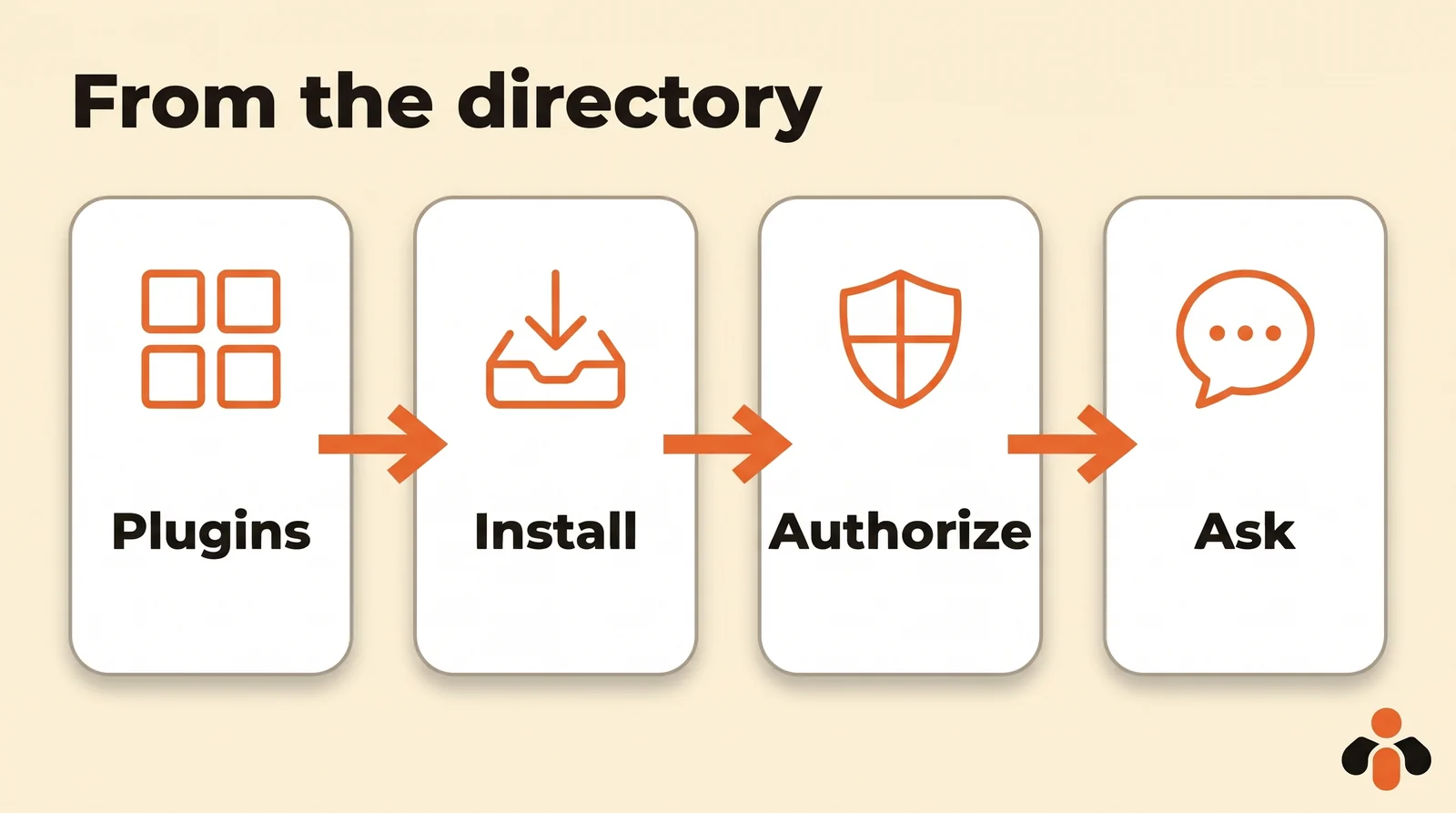
- Open Plugins in ChatGPT's sidebar.
- Find the plugin, open its page and review the apps it includes and what it requires.
- Select Install plugin. Installing may start the connection right away.
- If prompted, select Connect, then sign in to the plugin publisher's account.
- Connect your TikTok account: TikTok's authorization screen opens, you pick the account and accept the permissions.
Two labels to look for on the page. OpenAI Verified marks a plugin OpenAI reviewed for quality, reliability and usefulness; OpenAI notes that the badge does not replace your own security review. And Desktop only means the plugin needs the desktop app.
To use the plugin, ChatGPT picks it automatically when your request calls for it; you can also mention it with @, or select + and type its name. In a Business or Enterprise workspace, an admin may have turned the app off: you will see Disabled by admin, and the admin is the one to ask.
Adding a TikTok MCP server by URL
If the plugin you want is not in the directory, you add its MCP server by hand. OpenAI's help article on custom MCP servers gives these steps, with no Developer Mode needed:
- Go to Plugins.
- Select the plus button, then Add custom MCP server.
- Enter a name and, if you like, a description.
- Under Connection, enter the server's public HTTPS MCP URL, given by its publisher.
- Set up authentication, read the risk warning and check I understand and want to continue.
- Select Create as a plugin, then review the discovered tools.
This route has conditions, and they depend on your plan:
| Situation | What OpenAI's help center says |
|---|---|
| Business | Full MCP on the web, write actions included; only admins and owners create and publish |
| Enterprise and Edu | Same; admins can let selected members create connections |
| Pro | Custom servers with read and fetch permissions only: a plugin added this way does not post |
| Mobile | Custom servers can be connected on the web only |
| Server on your computer | Not directly: ChatGPT connects to remote servers |
Other plans are not listed on that page, which OpenAI updates often: read it again before subscribing for this use. These conditions only apply to a server you add by hand; a directory plugin installs from its page.
When ChatGPT asks before posting
Posting to TikTok is a write action, and ChatGPT treats it as one. OpenAI's help article on app permissions lists four settings, under Settings, then Plugins, then Permissions:
| Setting | What ChatGPT does |
|---|---|
| Always ask | Asks before reading and before making changes |
| Allow read actions | Reads without asking, asks before making changes |
| Allow low-risk actions | Approves low-risk actions on its own; others need confirmation or are denied |
| Allow all actions | Acts without further prompts; OpenAI calls this elevated risk |
Before an action, ChatGPT shows a card that names the plugin and what it is about to do, with Deny or Allow. For TikTok, keep a prompt on every post: you check the caption, the account and the time before the video goes out. OpenAI also warns that connecting an untrusted server increases exposure to risks, including prompt injection: only connect publishers you know.
Posting to TikTok from ChatGPT: a sample conversation
Once the plugin is installed, you talk to ChatGPT like a coworker. Here is a realistic request from a fitness coach who sells an online program:
@Plugin Here is my new video: [link]. Write three short, punchy TikTok captions with three hashtags each. I pick one, then you post it to my TikTok account tomorrow at 7 p.m. New York time, visible to everyone, comments on.
ChatGPT suggests, you choose, then it calls the publishing tool and shows its approval card. Three details avoid surprises:
- The video has to be online, or sent through the upload link the plugin gives you. TikTok only pulls a video by URL from a domain the app has verified: a good plugin copies the file to its own storage first.
- Say the visibility. TikTok requires the user to pick the visibility themselves, with no default value, and comments, Duet and Stitch are never pre-checked. Put them in your request.
- The video does not show up instantly. TikTok processes it before it appears, and its guidelines ask apps to warn that this can take a few minutes. Then ask "did my video go out?": a good plugin returns the final status and the link.
If the video is still on your phone, our guide to transferring a video from phone to PC lists the methods, and some plugins skip the transfer altogether.
What TikTok requires from every plugin
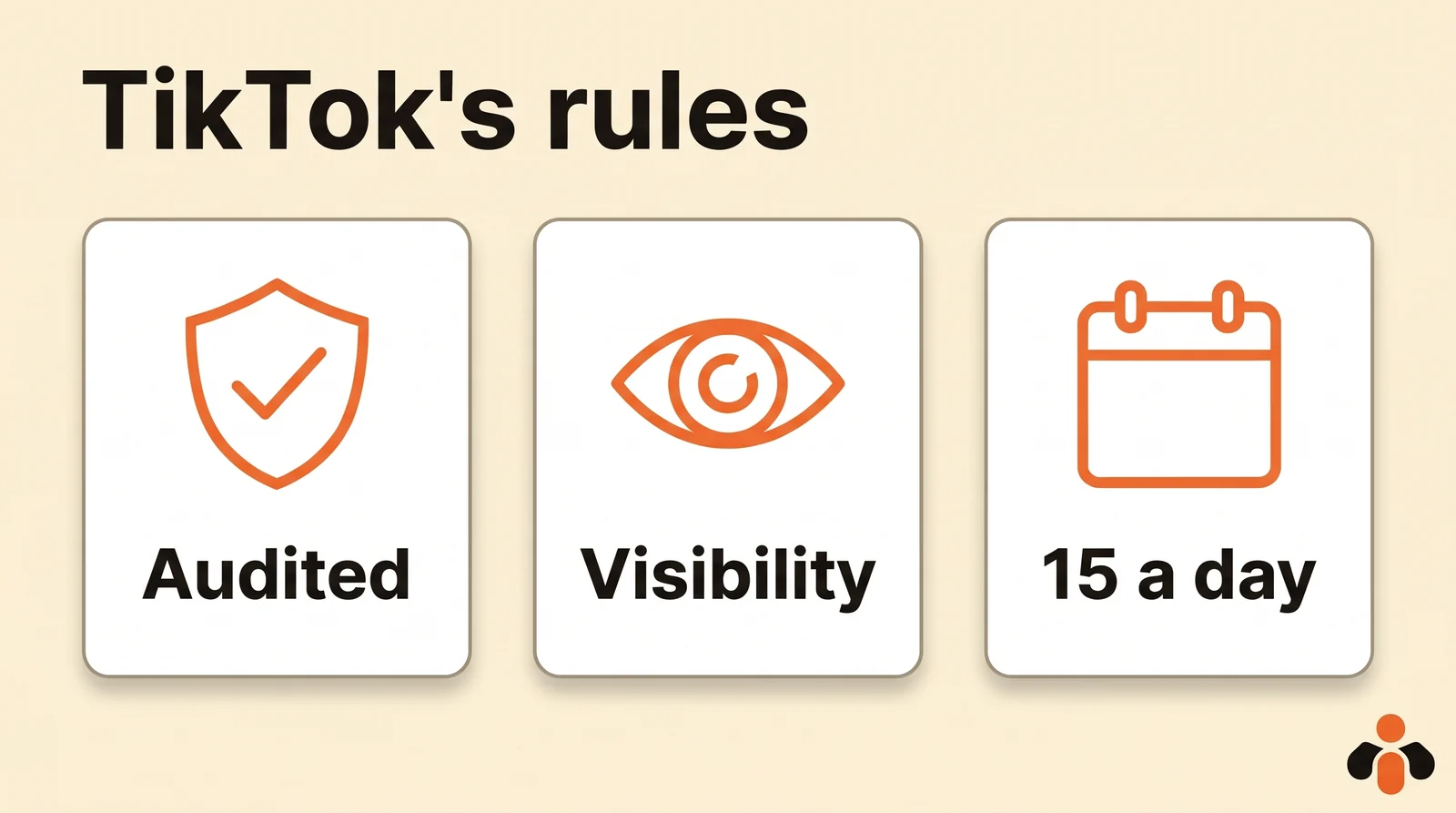
Whoever builds it, a publishing plugin goes through TikTok's Content Posting API: TikTok sets the rules, not ChatGPT. Here are the ones that decide whether the video goes out, read on TikTok's developer pages on November 14, 2026.
| Rule | What TikTok says |
|---|---|
| Unaudited app | Private viewing only, and up to 5 users in 24 hours |
| Posts per day | Typically around 15 posts per day per account, shared across all apps |
| Visibility and interactions | Picked by the user for every post, nothing pre-checked |
| Video length | All creators can post 3-minute videos, some 5 or 10 minutes; 10 minutes at most through the API |
| Video file | MP4 recommended, also WebM and MOV; 23 to 60 frames per second; 4 GB at most |
| Photos | JPEG or WebP, 20 MB each, up to 35 photos per post |
| Caption | 2,200 characters for a video; 90 for a photo post's title and 4,000 for its description |
Three more points from the same guidelines:
- Commercial content. A video that promotes your business or another brand must be disclosed. Branded content cannot be private.
- AI-generated content. The API has an
is_aigcflag, to set when the video is AI generated. - No watermark. TikTok forbids apps from adding a brand name, logo, watermark or promotional link to what they post.
To schedule from TikTok itself, our guide to scheduling TikTok posts covers TikTok Studio. And if you also use Claude, the guide to connecting Claude to TikTok follows the same outline on the Claude side.
A ready-made plugin for ChatGPT and TikTok
Kreatoai is a plugin of this kind, listed in ChatGPT's plugin directory since October 22, 2026: you open its page, install the plugin and sign in, with nothing to copy. You can also add it as a custom MCP server at https://api.kreatoai.com/mcp/social, the same address used by Claude Code, Codex, Cursor, Gemini CLI and any client that accepts a remote MCP server.
From ChatGPT, it publishes to TikTok the video or photos you provide, right away or at the time you choose, on the account you name; it handles several TikTok accounts. The same video can go to Instagram, YouTube Shorts, Facebook Pages, personal LinkedIn profiles, Bluesky and Pinterest in the same request. A scheduled post can be edited or canceled as long as it has not gone out, ChatGPT can tell you whether a post went live, with its link, and it lists what is still scheduled.
ChatGPT can also read the analytics of the posts made with Kreatoai (views, likes, comments, shares, saves), per network, per account or per post, TikTok included. A video still on your phone does not need to be transferred: ChatGPT gives you an upload link that shows a QR code on your computer, and one upload serves every network you chose. Kreatoai does not create the video: it publishes the one you make. By default, ChatGPT asks for your approval before publishing or canceling, and it never sees your passwords or payment details. There is a free plan with 10 posts a month, no credit card; the ChatGPT setup page walks through the connection step by step.
Key takeaways
- On its own, ChatGPT writes your scripts, hooks, captions and hashtags; to post to TikTok it needs a publishing plugin, in other words a remote MCP server.
- There is no OpenAI TikTok app: you go through another publisher's plugin, which posts through TikTok's official API.
- The simplest route is the directory: Plugins, the plugin's page, Install plugin, Connect, then authorization on TikTok's screen.
- An MCP server added by hand can post on Business, Enterprise and Edu; on Pro it only reads, and it can only be added on the web.
- Keep an approval prompt on every post, and state the visibility and comment settings you want: TikTok pre-checks nothing.
- An unaudited TikTok app only posts privately; TikTok allows around 15 posts per day per account through the API.
Frequently asked questions
- Can you connect ChatGPT to TikTok?
- Yes, through a plugin or an MCP server. ChatGPT has no built-in TikTok button: you open Plugins, install a plugin that posts to TikTok, sign in to TikTok on TikTok's own authorization screen, then mention the plugin with @ in a chat and ask it to post or schedule a video.
- Can ChatGPT post to TikTok for me?
- Only with a plugin that can write. On its own, ChatGPT writes scripts, hooks, captions and hashtags, but it has no access to your account. Connected to a publishing plugin built on TikTok's Content Posting API, it sends the video or photos you provide, right away or at the time you choose, and asks for your approval before acting.
- Do I need ChatGPT Business to post to TikTok?
- Not for a plugin from the directory: according to OpenAI's help center, the plugin directory is available across ChatGPT plans, and each plugin has its own requirements. For an MCP server you add by hand, OpenAI keeps full MCP, including write actions, for Business, Enterprise and Edu; on Pro, a custom server can only read.
- Is there an official TikTok app in ChatGPT?
- OpenAI's help article on connected apps uses Google Drive, Gmail, Slack and GitHub as examples, not TikTok. To post to TikTok from ChatGPT, you go through another publisher's plugin, which has its own TikTok app.
- Why did my video posted from ChatGPT go out as private?
- Most often because the plugin's TikTok app has not passed TikTok's audit: TikTok's developer guidelines restrict anything posted by an unaudited app to private viewing. Otherwise, check the visibility you chose: TikTok requires the user to pick it for every post.
- Can ChatGPT make a TikTok video?
- ChatGPT writes the script, the on-screen text and the caption, but a publishing plugin does not film or edit the video. You make it with your phone or an editing app, then the plugin sends it. Kreatoai, for example, publishes the videos you provide and does not create them.
- Can I connect ChatGPT to TikTok from my phone?
- A directory plugin is in Plugins on web, desktop and mobile, unless it is labeled Desktop only. A custom MCP server, on the other hand, can only be connected on the web, according to OpenAI's help center.
Have it done for you
Kreatoai publishes and schedules your posts on all your networks, from your dashboard or by asking ChatGPT and Claude, and its agent answers your direct messages. Ten free posts every month, no credit card.
Try it free