Automate Instagram With Make: Post Photos, Carousels and Reels
Automate Instagram with Make.com: the Instagram for Business app, what it can post (photo, carousel, Reel) and can't (Stories, creator accounts), the media URL trap, and how to post to every platform with one request.
 By Kreatoai
Automating Instagram with Make means building a scenario that posts on its own: a new row in a spreadsheet, a new blog article, a form submission, and the post goes out. Make has a ready-made Instagram app for this. This guide shows what it can post, what it can't, the traps that break scenarios, and how to post to Instagram and your other platforms with a single request.
In this guide:
- Make's Instagram app and what you need before connecting it;
- the basic scenario, from trigger to post;
- photo, carousel, Reel and Story: what Make supports;
- the traps: media URL, creator accounts, Meta's cap;
- scheduling a post for a specific time;
- posting to every platform from Make in one call.
Make's Instagram app
Make (formerly Integromat) is an automation tool: you chain modules, a trigger then actions, and the scenario runs without you. For Instagram, Make offers the Instagram for Business (Facebook login) app (Make documentation). It reads insights, posts and comments, replies to comments and, above all, publishes.
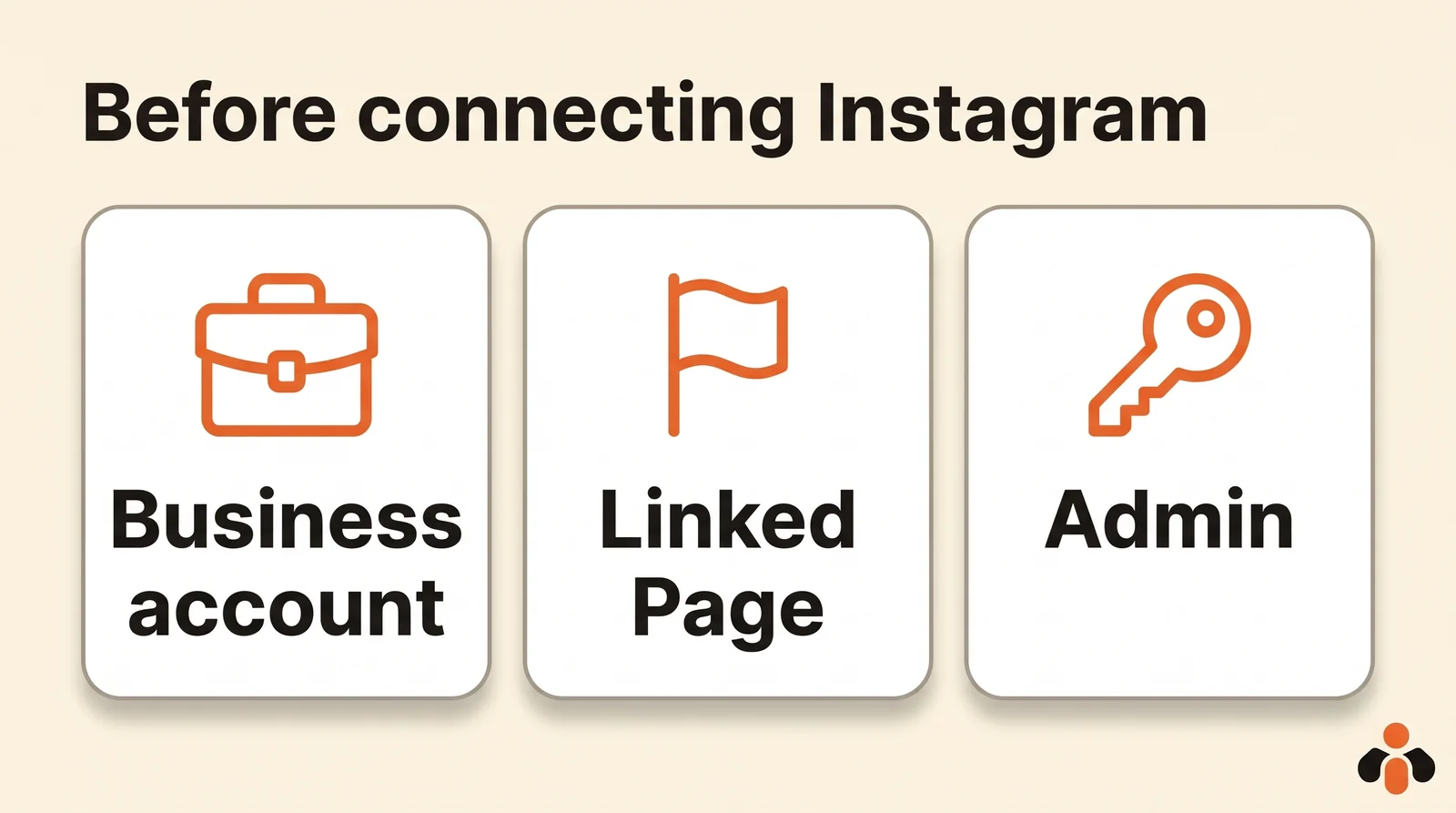
Before connecting it, Make requires two things (Make documentation):
- a Facebook account with admin access to a Facebook Page connected to the Instagram account;
- an Instagram business account. Make says it plainly: creator accounts aren't supported.
You connect from an Instagram module in your scenario with Create a connection, then the Facebook login window. Once connected, each module asks you to pick the Page from a dropdown. If the list is empty, Make explains that the Page usually isn't properly connected to the Instagram account in Meta Business Suite.
The basic scenario: from spreadsheet to post
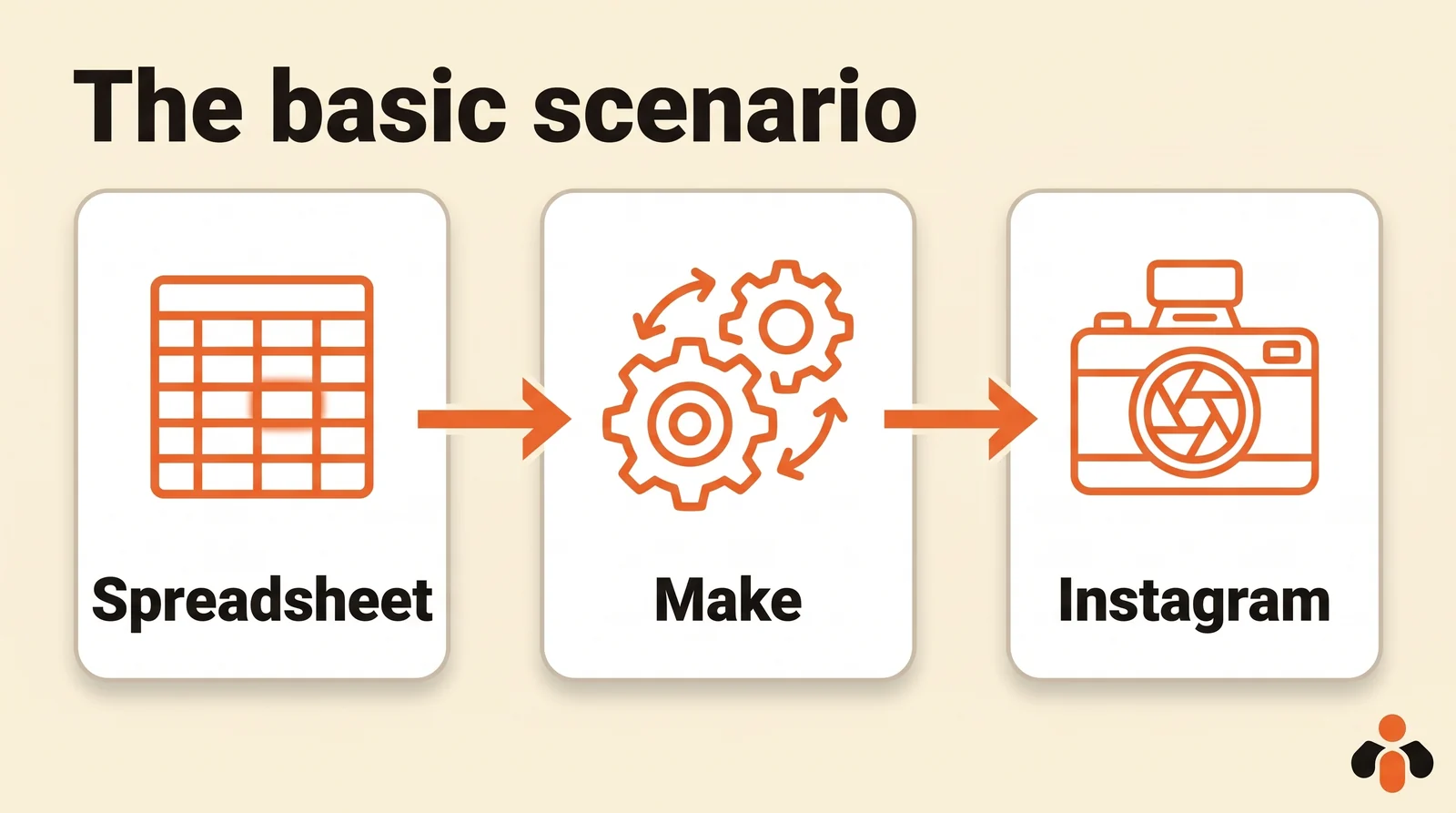
The most common scenario takes two modules:
- The trigger. A module that watches a source: a new row in a spreadsheet (Google Sheets, Airtable), a new item in an RSS feed, a submitted form. Each new item starts the scenario.
- The post. The Create a photo post module from the Instagram app: pick the Page, then map the image URL and the caption from the trigger.
In a spreadsheet, plan at least three columns: the image URL, the caption, and a status column the scenario fills in once the post is published, so the same row never gets posted twice.
Then turn the scenario on. While it's active, Make checks the source on the schedule you set (see below) and posts each new row.
Photo, carousel, Reel, Story: what Make supports
Make's Instagram app has three posting modules (Make documentation):
| Format | Make module | What to know |
|---|---|---|
| Photo | Create a photo post | An image at a public URL |
| Carousel | Create a carousel post | Several images in one post |
| Reel | Create a reel post | A video at a public URL |
| Story | None | Make can only list Stories (List stories) |
Stories are the big gap. Meta's API does accept Stories (media_type=STORIES), as we cover in our guide to automating Instagram posts with n8n. In Make, that means using the HTTP module with your own Meta app and your own access token, renewed every 60 days. It's doable, but it's all the work the Instagram app was saving you.
As for direct messages, the app has no module to send an Instagram DM: it replies to comments (Create a reply), not to conversations.
The traps that break a scenario
The media URL
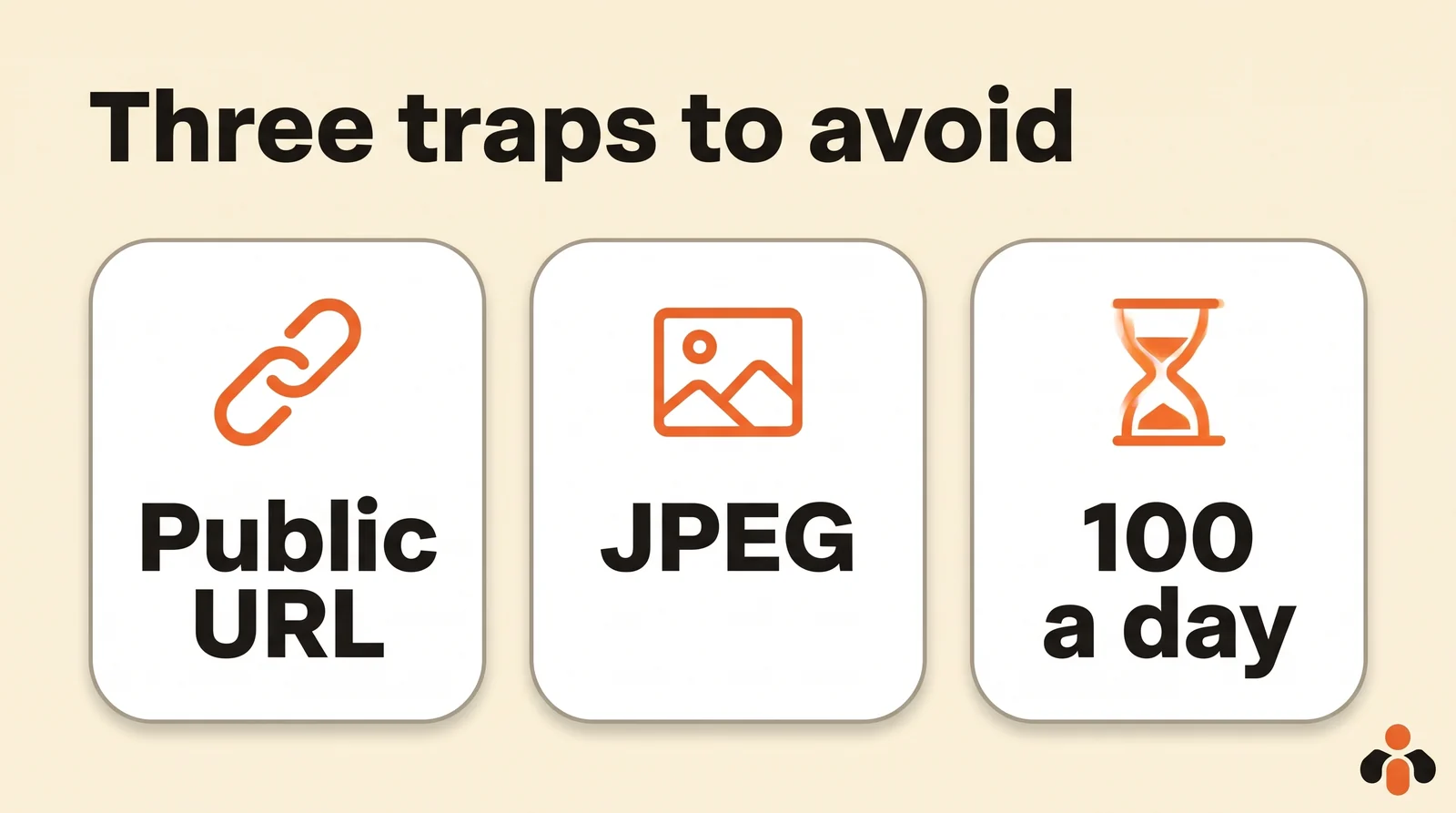
This is the most common error. Make warns that the video must be hosted at a publicly accessible URL, and that Google Drive files don't work, even when shared publicly, because the Instagram API can't download them (Make documentation). For other storage services, Make suggests adjusting the link to get the raw file URL. The test is simple: paste the URL into your browser; if it shows a sharing page instead of the file alone, Instagram won't be able to read it.
As for format, Meta only accepts JPEG for images published through the API (Meta documentation): convert your PNGs before sending them.
The account and the Page
A creator account won't work with Make; switch the Instagram account to a business account. And if the linked Facebook Page requires Page Publishing Authorization, Make notes that nothing can be published until that step is complete.
Meta's cap
Meta limits API publishing to 100 posts in a rolling 24-hour period, with a carousel counting as one (Meta documentation). A normal scenario is nowhere near that, but one that reruns in a loop after an error can hit it: add a status column or a filter that stops the same row from being posted again.
Scheduling a post for a specific time
A Make scenario runs on its schedule. By default, Make runs it every 15 minutes, but the Schedule settings panel also offers: at regular intervals, once, daily, weekdays, weekly, monthly, specified dates, or on demand (Make Help). The Daily setting accepts several run times in the same day. The shortest interval depends on your Make plan.
Two ways to get a post out at a given time:
- schedule the scenario for the time you want (every Tuesday at 6 pm, for example) and have it pick up the next ready row;
- filter on a date: the scenario runs regularly, and a filter only lets through rows whose publish date has passed.
Either way, the post goes out when the scenario runs: if it's turned off or erroring, nothing goes out.
Posting to every platform from Make with one request
One scenario for Instagram, another for Facebook, another for TikTok, another for LinkedIn: each with its own connection, formats and failures. If you post the same thing everywhere, there's another way: call an API that posts to every platform, from Make's HTTP module.
That's what Kreatoai's public API does. One request posts to Instagram, Facebook Pages, TikTok, personal LinkedIn profiles, YouTube (Shorts), Bluesky, Google Business profiles and Pinterest: Make doesn't have to talk to each platform or pass their app reviews. You connect your accounts once in Kreatoai, create an API key, and Make's HTTP module sends the post. A post can be scheduled for a date and goes out on its own, even if Make is stopped; an idempotency key (idempotencyKey) stops a rerun scenario from posting twice; webhooks tell Make when a post goes out or fails. Kreatoai also schedules Instagram and Facebook Page Stories.
The step-by-step guide, with the fields to fill in Make, is on our Make page (in French). To compare the other routes (native tools, n8n, APIs), see also auto-posting to multiple social networks. Ten posts a month are free, no credit card required.
Key takeaways
- Make posts to Instagram with the Instagram for Business (Facebook login) app: photo, carousel and Reel.
- You need an Instagram business account connected to a Facebook Page, and a Facebook account that's an admin of that Page; creator accounts aren't supported.
- No module posts Stories: you'd need the HTTP module, a Meta app and a token to renew.
- Media must be at a public URL that returns the file itself; Google Drive doesn't work, and Meta only accepts JPEG images.
- Meta caps API publishing at 100 posts per rolling 24 hours.
- A scheduled scenario only posts when it runs; an API that schedules the post itself sends it even if Make is stopped.
Frequently asked questions
- Can you post to Instagram with Make?
- Yes, with Make's Instagram for Business (Facebook login) app. It has three posting modules: a photo, a carousel and a Reel. You need an Instagram business account connected to a Facebook Page, and a Facebook account with admin access to that Page.
- Can Make post an Instagram Story?
- Not with its Instagram app: Make's documentation lists only a module that reads Stories (List stories), none that posts them. Meta's API does accept Stories, so you'd have to use Make's HTTP module with your own Meta app and access token, or a service that posts Stories for you.
- Why doesn't my Page show up in Make's Instagram module?
- According to Make, it's usually because the Facebook Page isn't properly connected to the Instagram business account in Meta Business Suite. Also check that your Facebook account is an admin of that Page and that the Instagram account is a business account: creator accounts aren't supported.
- Can I post an image stored on Google Drive with Make?
- No. Make states that the file must be hosted at a publicly accessible URL and that the Instagram API can't download files from Google Drive, even when they're shared publicly. You need a URL that returns the file itself.
- How do I schedule an Instagram post for a specific time with Make?
- Set the scenario's schedule: Make runs it every 15 minutes by default, and also offers once, daily at chosen times, weekdays, weekly, monthly or on specified dates. The post goes out when the scenario runs, so the scenario has to stay active.
- Can Make post to Instagram and other platforms at once?
- Yes, by calling an API that posts everywhere. Kreatoai posts to Instagram, Facebook Pages, TikTok, personal LinkedIn profiles, YouTube Shorts, Bluesky, Google Business profiles and Pinterest with a single request sent from Make's HTTP module, with no Meta app to create and no review to pass. A post can be scheduled for a date and goes out on its own, even if Make is stopped.
Have it done for you
Kreatoai publishes and schedules your posts on all your networks, from your dashboard or by asking ChatGPT and Claude, and its agent answers your direct messages. Ten free posts every month, no credit card.
Try it free