Best Time to Post on Instagram: Read Your Own Data
Find the best time to post on Instagram from your own insights: where most active times hide, the time zone trap, and a simple test to pick your slot.
 By Kreatoai
There is no universal best time to post on Instagram. Instagram does not publish one, and the "Tuesday at 11 am" you find in studies is an average across many accounts that are not yours. Your real answer sits in your own insights, in a section called most active times, which shows when your followers are on the app. It takes ten minutes to read, once you know where it hides and what can distort it. This guide was checked against Instagram's and Meta's official pages on October 30, 2026.
In this guide:
- why published "best times" say little about your audience;
- what you need before Instagram shows your most active times;
- where to find them, on your phone and on a computer;
- the time zone question, and how to sanity check the chart;
- a simple test to choose between two time slots;
- how to read the same data through Meta's API.
Why universal best times don't fit your account
Posting-time studies average thousands of accounts in other countries, niches and formats. They cannot describe when your followers open the app.
There is also a structural reason. Instagram says it doesn't have a singular algorithm: Feed, Stories, Explore, Reels and Search each use their own ranking, tailored to how people use them. A time that works for a reel says nothing about a carousel in Feed.
Timing still matters, just not as a secret code. In Feed, Instagram lists "information about the post" among its most important signals, including how quickly people are liking, commenting, sharing and saving it, and when it was posted. Posting when your followers are online gives them a chance to see the post while it is fresh, and those early reactions feed the rest of its reach. The best time is not a magic hour; it is the moment your audience is there.
Reels work differently. Instagram says most of the reels people see come from accounts they don't follow, ranked on the viewer's activity, the reel itself and its popularity. Your followers' schedule matters less there. Stories, on the other hand, are shown to people who follow you, ranked on viewing history, engagement and closeness, so being on time with your own audience helps.
What Instagram needs before it shows your most active times
Check three conditions before looking for the chart. If one is missing, the section stays empty and you will think it is a bug.
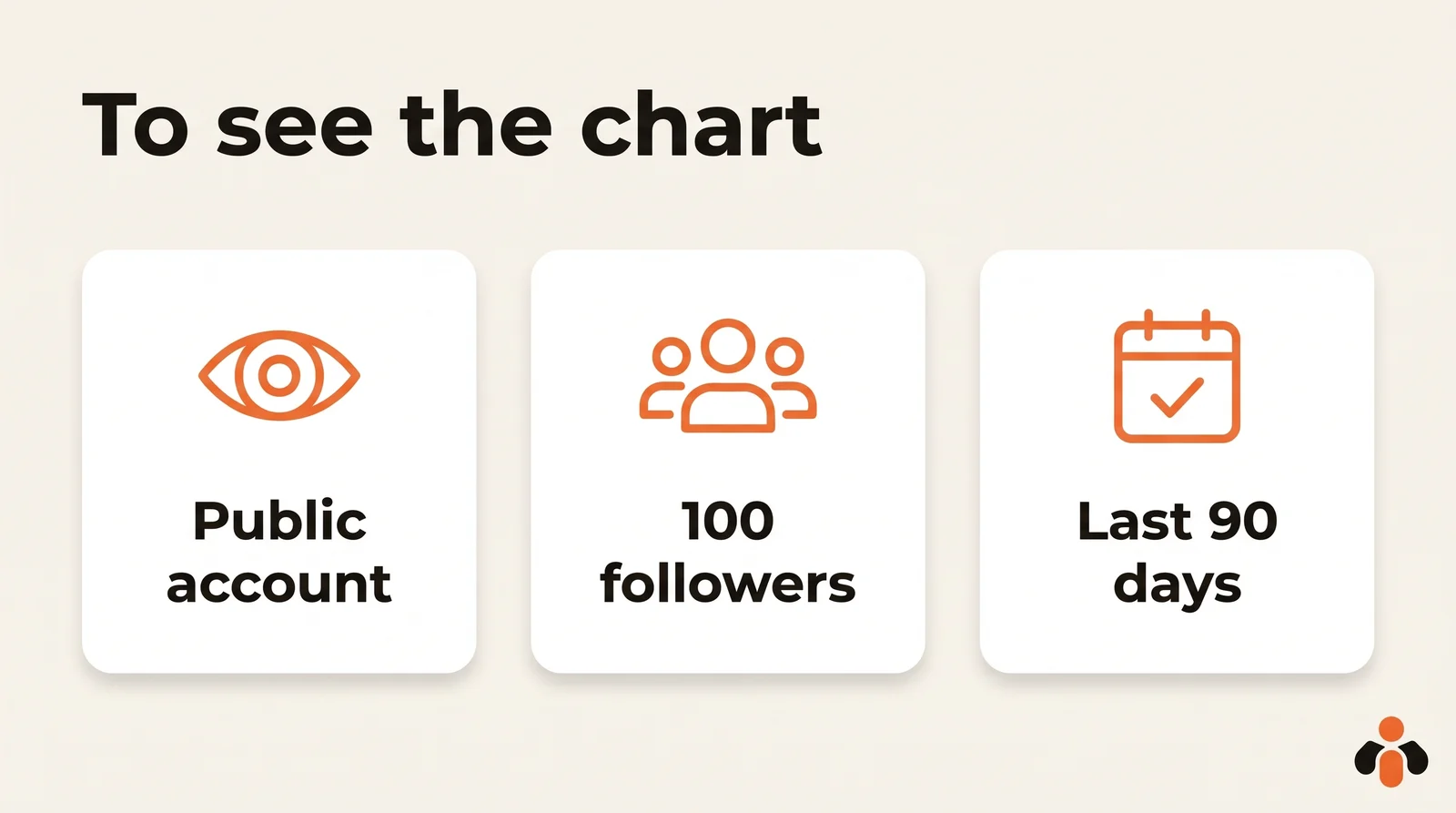
A public account. Instagram's help center says you need a public (personal or professional) account to view insights. A professional account is not required for insights, but a private one gets nothing: if you switch back to a private account, you'll lose access to insights. You can regain past data if you go public again within 90 days.
At least 100 followers. The Total followers insight, which includes the times your followers are most active on Instagram, appears when you have at least 100 followers. Below that, Instagram shows nothing, so a brand new account has to rely on testing.
A recent window. You can view insights for any period within the past 90 days. Audience demographics need preset timeframes, so if the last 7 days look empty, try Last 30 days or Last 90 days.
Where to find your most active times on Instagram
On your phone, the path is short.
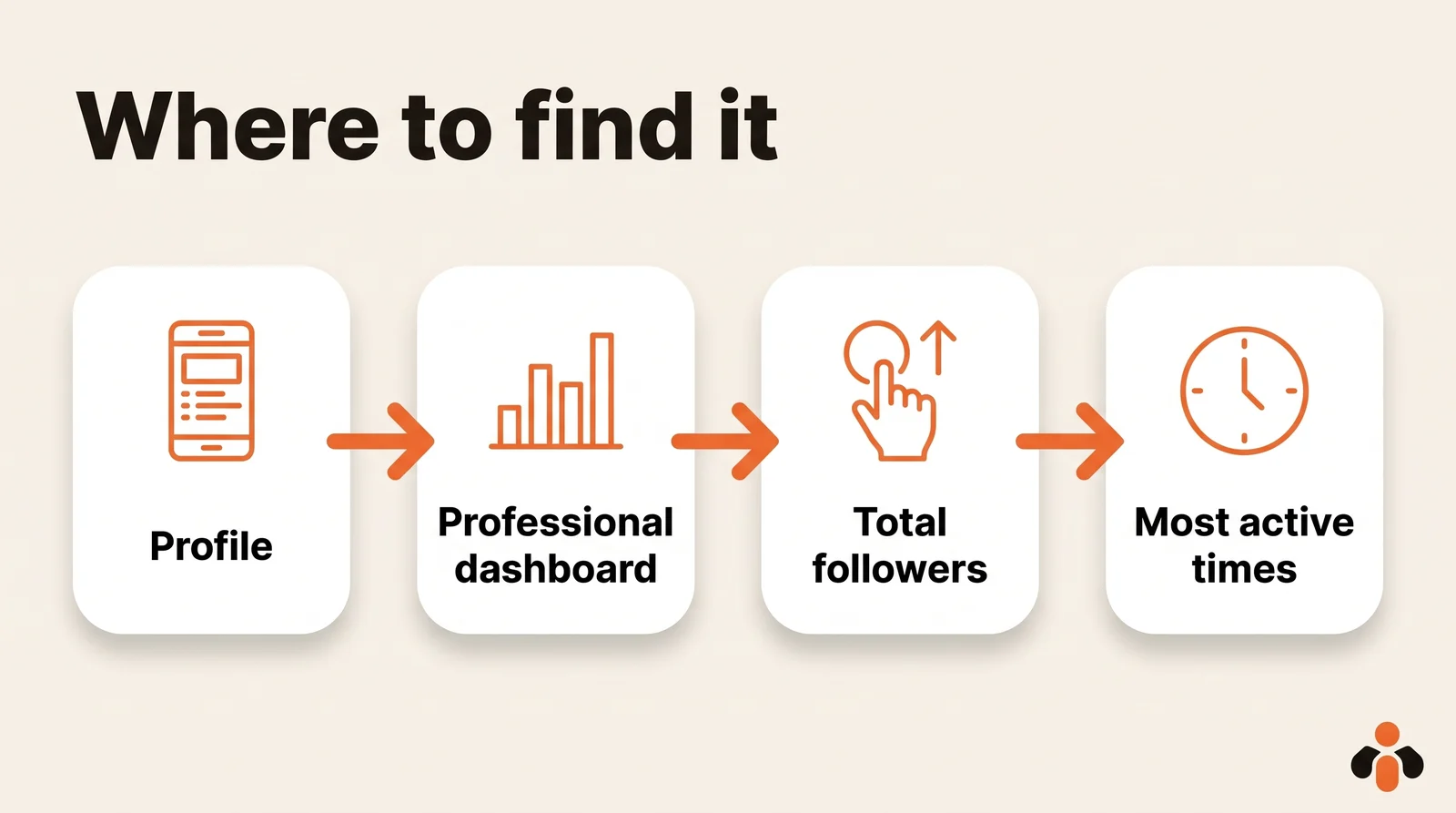
- Go to your Profile.
- Tap Professional dashboard, or Your dashboard on a personal account (Instagram's help center). If you don't see it, tap More, then Insights below For professionals.
- Tap See all insights if needed, then tap Total followers.
- Scroll down to the section on when your followers are most active.
Look at the shape, not a single bar. Most accounts show one or two humps a day, and the day of the week changes the picture: a Tuesday rarely looks like a Saturday.
On a computer, you have two options:
- instagram.com: select Dashboard in the left menu, then Insights below For professionals (Instagram's help center).
- Meta Business Suite: click Insights, then the Audience tab, which shows when followers are more active on the platform, along with age, location and follower growth.
Business Suite also has a shortcut when you schedule a post: the Active times button suggests times based on when followers were most active on Facebook and Instagram over the past 7 days. Seven days is short. Treat those suggestions as a hint, not a conclusion.
The time zone question
This is where many people miss their slot. "Instagram most active times time zone" is a common search for a reason: the chart does not label its time zone clearly. Instagram's help center pages, read on October 30, 2026, do not say which time zone it uses. Some guides say it shows Pacific Time, citing a Meta Blueprint course that now requires a login to read; the help center itself neither confirms nor denies it.
So check before you trust it:
- Sanity check the peaks. If your audience lives mostly in your city and the chart says they peak at 4 am, the chart is not in your local time. Shift the whole curve until the humps land at plausible hours (commute, lunch, evening).
- Remember who your followers are. A course creator in London with half their audience in New York will see a blended curve. Your peak is not one city's peak.
- Use exact timestamps if you need them. Meta's API returns times with an explicit offset (its example is
2022-08-01T07:00:00+0000, which is UTC), so a developer can convert precisely.
Convert the whole curve, never a single hour, then read its overall shape again.
Test two time slots and keep the winner
A curve does not decide for you. It gives you two candidates, and a simple test picks one.
- In your most active times, find the two highest humps for the day you post most, and convert them to your time zone. Say 12:30 pm and 7 pm.
- Pick one format to test, for example reels. Comparing a reel with a carousel proves nothing, since each surface has its own ranking.
- Schedule four posts: two at slot A, two at slot B, alternating. If you reuse the same video across platforms, repurposing one video for Instagram, TikTok and YouTube Shorts saves you starting from scratch.
- Wait until all four are at least 48 hours old, then compare one metric only: views, or interactions, never both mixed.
- Keep the winning slot as your default, and run the test again a month later, since your audience changes.
How to read the result of your test
Each post has its own numbers. In the app, go to your profile, tap the post and tap View Insights (Instagram's help center). You will see three metrics, defined by Instagram:
- Views: the number of times your content was displayed;
- Interactions: likes, comments, saves and shares added together;
- Profile activity: actions people took on your profile after engaging with the post.
Pick the one that matches your goal before you start. If you search for the best time to post "for likes" or "for engagement", read Interactions. If you want to reach new people, read Views. If you sell something, Profile activity is closest to what matters, since it counts the visits to your profile and link that follow a post.
Post insights stay available for up to two years, so you can come back to a test months later and compare. Write the four results in a simple table: date, slot, format, metric. After two or three rounds, you will see whether a slot wins every time or only once, which is the difference between a habit and luck.
Scheduling the test posts
To schedule at those slots, Meta's two free tools follow different rules:
| Instagram app | Meta Business Suite | |
|---|---|---|
| How far ahead | up to 30 days | no Instagram limit published |
| Volume | 25 scheduled posts a day | no limit published |
| Stories | not schedulable in the app | yes |
| Suggested times | no | yes, from the past 7 days |
| Account needed | public account | full control or Content permission |
Read on October 30, 2026. Older articles still repeat "75 days ahead" for the app; Meta's help center says 30. For the step by step, see how to schedule Instagram posts.
An example: a skincare brand selling online finds two humps, around lunch and around 9 pm. Its reels test gives 9 pm a clear lead on views, so the evening becomes the default for reels, while product carousels stay at lunch until they get their own test.
Reading most active times through Meta's API
If you manage several accounts, opening the app for each one gets tedious. The same data exists for software: Meta's API (the interface that lets a program talk to Instagram) exposes it through the account insights endpoint as the online_followers metric.
Two limits from Meta's documentation, read on October 30, 2026:
- online_followers is only available for the last 30 days. To compare March with September, store it yourself, month after month.
- follower_count and online_followers are not available on accounts with fewer than 100 followers, the same threshold as in the app.
Any automation tool that can send an HTTP request with an access token, such as n8n's HTTP Request node, can call that endpoint on a schedule and write the result to a spreadsheet. How to automate Instagram posts with n8n covers getting the access and the account ID.
A word on AI assistants: ChatGPT and Claude cannot open your Instagram insights on their own. They work from what you paste into the chat, or from a connector that has been given access to the data.
Posting at your slot without being there
Once the slot is chosen, the hard part is being there every time. Kreatoai publishes on Instagram right away or at the time you choose, with a calendar, and you pick the account when you publish if you manage several. The same post can go to Facebook Pages, TikTok, personal LinkedIn profiles, YouTube Shorts, Bluesky and Google Business profiles at once. It does not choose the time for you: you read your most active times, you decide, and the post goes out on its own.
You can also ask ChatGPT or Claude, with no code, to schedule each post of your test at the planned slot, for example "schedule these two reels for Tuesday at 12:30 pm and Thursday at 7 pm". By default, the AI asks for your approval before publishing. See how it works in Claude or in ChatGPT, start from the home page, or create an account.
Key takeaways
- No universal hour works for your account: each part of Instagram ranks content its own way, and your followers keep their own hours.
- Most active times appear on public accounts with at least 100 followers, under Total followers in your dashboard; insights cover the past 90 days.
- On a computer, use instagram.com (Dashboard, then Insights) or Meta Business Suite (Insights, then Audience).
- Meta does not state the chart's time zone: sanity check the peaks and convert the whole curve before scheduling.
- Test two slots with four posts of one format, compared on one metric after 48 hours.
- Through the API, online_followers covers only the last 30 days and needs 100 followers.
Frequently asked questions
- Is there a universal best time to post on Instagram?
- No. Instagram explains that it does not have a single algorithm: Feed, Stories, Explore and Reels each rank content their own way. When a post was shared is one Feed signal among many, next to how quickly people like, comment, share and save it. The best time is when your own followers are on the app, which your insights show.
- Why can't I see Most active times on Instagram?
- Usually because the account is under 100 followers or is private. Instagram's help center says insights need a public account, personal or professional, and that follower trends, including the times followers are most active, appear once you have at least 100 followers. A private account loses access to insights.
- What time zone does Instagram use for most active times?
- Instagram's help center, read on October 30, 2026, does not say. Some guides say Pacific Time, citing a Meta Blueprint course that now requires a login; the help center does not confirm it. Sanity check the chart: if your local audience appears to peak in the middle of the night, convert the curve before scheduling anything.
- What is the best time to post on Instagram today?
- Instagram does not publish one, and any fixed hour from a study is an average across other people's accounts. Open your professional dashboard, tap Total followers and look at when your followers are most active for today's day of the week. Post shortly before the highest point of the curve.
- What is the best time to post reels on Instagram?
- Instagram says Reels are ranked mostly on the viewer's activity, their history with you, the reel itself and your popularity, and that most reels people see come from accounts they do not follow. Timing matters less there than in Feed. Use your most active times as a starting point, then test two slots with reels only.
- How far back do Instagram insights go?
- Instagram lets you view account and content insights for any period within the past 90 days, according to its help center. Post insights stay available for up to two years. Through Meta's API, the online_followers metric is only available for the last 30 days, and Meta Business Suite's Active times suggestions use the past 7 days.
- Can a scheduling tool post at my best time automatically?
- It can post at the time you set. Kreatoai publishes on Instagram right away or at the time you choose, with a calendar, and can be driven from ChatGPT or Claude. It does not pick the time for you: you read your most active times, decide the slot, and the post goes out on its own.
Have it done for you
Kreatoai publishes and schedules your posts on all your networks, from your dashboard or by asking ChatGPT and Claude, and its agent answers your direct messages. Ten free posts every month, no credit card.
Try it free