Instagram Comment Auto Reply: Automation, Bots or AI?
How to auto reply to Instagram comments without losing your evening: what Instagram does alone, Meta's comment automation, bots, AI that drafts, and reply ideas.
 By Kreatoai
Instagram does not reply to any comment for you: it only hides the ones you do not want to see. To reply automatically, there are three options: Meta's comment automation, which fires on a keyword; a bot connected to the API, which replies on its own; or an AI that reads your comments, drafts a reply for each one and only sends after your approval. This guide compares all three, with Meta's rules checked on its official pages on November 6, 2026, and reply ideas you can reuse.
In this guide:
- what Instagram does with comments on its own;
- Meta's comment automation and its limits;
- bots that reply without you, and their risks;
- replying with AI while staying in control;
- reply ideas, comment by comment;
- the lines not to cross.
What Instagram does with comments on its own
Instagram's tools sort, they do not reply. According to Instagram Help, three settings hide what clutters your posts:
- Hide unwanted comments: Instagram hides disrespectful or offensive content that does not break its rules (slurs, scams).
- Hide spam: comments that look like spam drop out of view.
- Hidden Words: your own list of words, phrases, numbers and emojis. A comment that contains one is hidden.
Two details matter: a hidden comment still counts in the total, and its author does not know it is hidden. In settings, the Comments section also sets who can comment.
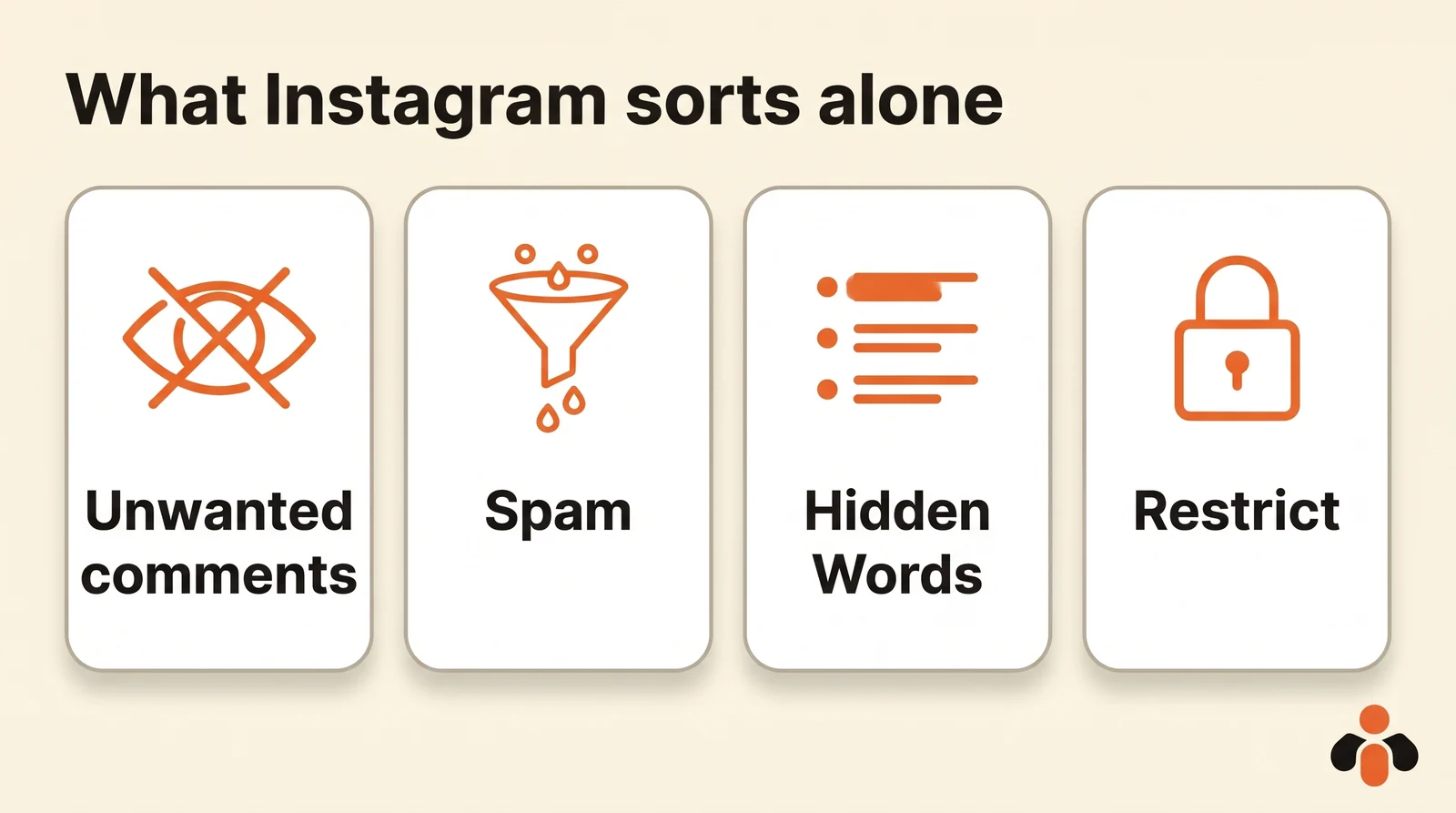
For someone who keeps coming back, restricting their account is often enough: their new comments are only visible to them until you approve them, and you stop getting notifications.
Meta's comment automation
The only automatic reply Meta offers goes through Meta Business Suite, on desktop: the Comment to message automation. You pick up to ten keywords; when a comment contains one, Meta posts a short reply under the comment and sends its author a direct message.
That is the mechanism behind posts ending with "comment GUIDE below". It works well for that exact case, and poorly for everything else:
- it only replies to comments with the exact keyword, never to a real question phrased differently;
- the reply is the same for everyone;
- the direct message only goes out within seven days of the comment, and only once.
Step-by-step settings, with screenshots, are in our Instagram auto reply guide.
Bots that reply without you
Third-party tools plug into the Instagram API, which Meta opens to professional accounts. Meta's comment moderation docs list what it allows: reading comments, replying, hiding or unhiding, deleting, and turning comments off on a post. So a bot can answer everything, day and night.
The risk lies elsewhere. A reply to a comment is public: all your followers read it, and it stays. A bot that warmly thanks an angry customer, makes up a price or posts the same sentence three times under the same photo is noticed right away, and does more harm than silence. Bots that write with AI produce fewer canned lines, but can state wrong things with confidence.
Hence a simple rule: a bot to sort and hide, yes; to reply in public without review, only if your replies are always the same.
Reply with AI while staying in control
Between doing everything by hand and leaving everything to a bot, there is a middle path: the AI drafts, you approve. Connected to your account through a connector, ChatGPT or Claude does the sorting and writing in seconds.
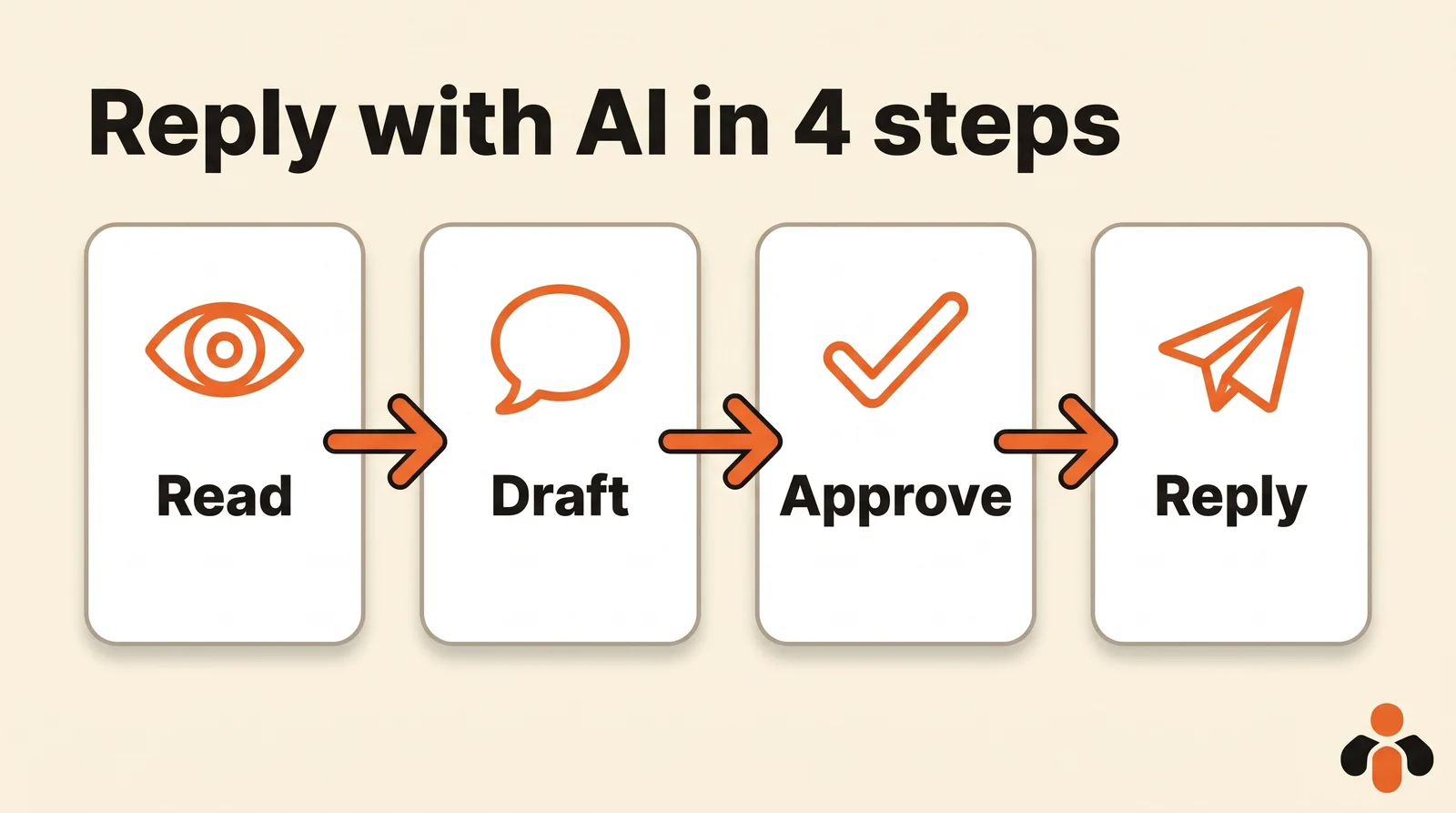
- Read. You ask: "Which comments from this week need a reply?" The AI reads the posts one by one and spots the ones the account has not answered yet.
- Draft. It writes a reply for each, in your tone, and shows you the list: comment, post, suggested reply.
- Approve. You fix things in plain words ("shorter for the third one", "for that one, offer an exchange") and remove the ones you would rather handle yourself.
- Reply. Once you approve, the AI posts each reply on the account's behalf, and hides the spam you point out.
A sample request, for an online clothing store:
Read the comments on the last five Instagram posts. Draft a reply to every question and every complaint, short and warm, casual tone. Give no price and no delivery time: if asked, invite them to message us. Also list the spam to hide. Send nothing before I approve.
Give it what it cannot guess: your prices, your delivery times, what you accept for returns or exchanges. Without that information, a good AI should invite the person to message you, not make things up.
Reply ideas, comment by comment
Searches for "replying to instagram comments ideas" mostly look for examples. Here are some, by type of comment, to adapt to your tone:
| Comment | What to do | Sample reply |
|---|---|---|
| Compliment | Thank them, picking up a detail | "Thanks Sarah! The blue is our favorite from the collection too." |
| Practical question | Answer precisely, in public | "Yes, we ship to the US and Canada. Delivery times are on the Shipping page." |
| Price question | Give the price if it is public, otherwise invite them to message | "It's $49 on the site. For bulk orders, send us a message!" |
| Complaint | Acknowledge, offer a fix, invite them to message | "Sorry about the delay, that's not okay. DM us your order number and we'll look into it today." |
| Friend tagged | A short reply, for both | "Great call tagging her!" |
| Spam or insult | Do not reply: hide it | (no reply) |
Three habits apply to all of them: use the person's first name when it shows, never paste the same sentence under every comment, and reply fast to complaints, because those are what other customers read first.
The lines not to cross
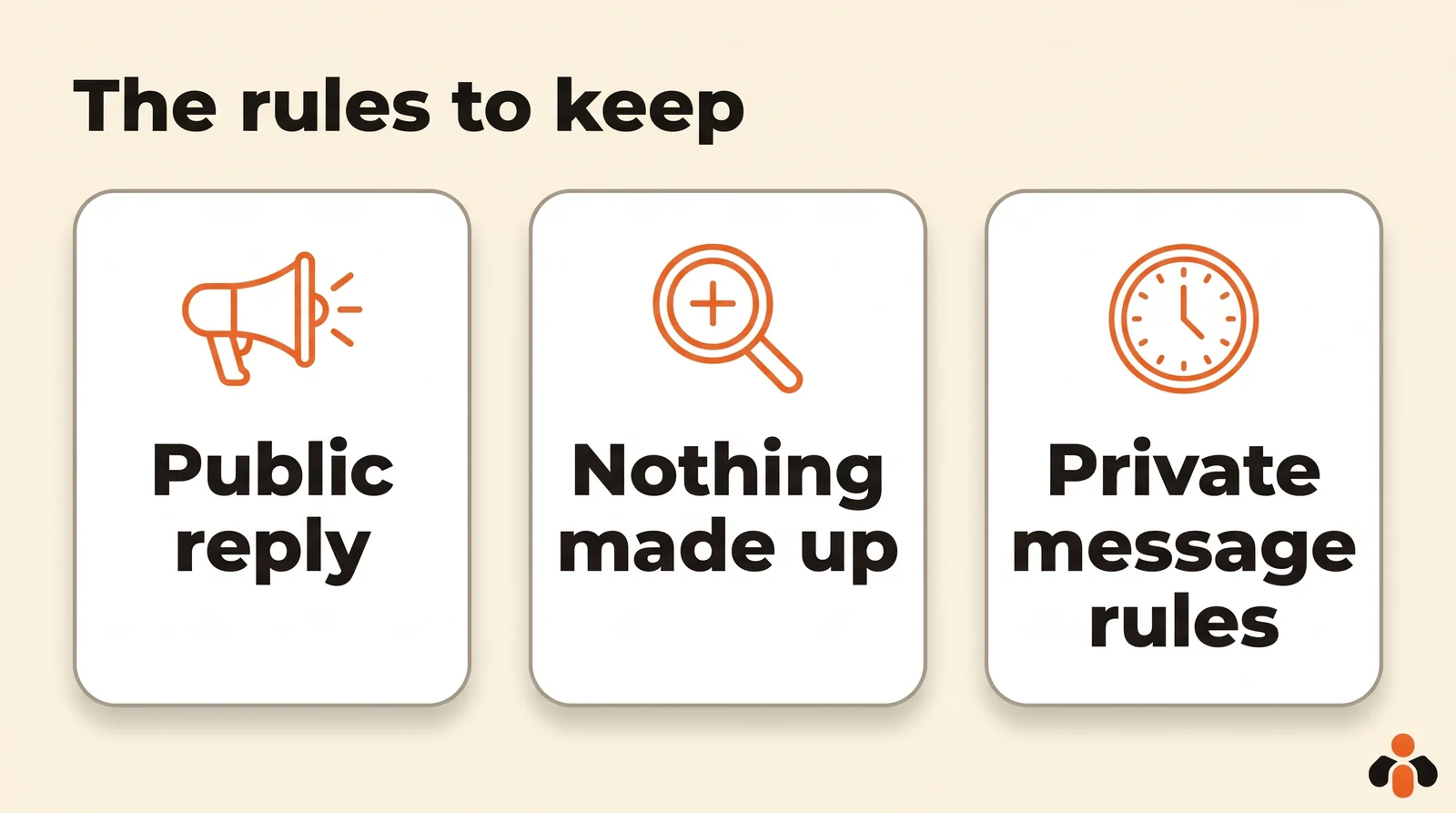
- A reply is public and it stays. Reread it like a post: it carries your brand's name.
- Nothing made up. No price, stock, delivery time or promise you will not keep. An AI should say it does not know rather than improvise.
- Private messages follow Meta's rules. A private reply to a comment goes out once, within seven days; after that, it is up to the person to write. Inviting them publicly to message you, then replying when they do, remains the safest path.
- Do not hide complaints. Hiding an unhappy customer gets noticed fast and makes things worse. Hiding is for spam and insults.
An AI that reads your comments and replies with your approval
Kreatoai connects ChatGPT, Claude or any compatible AI to your Instagram accounts and Facebook Pages, with no code. It is in Claude's connector directory (Customize, then Connectors, search for Kreatoai) and, since October 22, 2026, in ChatGPT's plugin directory.
The AI reads the comments of an Instagram account or a Facebook Page, post by post, sees which ones are waiting for a reply and drafts a reply for each. It only replies on the account's behalf after your approval. It also hides a comment that does not belong, and unhides it if needed. The tools are list_comments to read, reply_to_comment to reply and hide_comment to hide.
Kreatoai never messages someone who has not written first, and its messaging agent, which answers Instagram and Messenger direct messages, does not reply to public comments. The AI never sees your passwords or payment details. Ten posts are free every month, with no credit card; the Kreatoai in Claude page shows the setup.
Key takeaways
- Instagram hides unwanted comments, spam and your Hidden Words, but replies to none.
- Meta's comment automation only fires on an exact keyword, with the same reply for everyone and a single direct message within seven days.
- A bot can answer everything alone, but a bad public reply is seen and stays.
- The safest path: the AI reads, drafts a reply per comment, you approve, then it replies and hides spam.
- Reply to every question and complaint, never make up a price or delivery time, never hide a complaint.
Frequently asked questions
- Can you auto reply to Instagram comments?
- Yes, in two ways. Meta Business Suite's comment automation replies when a comment contains a chosen keyword, and also sends a direct message. A tool connected to the Instagram API can reply to every comment, with or without your review. Instagram on its own replies to no comment.
- Can AI respond to Instagram comments?
- Yes, through the Instagram API, which lets apps read comments, reply to them and hide them. With Kreatoai, ChatGPT or Claude reads the comments waiting for an answer, drafts a reply for each one and only replies on the account's behalf after your approval.
- How do I hide unwanted comments on Instagram?
- In settings, Hidden Words lets you hide unwanted comments and spam, and build a list of words, phrases, numbers and emojis to hide. A hidden comment still counts in the total, and its author does not know it is hidden.
- Should I reply to every Instagram comment?
- To every question and every complaint, yes: they are public and other customers read them. A compliment deserves a short, personal reply. Spam and insults are better hidden than argued with.
- Can I send a direct message to someone who commented?
- Meta allows one private reply to a comment, within seven days of the comment. Kreatoai replies to comments in public and never messages someone who has not written first.
- How should I reply to a negative comment on Instagram?
- Thank them without making excuses, acknowledge the problem, offer a concrete fix and invite them to message you for the rest. The reply stays public: it shows other customers the problem is being handled.
Have it done for you
Kreatoai publishes and schedules your posts on all your networks, from your dashboard or by asking ChatGPT and Claude, and its agent answers your direct messages. Ten free posts every month, no credit card.
Try it free