Social Media Content Strategy: A Seven-Step Method, With an Example
How to build a social media content strategy: goals, audience, choosing platforms, the three content pillars, a content calendar and measurement, based on Meta's own guides, with a full example plan.
 By Kreatoai
A social media content strategy is the written answer to one simple question: what do we post, for whom, where, how often, and to get what? Without one, you post when inspiration strikes and never know whether it's working. This guide follows the method Meta publishes for businesses, step by step, and ends with a full example plan you can copy.
In this guide:
- content strategy, content plan, brand guidelines: what each term covers;
- the seven steps, from goal to measurement;
- the three content pillars Meta recommends;
- a full example of a social media content plan;
- how to carry it out each week without spending your evenings on it.
Content strategy, content plan, brand guidelines: what's the difference?
The three terms overlap, but they don't mean the same thing:
- the strategy sets the direction. Meta defines it as the documented plan that brings all your social media activities together and directs them toward a specific business goal (Meta for Business);
- the content plan turns it into something concrete: which topics, which formats, which dates;
- the brand guidelines set the how: tone, themes, visual style, and what the brand never posts.
Meta sums up the strategy with one question: how exactly will we use social media to guide our target audience through our funnel?
Why write it down
According to Meta, a written strategy brings four things (Meta for Business):
- consistency: visuals, copy and replies follow the same playbook;
- focus: you drop the tactics that don't serve the business;
- stakeholder alignment: when several people post, each knows their part;
- measurement: you know in advance what success looks like, and who tracks it.
One page is enough. What matters is that it exists and that you reread it before posting.
Step 1: set three measurable goals
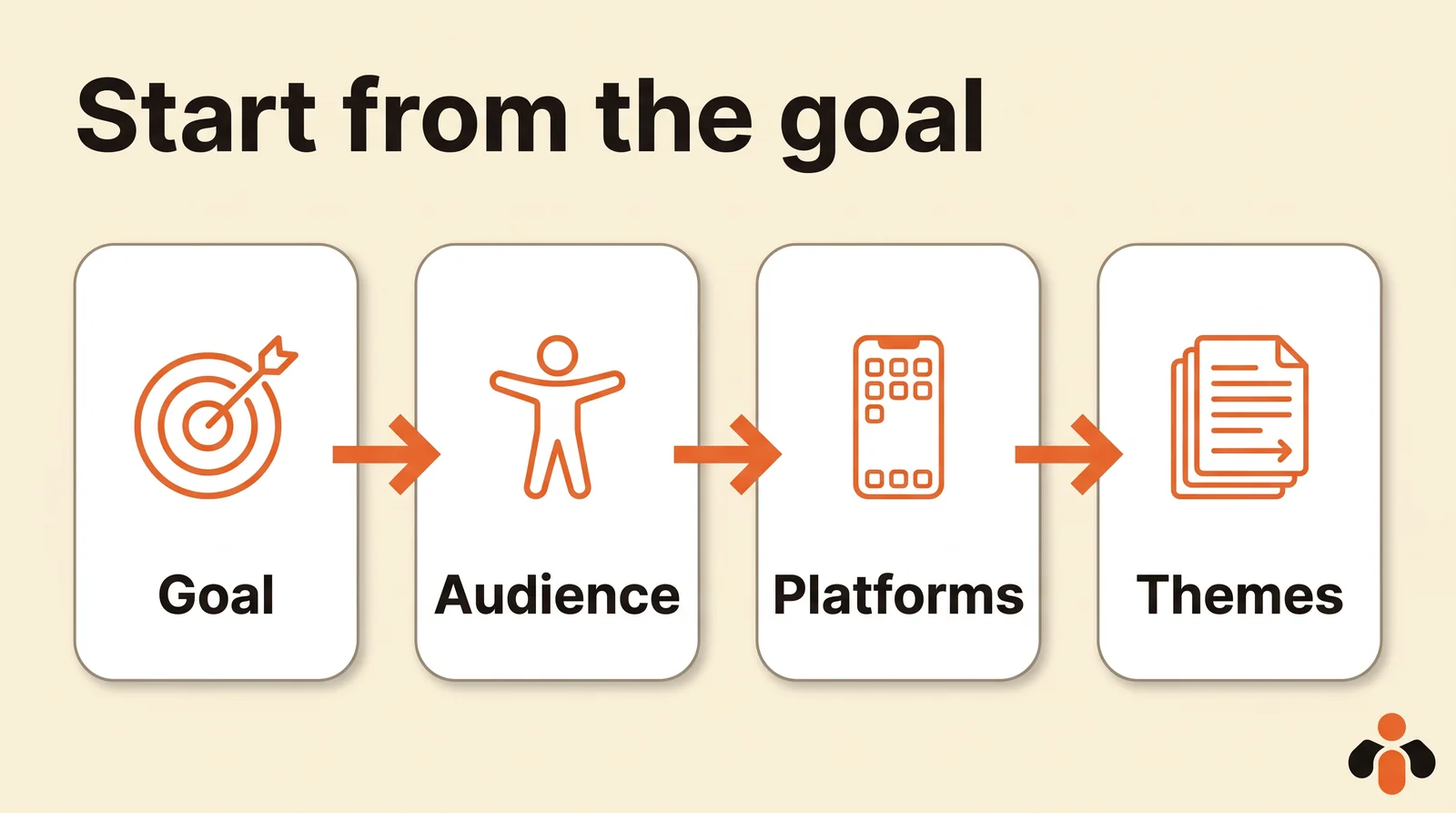
Start with what social media should bring the business. Meta recommends goals that are specific, measurable, achievable, relevant and time-bound (SMART), and aiming for around three, since too many goals hinder focus (Meta for Business). Each one should map to a broader business objective; if the link isn't obvious, rethink the goal.
Meta's second rule: one key performance indicator per goal, with a number. "Increase our social media presence" isn't one. An example from its guide: raise the organic Instagram engagement rate from 2% to 4% within 90 days by publishing four times per week.
Step 2: know your audience
Meta suggests describing your audience from four angles (Meta Blueprint course):
- need: which need does your product or service meet?
- demographics: age, occupation, location;
- interests: what they generally care about;
- behaviors: their common habits.
Separate a primary audience, the people you expect to become most of your customers, from a secondary audience, interested but less central. To learn what they respond to, Meta points to two sources: your own historical performance (which posts worked, which didn't, and why) and what your competitors publish. From that research, build one or two personas: every post should speak to one of them.
Step 3: choose one or two platforms
Meta is clear: most businesses don't need to be everywhere, and it's far better to excel on one platform than to spread yourself thin across many (Meta for Business). Four questions to decide:
- where does your audience spend its time?
- does the platform's format suit your message (short video, photo, text)?
- where are your competitors most active?
- which platforms do they underuse, and why?
A shop selling very visual products leans toward Instagram; a consulting firm, toward LinkedIn; a local business, toward Facebook and its Google Business profile.
Step 4: define your themes and brand guidelines
This is the heart of the content strategy. Meta says not to improvise and to decide three things in advance: which content supports each stage of the funnel (awareness, consideration, conversion), which brand guidelines every piece of copy and visual follows, and how organic and paid content work together (Meta for Business).
The three content pillars
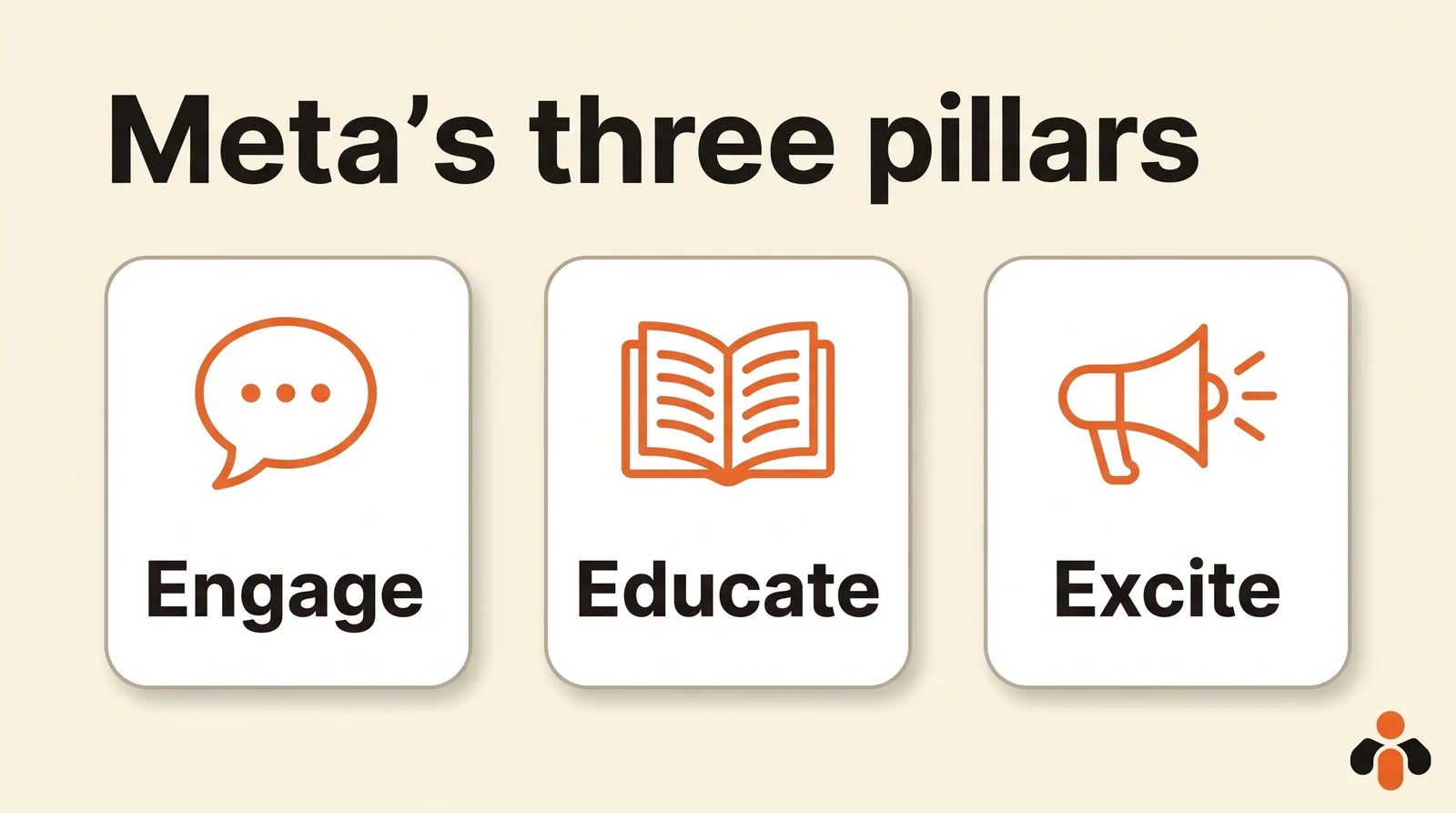
For themes, Meta's courses name three families of posts and recommend mixing all three (Meta Blueprint course):
| Pillar | What it does | Examples Meta gives |
|---|---|---|
| Engage | Build a connection with your audience | Tell how the business started, show something you do for your community, give a virtual tour in photos or video |
| Educate | Show what you do | Explain what makes your offer different, go behind the scenes, show how the product is used |
| Excite | Spark interest | Announce a new product, share an offer, talk about topics your community cares about |
Each pillar then breaks down into three or four recurring topics specific to your business. For ideas, see our Instagram post ideas and what to post on LinkedIn.
Brand guidelines
Write them in a few lines: the tone (formal or casual, serious or light), the colors and visual style, words to avoid, and topics the brand doesn't cover. For captions, Meta gives three tips: keep it short, put the most important information first, and say clearly what you want the reader to do ("Sign up now").
Step 5: choose formats and a posting pace
Content types look alike from one platform to the next: short video, photo, carousel, Story, text only, live video. Meta advises mixing formats to grab and hold attention, filming vertically (most people watch on their phone), and designing videos that get the message across in the first seconds, even with the sound off (Meta Blueprint course).
As for pace, Meta says no single cadence works for every business: it depends on the industry, each platform's norms and what your team can sustain without sacrificing quality. Consistency matters more than volume. What each platform recommends, with numbers, is in our guide on how often to post.
Step 6: build a content calendar
The calendar turns the strategy into dates. Meta lists what goes in it: publication date, content type (paid or organic), format, platform, copy, creative assets, funnel stage, owner, status and link (Meta for Business). Treat it as a living document you adjust as you learn what works.
We go through the columns, with a one-week template, in our social media content calendar template.
Step 7: engage, measure, iterate
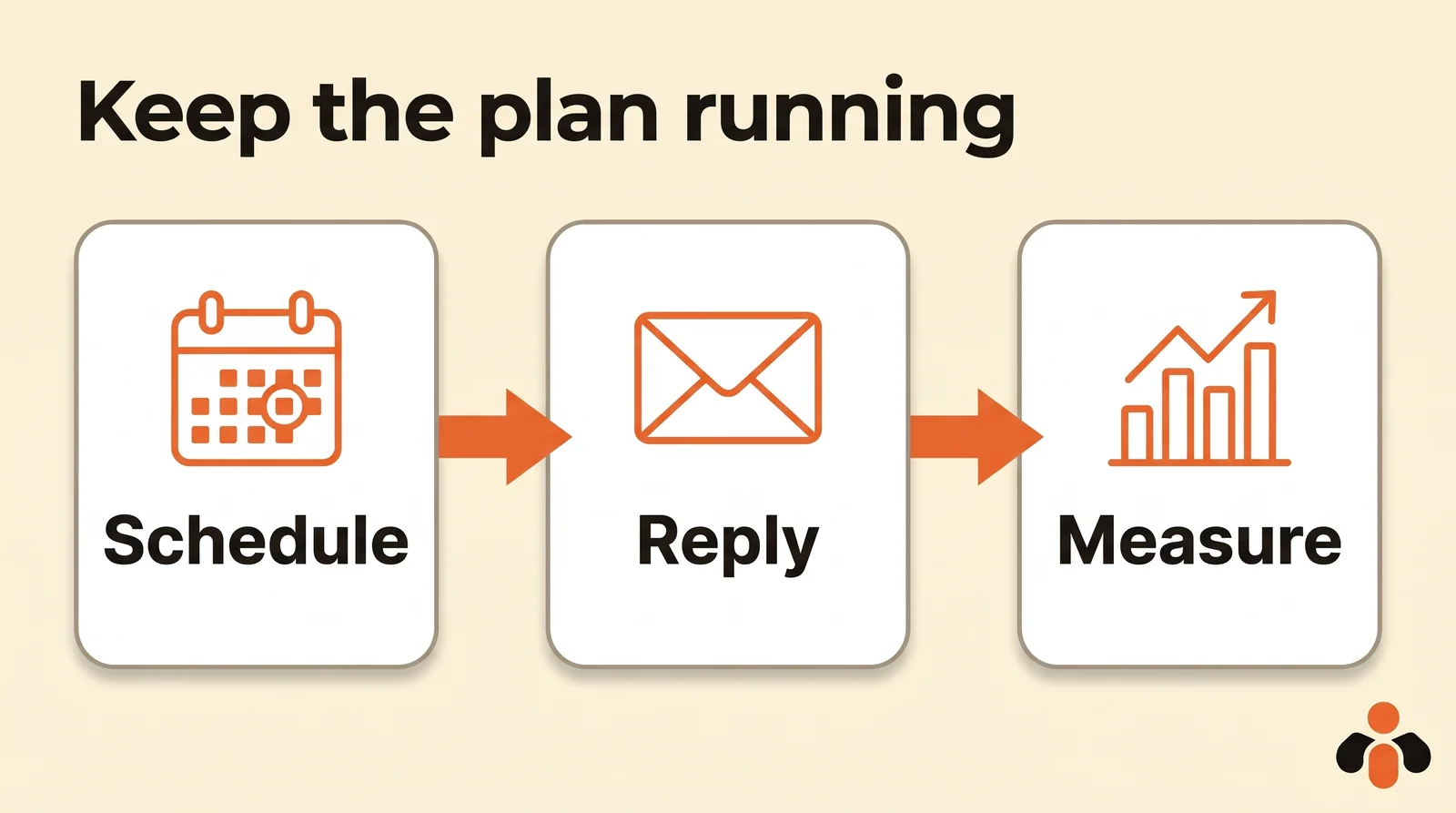
A strategy doesn't stop at publishing. Meta asks you to write down the rules for community engagement too: the tone of replies, what gets escalated to whom and how fast (a privacy concern, for example), the tools to reply quickly, and one person who owns it.
Then comes the feedback loop, which Meta sums up as: test, track, learn, iterate and repeat. Come back to your step 1 indicators once a month, keep what moves them, drop the rest.
Example of a social media content plan
Here's a full plan for a made-up business: a yoga studio opening a new evening class and wanting to fill its trial sessions.
| Element | Choice |
|---|---|
| Goal 1 | 40 trial session bookings in three months, from Instagram |
| Goal 2 | Instagram engagement rate from 2% to 4% within 90 days |
| Goal 3 | Reply to every direct message the same day |
| Primary audience | Working people aged 25 to 45, within 20 minutes of the studio, looking to unwind after work |
| Secondary audience | Beginners who don't dare to start |
| Platforms | Instagram first, Facebook for the local community |
| Brand guidelines | Warm and friendly, short sentences, natural-light photos, never any health promise |
| Engage pillar | The studio's story, students who agree to be featured, questions of the week in Stories |
| Educate pillar | One pose explained in a carousel, behind the scenes of a class, what a first session looks like |
| Excite pillar | The new evening class, a free trial session, the month's workshops |
| Pace | Instagram: 3 posts a week plus Stories; Facebook: 2 a week |
| Indicators | Bookings from Instagram, engagement rate, reply time to messages |
| Review | First Monday of the month, 30 minutes |
Over a week, that gives for example: Monday a carousel "three poses for your back" (Educate), Wednesday a behind-the-scenes video of the evening class (Engage), Friday the trial session announcement (Excite), with two Facebook posts reusing the same topics.
Carrying out your strategy each week
A strategy holds when you no longer have to decide every morning what to post. The simplest method: one session a week to prepare every post, then schedule them so they go out on their own. We break it down in manage social media in one hour a week.
Kreatoai brings your platforms together in one place: Instagram, Facebook Pages, TikTok, personal LinkedIn profiles, YouTube (Shorts), Bluesky, Google Business profiles and Pinterest. One post goes out to several platforms and accounts at once, right away or at the time you choose, and the dashboard shows every post as a list or a calendar; each one can be edited or canceled until it goes out.
You can also ask ChatGPT or Claude: give it your strategy (goals, pillars, pace), and it suggests a week or a month of topics, writes the captions and dates, then schedules them in Kreatoai once you approve. Kreatoai doesn't create visuals: Instagram, TikTok and Pinterest need an image or video for each post, which you provide. For the "measure" step, the AI reads analytics for posts made with Kreatoai (views, likes, comments, shares, saves) by platform, by account and by week or month, on Facebook, Instagram, TikTok, YouTube and Pinterest. Ten posts a month are free, no credit card required. To post from an automation tool too, see auto-posting to multiple social networks.
Key takeaways
- A content strategy is the written plan that ties your posts to a business goal.
- Around three goals, each measured by a single, numbered, time-bound indicator.
- Describe your audience by its need, profile, interests and habits.
- Better to excel on one or two platforms than to spread yourself across all of them.
- Mix Meta's three pillars: engage, educate, excite.
- A sustainable pace, a living calendar, one person who replies, and a monthly review.
Frequently asked questions
- What is a social media content strategy?
- It's the written plan that says what you post, for whom, on which platforms, how often and to what end. Meta defines a social media strategy as the documented plan that brings all your social media activities together and directs them toward a specific business goal.
- How do you create a social media content strategy?
- In seven steps, following Meta's guide: set around three measurable goals, research your audience, choose one or a few platforms, define your themes and brand guidelines, build a content calendar, set rules for community engagement, then measure and iterate.
- What are the three content pillars?
- Meta's courses name three: engage your audience (tell how the business started, show what you do for your community), educate it (what makes your offer different, behind the scenes, how the product is used) and excite it (new products, offers, topics your community cares about). Meta recommends mixing all three.
- What is the difference between a content strategy and a content plan?
- The strategy sets the goal, the audience, the platforms and the pace. The content plan turns it into concrete posts: topics, formats and dates. Brand guidelines sit in between: tone, themes, visual style and what the brand never posts.
- How many goals should a social media strategy have?
- Meta recommends aiming for around three, since too many goals hinder focus. Each one should be specific, measurable, achievable, relevant and time-bound, with a single key performance indicator, for example raising the Instagram engagement rate from 2% to 4% within 90 days.
- How do you carry out a content strategy without spending all day on it?
- Batch your posts, then schedule them. Kreatoai schedules one post to several platforms and accounts at once, with a calendar, and ChatGPT or Claude, connected to Kreatoai, suggest a week or a month of topics and captions, then schedule them once you approve.
Have it done for you
Kreatoai publishes and schedules your posts on all your networks, from your dashboard or by asking ChatGPT and Claude, and its agent answers your direct messages. Ten free posts every month, no credit card.
Try it free