LinkedIn Content Strategy: Goals, Themes, Cadence and a Month of Posts
Build a LinkedIn content strategy for a profile or a company Page: what the feed favors according to LinkedIn, three themes, formats and their limits, posting cadence, measurement, an example plan and a one-month content calendar.
 By Kreatoai
A LinkedIn content strategy comes down to six decisions: a goal, a reader, three themes, one format per theme, a cadence you can keep and a monthly review, all set into a one-month calendar. Before any of that comes a question many guides skip: are you posting from a profile, from a company Page, or both? This guide starts from what LinkedIn itself says in its help pages, read on November 21, 2026, and ends with an example plan and a content calendar you can copy.
In this guide:
- profile or Page: two strategies that work differently;
- what LinkedIn looks at to rank the feed;
- the six steps, from goal to measurement;
- formats and their official limits, in one table;
- an example LinkedIn content plan and a month of posts;
- how to keep the pace without giving up your evenings.
Profile or Page: two different LinkedIn strategies
On LinkedIn you post under two identities, and they don't reach the same people.
- A personal profile carries one person's voice: a founder, a consultant, a salesperson. Its posts go first to connections and followers. This is where opinions, lessons and behind-the-scenes stories work.
- A LinkedIn Page carries the brand. Its posts go to its followers. It is used for announcements, hiring and launches, and once it has more than 150 followers it can be evaluated for newsletter access (newsletter criteria); every member, on the other hand, can create one.
A LinkedIn strategy for business often uses both: the Page for what the company announces, the founder's and team's profiles for what they think and experience. In B2B the two work together: the profile starts conversations with a person, the Page shows the company to anyone who wants to check it out.
Two related terms come up too. A LinkedIn content plan turns the strategy into topics, formats and cadence. Your editorial guidelines set the manner: tone, length, what you never post. The general method, valid for every platform, is in the social media content strategy guide; here we apply it to LinkedIn.
What LinkedIn looks at to rank the feed
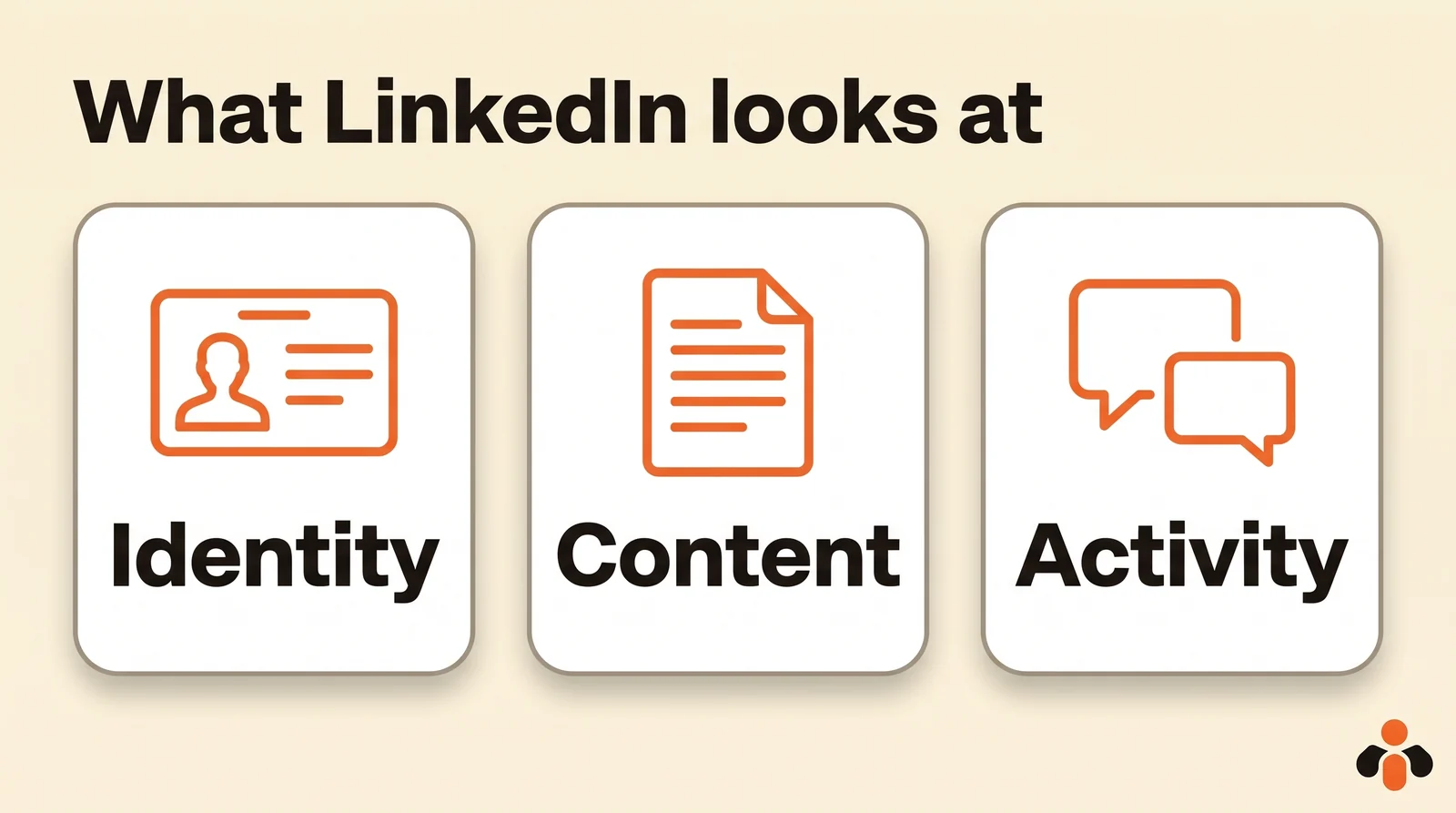
LinkedIn explains how it builds the feed (LinkedIn relevance). It weighs three kinds of signals:
- identity: the reader's profile, workplace and skills;
- content: how often a post is viewed or engaged with, what it is about and whether it provides knowledge or advice, how recent it is, its language, how constructive or professional the conversation is, the people and companies tagged;
- activity: the posts the reader reacted to, the people they interact with frequently or recently, the content they viewed the longest, the topics they showed interest in.
LinkedIn adds that these systems reduce the visibility of low-quality content. Its help page on posts carries a warning too: if it detects excessive post creation that indicates inauthentic activity, or the use of an automation tool, it may limit the visibility of those posts (LinkedIn help).
For a strategy, that means three rules. Write to teach your reader something, not to fill the feed. Start a real conversation, since its quality counts. And engage with others: the "activity" part of the ranking relies on who people interact with, so commenting on posts in your field is part of the job.
Step 1: a numeric goal and a precise reader
A LinkedIn goal is measured in something that matters to the business: meetings, applications, quote requests, webinar sign-ups. "Being visible" is not a goal; "booking ten qualified calls in three months" is.
Then describe your reader in one sentence: job, industry, the problem they have. Here is an example used throughout this guide: a six-person studio in New York that designs websites and apps for service companies. Its founder, Maya, targets marketing directors at companies with 50 to 500 employees who have a slow website and little time. Goal: ten calls in three months, coming from LinkedIn.
Step 2: three themes and editorial guidelines
Three themes are enough. For Pages, LinkedIn's posting guide suggests exactly three, based on what its members look for (LinkedIn Page posting guide):
- Help professionals stay informed: industry news, trends, launches, and what you bring to them.
- Make work personal: what a day in the team looks like, career paths, employees' voices.
- Professional growth and learning: tips, skills, ways to solve a problem.
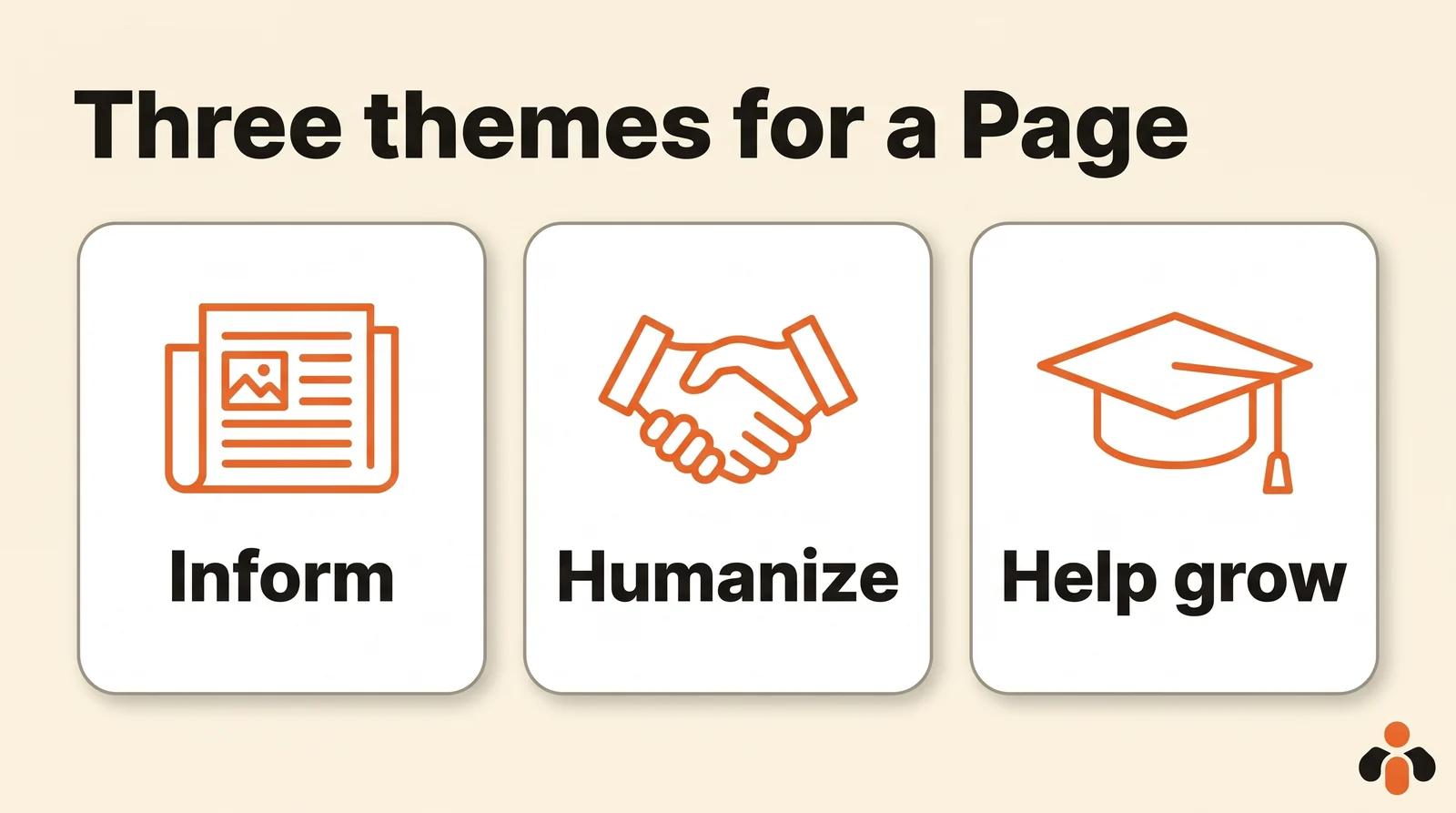
These three themes work for a profile too. For Maya: inform ("what the new accessibility rules change for a website"), humanize ("how we shipped a redesign in six weeks"), help grow ("three settings that speed up a site in one afternoon").
Editorial guidelines fit in four lines: tone (direct, no jargon), length (short most of the time; LinkedIn allows 3,000 characters), what you never post (no two promotional posts in a row, nothing about a client without their consent), and language. For topic ideas in each theme, see what to post on LinkedIn, with 20 ideas and written examples.
Step 3: one format per theme
Each theme has a natural format. Here are the ones in the post composer, with the limits written in the official help:
| Format | For which theme | Official limit |
|---|---|---|
| Text | Opinion, lesson, short tip | 3,000 characters (help) |
| Document (the "carousel") | Step-by-step method, tips, data | PDF, PPT, PPTX, DOC or DOCX, 100 MB and 300 pages (help) |
| Photo or video | Behind the scenes, team, before and after | Added with the Add media icon |
| Poll | Starting a discussion | Question 140 characters, options 30, four options on desktop and Android, five on iOS (help) |
| Article or newsletter | Long analysis, regular appointment | Write article button (help) |
A simple split for Maya: "help grow" as an eight-page document, "humanize" as a photo or a short video, "inform" as text. The newsletter comes later: each new edition is sent as push, in-app and email notifications to subscribers, which makes it a good tool once the pace is set.
Step 4: a cadence you can keep
LinkedIn gives benchmarks for Pages only. Its best practices page says companies that post weekly see a 2x lift in engagement with their content, and that Pages with complete information get 30% more weekly views (LinkedIn Pages best practices). Its posting guide suggests working toward at least one post a day, even on weekends, and testing different times of day.
For a personal profile, LinkedIn gives no figure. One or two posts a week, written for real, is a good start; three if you have the material. Remember the warning above: churning out empty posts can reduce your visibility. Consistency matters more than volume. The platform-by-platform detail is in how often should you post.
Step 5: a one-month LinkedIn content calendar
The calendar turns themes into dates. One row per post: date, time, theme, format, text, visual, status. Our content calendar template explains the columns; here is a LinkedIn content calendar example for Maya's profile, at two posts a week:
| Week | Tuesday | Thursday |
|---|---|---|
| 1 | Document: "three settings that speed up a website" (help grow) | Text: what the accessibility rules change (inform) |
| 2 | Photo: the team in a kickoff workshop (humanize) | Poll: "how long does your website take to load?" (inform) |
| 3 | Document: "prepare a redesign in five questions" (help grow) | Text: a redesign shipped in six weeks, with the client's consent (humanize) |
| 4 | Text: the lesson from a project that went wrong (humanize) | Document: answers to the questions from the poll (help grow) |
Add comments on other people's posts: ten minutes a day on posts in your field, since LinkedIn takes into account who people interact with.
Once the month is written, schedule it. In LinkedIn, the Clock icon in the post composer schedules a post between 10 minutes and 3 months ahead; events and jobs can't be scheduled (schedule posts). Scheduled posts are listed under View all scheduled posts, where you can edit or delete them. The step-by-step is in our guide on how to schedule LinkedIn posts.
Step 6: measure, then adjust
For a profile, LinkedIn shows analytics for each post (post analytics): the Me icon, then Posts & Activity under Manage, then the number of impressions under the post. The Post analytics page shows discovery, views in network and out of network, profile activity, social engagement and viewer demographics.
For a Page, content analytics (Page analytics) show impressions, members reached (distinct people), clicks and engagement rate, meaning interactions per impression. Numbers can take up to 48 hours to show, except reactions and comments.
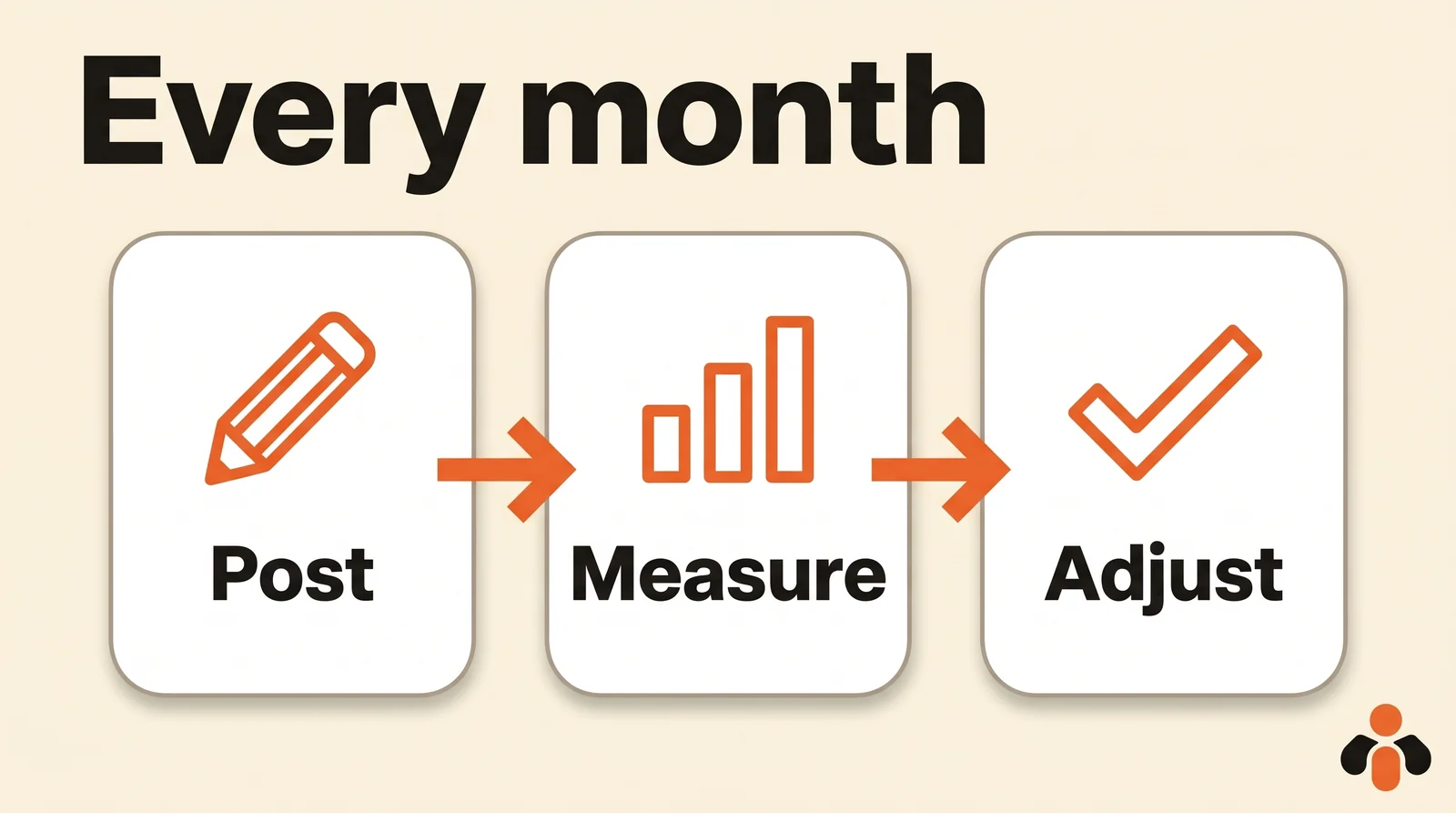
Once a month, check three things:
- the share of views out of network: that is your discovery;
- the theme and format of your three best posts, then of your three weakest;
- your goal from step 1: calls, applications, requests.
Keep the theme that works; change the format of the one that doesn't before dropping it.
Example LinkedIn content plan
Everything on one page, for Maya's studio:
| Item | Choice |
|---|---|
| Goal | Ten qualified calls in three months, coming from LinkedIn |
| Reader | Marketing directors at service companies with 50 to 500 employees |
| Who posts | Maya's profile (two posts a week); the studio Page (one post a week: announcements, hiring) |
| Themes | Inform, humanize, help grow |
| Formats | Document for methods, photo for the team, text for opinions, one poll a month |
| Guidelines | Direct tone, no jargon; never two promotional posts in a row; a client named only with their consent |
| Engagement | Ten minutes of comments a day; a reply to every comment the same day |
| Scheduling | The month prepared in one session, then scheduled |
| Review | Analytics on the first Monday of the month; out of network share, three best posts, calls booked |
A LinkedIn strategy for business: the Page and the team
For the Page, LinkedIn's guide adds a few levers specific to companies (Pages best practices):
- complete the Page: logo, cover image, description, website;
- notify employees of your most important Page posts, up to once a week;
- invite your connections to follow the Page, and let employees invite theirs;
- respond to engagement on your posts as close to real time as possible, and comment as your Page on content in your field.
The split is simple: the Page announces, the profiles tell the story. When the Page posts a job or a launch, the founder's profile says why, in three lines, with a link to the Page post.
Keeping the pace without giving up your evenings
A LinkedIn strategy only lasts if you don't have to decide every morning what to post. The simplest method: one session a week or a month to write everything, then schedule everything. We cover it in manage social media in one hour a week.
Kreatoai publishes and schedules on personal LinkedIn profiles, along with Instagram, Facebook Pages, TikTok, YouTube (Shorts), Bluesky, Google Business profiles, Pinterest and Threads; LinkedIn company Pages are published from LinkedIn itself. One post goes out to several platforms and several accounts at once, and the dashboard shows the whole month as a list or a calendar. Each post can be edited (text, image, time) or cancelled until it goes out, and a carousel goes to LinkedIn as a multi-page document.
You can also ask ChatGPT or Claude, connected to Kreatoai: give it your plan (goal, reader, themes, formats, cadence), it suggests the month's topics, writes the posts and dates, then, once you approve, schedules them (see how to connect Claude). LinkedIn analytics are read in LinkedIn itself. Ten posts are free every month, no credit card needed. To write and publish from the AI step by step, see post to LinkedIn with ChatGPT or Claude.
Key takeaways
- Decide first who posts: a profile carries a voice, a Page carries the brand; a company often uses both.
- LinkedIn weighs the reader's identity, the content and activity; it favors posts that provide knowledge or advice and spark a constructive conversation.
- One numeric goal, one precise reader, three themes (inform, humanize, help grow), one format per theme.
- A post holds 3,000 characters; a document 100 MB and 300 pages; a poll question 140 characters.
- Pages: posting weekly brings a 2x lift in engagement according to LinkedIn. Profiles: no official figure, consistency first.
- Excessive inauthentic or automated activity may see its visibility limited.
- A one-month calendar, scheduled between 10 minutes and 3 months ahead; analytics reviewed once a month.
Frequently asked questions
- What is a LinkedIn content strategy?
- It is the written plan that says what your profile or your Page posts on LinkedIn, for whom, in which formats, how often and why. It comes down to six decisions: a goal, a reader, three themes, one format per theme, a cadence you can keep and a monthly review.
- Should I post from my profile or from the company Page?
- They serve different purposes. A profile carries one person's voice and reaches their connections and followers first; a Page carries the brand and reaches its followers. A company LinkedIn strategy often uses both: the Page for announcements, the founder's or team's profiles for opinions and behind-the-scenes posts.
- How often should I post on LinkedIn?
- For Pages, LinkedIn says companies that post weekly see a 2x lift in engagement with their content, and its posting guide suggests working toward at least one post a day. LinkedIn gives no figure for personal profiles: one or two posts a week, kept up over months, is a good start.
- How do I build a LinkedIn content calendar?
- Use a table with one row per post: date, time, theme, format, text, visual and status. Prepare a whole month at once, then schedule it: LinkedIn schedules a post between 10 minutes and 3 months ahead with the Clock icon, except events and jobs.
- Which LinkedIn analytics should I check?
- For a profile: the Post analytics page, opened from Me, then Posts & Activity, shows discovery, in network and out of network views, profile activity and social engagement. For a Page: impressions, members reached and engagement rate; these numbers can take up to 48 hours to show.
- Can I run my LinkedIn strategy with ChatGPT or Claude?
- Yes, for a personal LinkedIn profile, with a tool connected to the AI such as Kreatoai: you give your strategy to ChatGPT or Claude, the AI suggests the topics for a week or a month, writes the posts and dates, then, once you approve, schedules them in Kreatoai. LinkedIn company Pages are published from LinkedIn itself.
Have it done for you
Kreatoai publishes and schedules your posts on all your networks, from your dashboard or by asking ChatGPT and Claude, and its agent answers your direct messages. Ten free posts every month, no credit card.
Try it free