Threads MCP: Post to Threads with ChatGPT or Claude (API and Steps)
How to post and schedule on Threads from ChatGPT or Claude: what the AI does alone, what the Threads API allows, a GitHub MCP server or a ready-made connector, and the steps in both assistants.
 By Kreatoai

You can post to Threads with ChatGPT or Claude, but not directly: you need to add a connector or an MCP server linked to the official Threads API. Once connected, the assistant writes the post with you, then publishes or schedules it, with photos, a video or a carousel, after your approval. This guide shows what each route allows and the steps in both assistants; Meta's rules were checked against its official documentation on November 19, 2026.
In this guide:
- what ChatGPT and Claude do on their own for Threads, and what they don't;
- what the Threads API allows: text, photo, video, carousel, and its limits;
- three ways to connect Threads to an AI, including GitHub MCP servers;
- the steps in Claude, then in ChatGPT;
- a sample conversation, from idea to scheduled post;
- posting to Instagram and Threads in one request.
What the AI does alone for Threads
Without a connector, ChatGPT and Claude cannot see your Threads profile. They read neither your posts nor your replies, and they post nothing. They are still very useful upstream: finding a conversation starter, trimming a text under the limit, turning a blog post into a series of posts, drafting a week of content.
Threads is a conversation network: a short post that asks a question or takes a stance invites replies. Three prompts to copy:
Write three Threads posts under 400 characters for an online coffee brand launching a winter roast. Direct tone, a question at the end of each, one emoji at most.
Turn this article on time management into five standalone Threads posts, one tip per post, no hashtags.
Suggest seven Threads posts for a fitness coach, one a day: a myth, a tip, a behind-the-scenes, a question for followers, a before-and-after, a morning routine, a weekly recap.
What a connector adds is the next step: sending that text to Threads, with its images, at the right time, without pasting it into the app.
What the Threads API allows
Every connector goes through the Threads API, Meta's official access for software. Its documentation is public and describes posting in two steps: first create a "media container" with the text and media, then publish it. Meta suggests waiting about 30 seconds between the two so Threads can process the file.
Four post types. Text only, an image, a video, or a carousel. According to the posts page, a carousel holds 2 to 20 images or videos, mixed if you like, and counts as a single post.
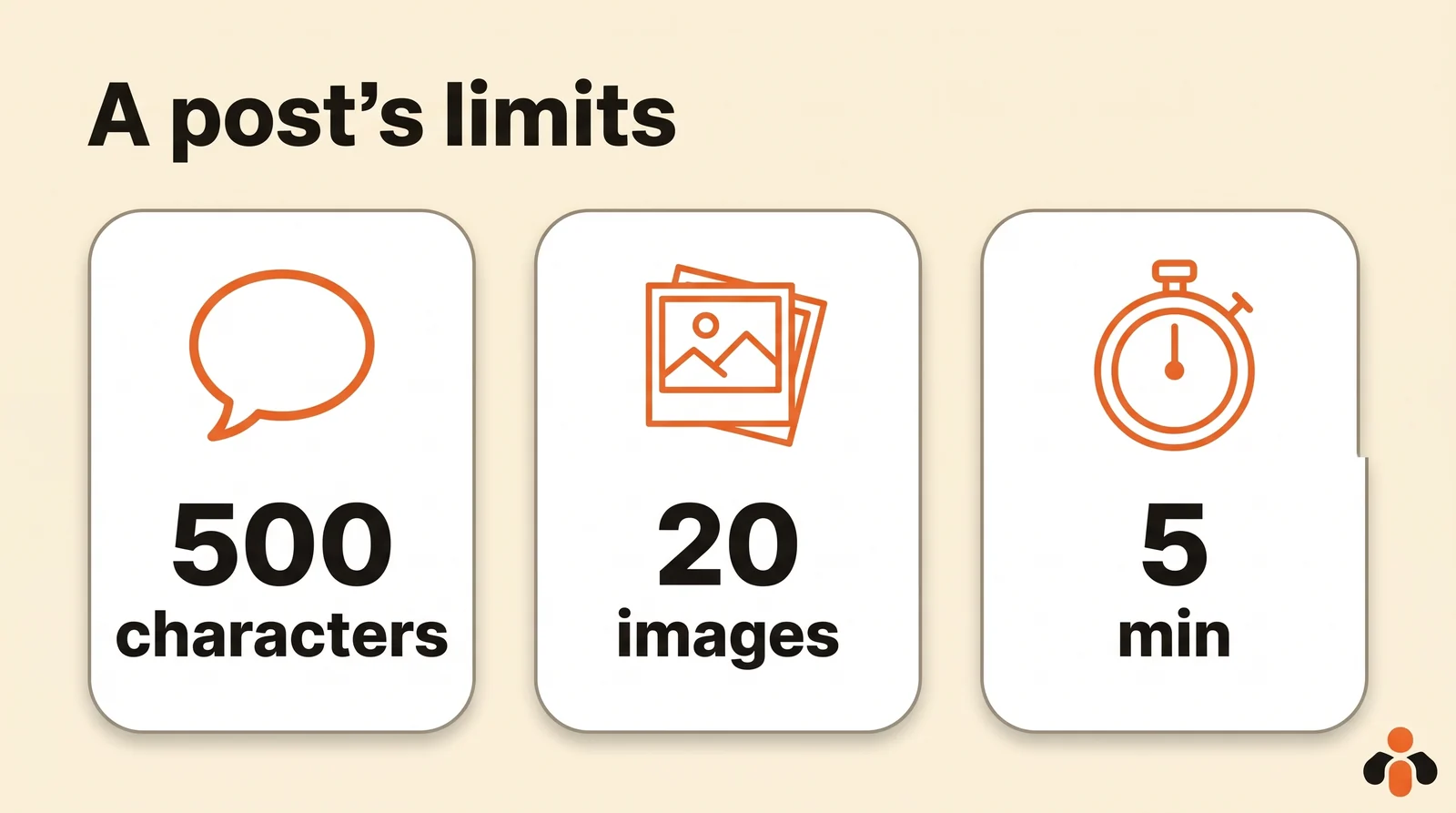
500 characters of text. The limit is the same through the API, and Meta notes that emojis count as their number of UTF-8 bytes, so one emoji weighs two to four characters. Tell the AI when it writes.
Five links at most. Since December 22, 2025, a post with more fails as soon as the container is created. In a text-only post, the first link becomes a clickable preview; the preview does not work with an image, video or carousel.
One topic per post. Threads files a post under a topic (the "topic tag"), 1 to 50 characters, with no periods or ampersands. The first valid topic in the text is kept, the others are not.
Files hosted online. Threads downloads the image or video itself: it must sit at a public address at the time of posting (get started).
A daily cap. According to the overview, a profile can publish at most 250 posts through the API in a rolling 24-hour window. Plenty for a brand; the tool must enforce it if it schedules for you.
| What you want | Threads API rule |
|---|---|
| Text only | 500 characters, emojis counted in bytes |
| Photo | JPEG or PNG, 8 MB max |
| Video | MOV or MP4, 5 minutes and 1 GB max, 9:16 recommended |
| Carousel | 2 to 20 photos or videos, one post |
| Links | 5 max per post |
| Volume | 250 posts per profile per rolling 24 hours |
One more rule matters if you want to build it yourself. An app can, at first, only post for profiles added as testers. To post on behalf of anyone, it needs the threads_content_publish permission approved through Meta's App Review, and the app must be published (create posts). The access token lasts 60 days and can be refreshed.
Scheduling on Threads: the app or the tool
The Threads app can schedule. The official Threads account announced it in one of its posts: tap the three-dot menu on the composer, tap Schedule, pick a date and time, then tap Schedule again. The post waits in your drafts, where you can edit or delete it.
The API describes no date setting: it posts when it is called. To schedule on Threads from ChatGPT or Claude, the connected tool holds the post and sends it on time, even after the conversation is closed.
Three ways to connect Threads to an AI
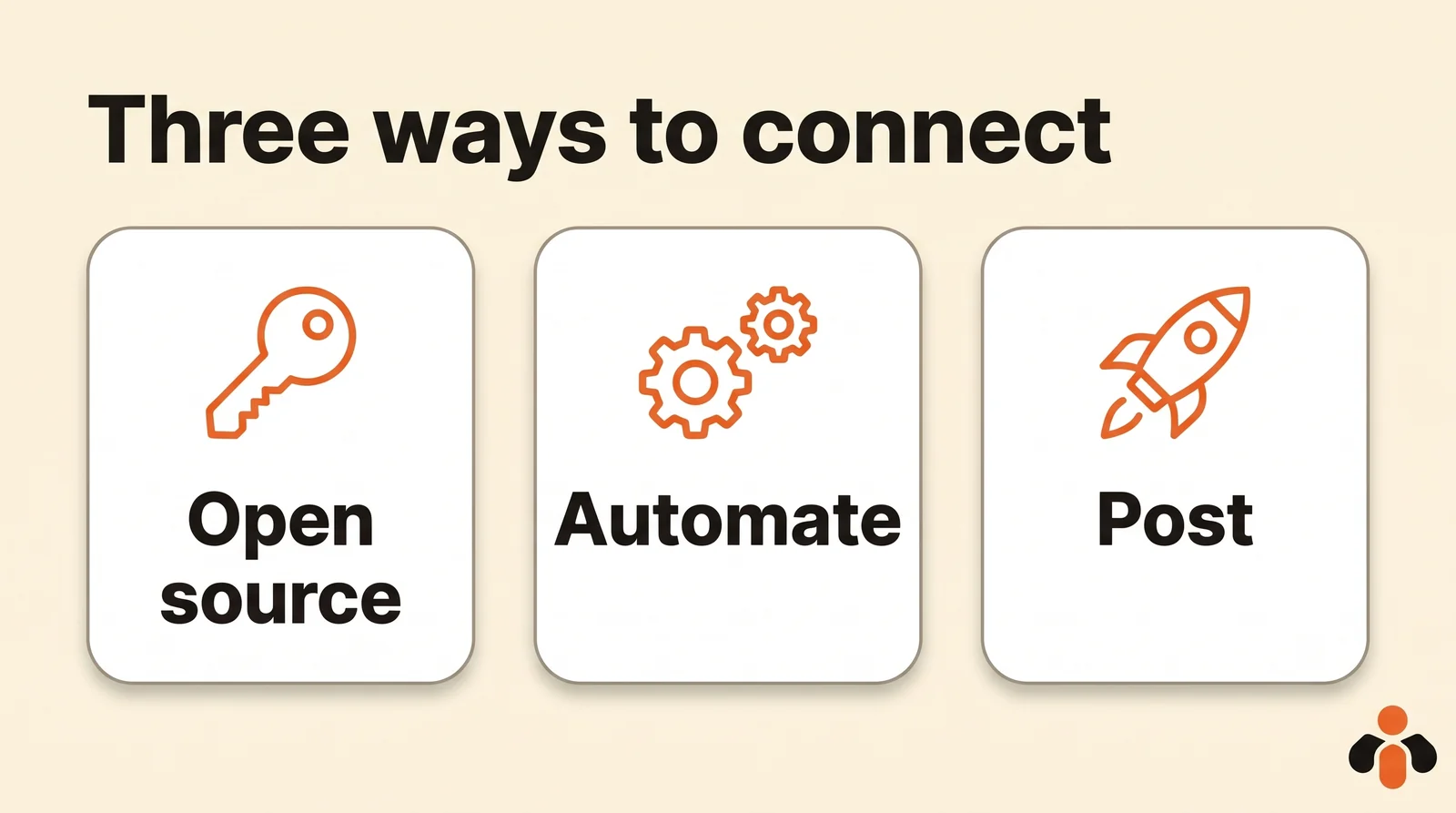
On Google's first page, "threads mcp" returns a GitHub repository first, then mostly vendor pages. They fall into three groups.
| Route | What it takes | Best for |
|---|---|---|
| Open-source MCP server (GitHub) | Create your own Meta app, add yourself as a tester, host the server, refresh the token | A developer, for their own profile |
| Automation tool (n8n) | Build a workflow that calls the Threads API, with your own app | One repeated task, always the same |
| Posting tool with MCP | Sign in to the tool and link your Threads profile | Posting and scheduling by talking to the AI |
GitHub servers. This is what "threads mcp github" looks for. The server is free, but it needs your own Meta app with the Threads use case, the "Threads Tester" role for your profile, and Meta's review to go further. You also host it and refresh the token every 60 days. Great for learning, heavy for a team.
n8n. Its HTTP Request node calls any API, Threads included, and an n8n AI agent can use it. Again, you need your own Meta app, then you build and maintain the workflow.
A posting tool with MCP already has an approved Meta app and exposes it to the assistant: sign in, link your profile, ask in plain words. "Meta threads mcp" and "threads api mcp" lead here: the AI never talks to Meta itself, the MCP server does. And a skill ("threads skill claude") gives Claude writing instructions, but the MCP server is what posts.
To understand MCP servers before choosing, our guide to MCP servers starts from scratch.
Post to Threads from Claude, step by step
With a posting tool listed in Claude's directory, there is nothing to copy.
- In Claude, open Customize, then Connectors.
- Find the tool in the directory, click Connect, then sign in to your account with that tool.
- Link your Threads profile: the tool opens the Threads authorization window, where you accept the requested permissions.
- Write your request in a conversation: the AI lists your accounts, drafts the post and waits for your approval.
Claude's help center explains that each directory connector has a page describing what it reads and writes. On Team and Enterprise plans, an Owner must first enable the connector for the organization; each person then signs in individually. Claude Code and Cursor take the MCP server address instead.
Post to Threads from ChatGPT
In ChatGPT, the directory is called Plugins, in the sidebar. According to OpenAI's help center, it is available across ChatGPT plans, on web, desktop and mobile, and installing a plugin starts the sign-in to the service.
- Open Plugins and find the tool.
- Click Install, then sign in to your account with that tool.
- Authorize access: the screen says what ChatGPT will be able to do.
- Link your Threads profile in the tool.
For a server that is not in the directory, such as a GitHub server you host, you add a custom MCP server. OpenAI's help center reserves full support for these servers to ChatGPT Business, Enterprise and Edu on the web, and only workspace admins and owners can create them.
A sample conversation
A real estate agency in Austin wants a Threads post every weekday morning, on top of its Instagram posts. Here is what the manager writes to ChatGPT, with a posting tool connected:
Draft five Threads posts for the agency, Monday to Friday at 8:30 a.m. Central Time: a listing of the week with its photo, a selling tip, a question about the neighborhood, a behind-the-scenes of the team, the market in one sentence. Under 450 characters each, one link only, the listing's.
The assistant first lists the connected accounts to target the right profile. It drafts the five posts, then sums up before sending: text, image, account, day, time. The manager corrects in plain words ("no emoji in the third one"), then approves. By default, ChatGPT and Claude ask for this approval before every post.
Three tips: always give the time zone, keep a margin under 500 characters if the text has emojis, and provide images through an online address or the upload link the tool offers.
Posting to Instagram and Threads in one request
Many brands post the same message on Instagram and Threads. The two networks have different needs: Instagram always wants an image or a video, Threads accepts text alone, and its 500-character limit is shorter than an Instagram caption. The best method is to ask for one text per network in the same conversation: a longer caption for Instagram, a short conversation starter for Threads, with the same photo.
For Instagram, our guide to connecting ChatGPT to Instagram covers that network's rules, and the one on Claude and Instagram does the same on the Claude side.
Post to Threads and your other networks from your AI
Kreatoai connects ChatGPT, Claude or any compatible AI to your social networks, Threads included, without code. It is in Claude's connector directory (Customize, then Connectors, search for Kreatoai) and, since October 22, 2026, in ChatGPT's plugin directory: install it and sign in without copying anything, then link your Threads profile, open to everyone since November 16, 2026. Claude Code, Codex, Cursor and Gemini CLI take the address https://api.kreatoai.com/mcp/social.
You then write to the AI as you would to a colleague: it writes the post with you, publishes or schedules it, moves or cancels it until it goes out, and tells you when it is live with its link. On Threads, Kreatoai publishes 500 characters of text, images, a video or a carousel, with a first comment if you want one. A photo still on your phone joins through the upload link the AI gives, which shows a QR code. The same request can also target Instagram, Facebook Pages, LinkedIn, Bluesky or TikTok at once, and several accounts on the same network connect in one place.
Kreatoai does not create images or videos: it publishes the ones you make elsewhere. It does not provide analytics for Threads. By default, Claude and ChatGPT ask for your approval before posting or cancelling, and the AI never sees your passwords or payment details. Ten posts are free every month, no credit card needed. The Kreatoai page for Claude and the Kreatoai page for ChatGPT show the setup, and our guide to scheduling with MCP walks through each network.
Key takeaways
- ChatGPT and Claude do not post to Threads on their own: they need a connector or an MCP server linked to the official API.
- Alone, they write posts; connected, they publish and schedule, after your approval.
- The Threads API: 500 characters (emojis counted in bytes), 5 links, carousels of 2 to 20 items, 5-minute videos, 250 posts a day.
- A GitHub MCP server needs your own Meta app and Meta's review; a posting tool already has both.
- The Threads app schedules on its own; from an AI, the connected tool holds the post and sends it on time.
Frequently asked questions
- Can ChatGPT post to Threads?
- Not on its own. ChatGPT writes a Threads post very well, but it needs a plugin or an MCP server connected to the Threads API to send it. With Kreatoai, installed from ChatGPT's plugin directory, you link your Threads profile, then ChatGPT posts or schedules once you approve.
- Is there a Threads MCP server?
- Yes. Open-source ones are on GitHub, which you host with your own Meta app, and ready-made ones come with posting tools. Kreatoai is one of them: its MCP server posts to Threads as it does to Instagram, Facebook or LinkedIn, from Claude, ChatGPT or any compatible AI.
- How do I connect Claude to Threads?
- Add a connector that posts to Threads: in Claude, open Customize, then Connectors, find the tool and sign in. Then link your Threads profile in the tool. Claude can write, post and schedule your posts, and asks for your approval before each one.
- What is the character limit for a Threads post via the API?
- 500 characters. Meta's documentation says emojis count as their number of UTF-8 bytes, so one emoji weighs more than one character. A post can contain 5 links at most.
- Can you schedule a post on Threads?
- Yes. In the Threads app, the three-dot menu on the composer lets you schedule a post for a date and time; it then waits in your drafts. The API itself posts immediately: to schedule from an AI, the connected tool holds the post and sends it on time.
- How many photos can a Threads post have?
- A Threads carousel holds 2 to 20 photos or videos, mixed if you like, and counts as a single post. Through the API, a photo must be JPEG or PNG, 8 MB at most.
- Can a Threads video be longer than 5 minutes?
- Not through the API: Meta caps duration at 5 minutes, for a MOV or MP4 file of 1 GB at most, and recommends the vertical 9:16 format.
Have it done for you
Kreatoai publishes and schedules your posts on all your networks, from your dashboard or by asking ChatGPT and Claude, and its agent answers your direct messages. Ten free posts every month, no credit card.
Try it free