Instagram Chatbot for Business: What Works, and When It Stays Quiet
Instagram chatbot for business: the three kinds of bots, Meta's rules, how to build one for free, with n8n or an AI agent, and the four moments it should hand over.
 By Kreatoai
An Instagram chatbot for business answers your professional account's direct messages when nobody is around: it greets, informs and takes down requests. There are three kinds, from Meta's free fixed text to an AI agent that reads your real information. All of them follow the same Meta rules, and a good chatbot is mostly recognized by what it knows not to do.
In this guide:
- what an Instagram bot is, and its three kinds;
- the Meta rules no tool gets around;
- what changes when an agent is connected to your real information;
- the four moments it should stay quiet;
- building an Instagram chatbot: free with Meta, with n8n, with Zapier or with a ready-made tool;
- what to teach it, with examples to copy.
What is an Instagram chatbot?
An Instagram chatbot, or Instagram bot, is a program that answers an account's direct messages on behalf of the team. It works as customer support: questions come in at night, on weekends, while you are serving or in a meeting, and a fast answer is often worth a sale.
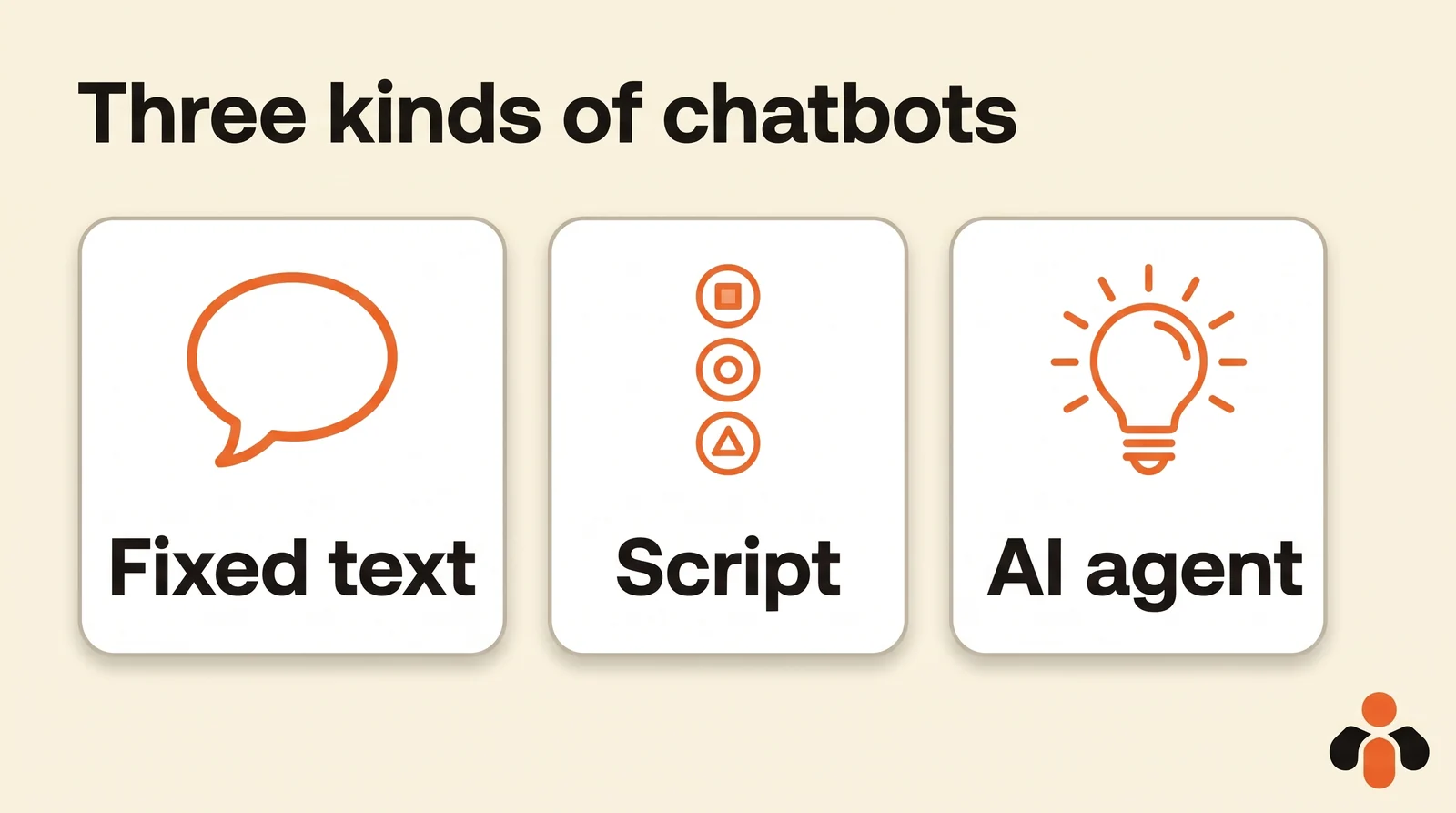
There are three kinds:
| Kind | How it replies | What it does well | Its limit |
|---|---|---|---|
| Meta's automations | Fixed text, on the first message or a keyword | Greeting, opening hours, asking people to wait | Cannot understand a real question |
| Scripted bot | Buttons and keywords, written in advance | Guiding to an offer, collecting an email | Gets lost as soon as the customer leaves the script |
| AI agent | Understands the question and answers with your information | Prices, delivery times, availability, in plain language | Must know when to hand over |
Meta's automations are free in Meta Business Suite: auto reply, away message, frequently asked questions, custom keywords and comment to message (Meta). The step-by-step guide, with 12 message samples, is in the Instagram auto reply article. This one covers the next step: a chatbot that actually answers.
Meta's rules no chatbot gets around
Any chatbot other than Meta's own goes through Instagram's messaging API. Its rules apply to every tool, free or paid, according to Meta's documentation:
- a professional account: the API only serves Instagram professional accounts;
- the customer writes first: an app can only message a user after they have messaged the account. Conversations start from the feed, posts, story mentions and other touchpoints;
- 24 hours to reply: that is the standard messaging window for most user actions. It can last up to 7 days when the person sends their first message after clicking a Click-to-Direct ad;
- 7 days for a human: a reply written by a team member can carry the Human Agent tag, which opens a separate seven-day window (Meta);
- one message after a comment: to someone who comments on a post, reel or story, the app can send one private reply, within 7 days of the comment, or during the broadcast for a Live; follow-ups are only possible if the person replies (Meta);
- a path to a human: Meta asks automated experiences to provide an escalation path, either an inbox in the same tool or a handover of the conversation to another app;
- say it is a bot: where the law requires it, the chatbot discloses it at the start of the conversation, after a significant lapse of time and when the chat moves from a human to automation. Meta names California and Germany, and recommends doing it everywhere.
Two details often surprise people. A conversation from someone who does not follow you lands in the Requests folder, while followers land in Primary. And a message read by the tool is not marked as read in the Instagram app until a reply has been sent.
For a tool that manages other businesses' accounts, Meta also requires Advanced Access, granted after an app review.
What changes when an agent reads your real information
Fixed text greets. It does not answer "do you deliver to Brooklyn on Saturday?". Here is the same question, on a Friday at 10 pm, for an online skincare brand.
With an auto reply:
Customer: Hi, does the night cream come in a travel size? And can you deliver before Tuesday?
Account: Thanks for your message! We reply Monday to Friday, 9 am to 6 pm.
The customer waits three days, or buys elsewhere.
With an agent that reads the brand's information:
Customer: Hi, does the night cream come in a travel size? And can you deliver before Tuesday?
Account: Hi! Yes, the night cream comes in a 0.5 oz size, on the same page as the full size. An order placed tonight ships Monday, with delivery in 1 to 2 days, so Tuesday is possible but not guaranteed. Shall I send you the link?
The difference is not the AI itself but what it reads. An agent that has learned nothing makes things up. An agent that answers from your product sheet, your prices, your delivery times and your usual answers replies like your best salesperson, at any hour. That is the first thing to check when choosing a tool: where its answers come from.
The four moments a chatbot should stay quiet
A chatbot that answers everything ends up answering badly. Good ones stop in four cases.
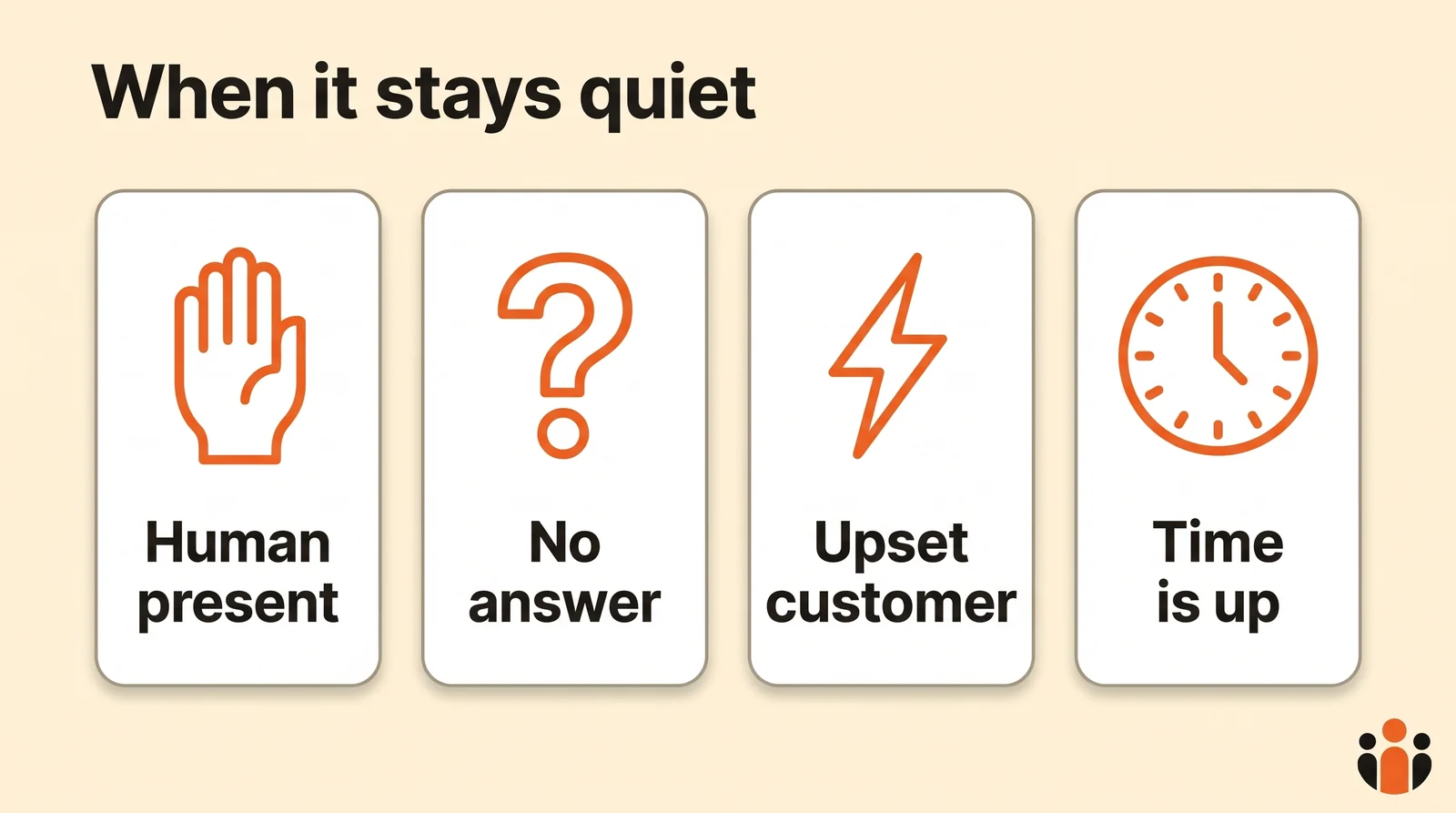
1. When a human has taken over the conversation. If you reply yourself from the Instagram app, the chatbot should step back, or the customer gets two conflicting answers. Meta's own agent works the same way: once you reply manually, it stops generating replies.
2. When the answer is not in what it knows. A custom quote, availability nobody entered, a special case: the chatbot says it is passing the question on, and alerts the team. Inventing a price costs more than waiting an hour.
3. When the customer is upset or asks for a person. A complaint, a lost parcel, a refund: a bot replying "I understand your frustration" makes things worse. It hands over right away and says when someone will reply.
4. When Meta's window has closed. More than 24 hours after the customer's last message, the chatbot may no longer write. Only a team member can reply, within seven days, with the Human Agent tag. And it never messages someone who has not written to it.
Building an Instagram chatbot: four routes
1. For free, with Meta's automations
This is the starting point, with nothing to install: in the Meta Business Suite inbox, Automations, then Create automation. Keyword automations are desktop only, and custom automations are prioritized over the others (Meta). It is the best free Instagram DM automation for greeting people and asking them to wait.
Meta's AI agent, Meta Business Agent, answers from your catalog, business description, address and hours. But its help page, read on November 17, 2026, presents it on Messenger or WhatsApp, not Instagram. Access is limited, with a free limit on Messenger and then a Meta One plan, and turning it on pauses existing automations.
2. With n8n: your own chatbot
If you like building, n8n makes a complete Instagram chatbot. The Facebook Trigger node, set to the Instagram object, receives messages sent to the account through the Messages field, according to n8n's documentation. The typical workflow:
- Facebook Trigger, Instagram object, Messages field, with the Include Values option turned on (this object type fails without it).
- An AI node that drafts the reply from your information.
- An HTTP Request node that sends the reply to Instagram's messaging API (
POST /<IG_ID>/messages, with the sender's ID).
You need your own Meta app, its credentials, and the permission to manage messages. Above all, everything Meta requires is up to you: counting the 24 hours, handing over to a human, disclosing the bot, never replying twice. To publish to Instagram with n8n instead, see the guide to automating Instagram posts with n8n.
3. With Zapier: not for direct messages
"Zapier instagram dm" is a common search. As of November 17, 2026, Zapier's Instagram for Business app page lists new media posted and new tagged media as triggers, and publishing and a raw API request as actions. No trigger fires on a new direct message: Zapier is for publishing, not replying.
4. With a ready-made tool
A messaging tool connected to Meta's API does the work of route 2 without a workflow to build. Before choosing, ask four questions:
- Where do its answers come from: your documents and usual answers, or a model that improvises?
- Does it know when to stay quiet in the four cases above?
- Can you test it before it talks to real customers?
- Does it bring Instagram and Messenger together, if customers write on both?
The four routes side by side
| Route | Cost | Understands questions | Work on your side |
|---|---|---|---|
| Meta's automations | Free | No, fixed text | Ten minutes of setup |
| n8n | Depends on your hosting | Yes, if you plug in an AI | Meta app, workflow, Meta's rules |
| Zapier | Not applicable | No trigger on messages | Not applicable |
| Ready-made tool (AI agent) | Depends on the tool | Yes | Teaching it your business |
What to teach your chatbot
An AI agent is only as good as what you give it. Before turning it on, gather:
- what you sell, with prices and sizes;
- your hours, address, delivery areas and times;
- the answers to the ten questions you get every week;
- what it must never promise (a discount, a firm date);
- when it should hand over, and to whom.
A few instructions to copy and adapt:
| For | Instruction to give it |
|---|---|
| Restaurant | "For a booking, ask for the day, time and number of guests, then say a team member confirms within the hour." |
| Online store | "Never promise a firm delivery date: give the usual delivery time and offer order tracking." |
| Coach | "If the person hesitates, offer the discovery session and send the booking link." |
| Agency | "For a quote, ask for the need, budget and deadline, then hand over to the team." |
| Real estate | "Ask for the listing reference and two viewing slots. Never give an opinion on a sale price." |
| App | "For a login problem, share the help page, then pass it to the team if the problem persists." |
| All | "If the customer is unhappy or asks to talk to someone, say a team member will reply today and hand over." |
| All | "In the first message, say you are [brand]'s automated assistant." |
An agent that answers with what you taught it
That is the route Kreatoai's agent takes. It brings Instagram and Messenger direct messages into one inbox and answers from what the business has taught it: a description of the business, its usual answers, its documents. It replies in the customer's language, saves the contact details of people who want to go further, and stops to alert a human when a question falls outside its scope. You take the conversation back whenever you want.
It follows Meta's rules: it never messages someone who has not written first, and it does not reply to public comments. With a plan, you can test it in a dry run before it talks to real customers.
Prefer to write the replies yourself? From ChatGPT or Claude connected to Kreatoai, the AI reads the Instagram and Messenger messages waiting for a reply, most urgent first, suggests an answer for each and sends it after your approval, within the 24 hours Meta allows. Details are on the agent's presentation and the Claude page.
Key takeaways
- An Instagram chatbot for business ranges from Meta's free fixed text to an AI agent that reads your information.
- They all follow Meta's rules: a professional account, the customer writes first, 24 hours to reply.
- After a comment, one private reply, within seven days.
- A good chatbot stays quiet in four cases: a human present, an answer it does not have, an upset customer, a closed window.
- n8n lets you build your own; Zapier has no trigger on direct messages.
- An agent is only as good as what you teach it: prices, delivery times, usual answers, and when to hand over.
Frequently asked questions
- What is an Instagram chatbot?
- An Instagram chatbot is a program that answers the direct messages of an Instagram professional account on behalf of the team. There are three kinds: Meta's automations, which send fixed text; scripted bots, which follow buttons and keywords; and AI agents, which understand the question and answer from the business's own information.
- Is there a free Instagram chatbot?
- Mostly, yes. The inbox automations in Meta Business Suite are free: auto reply, away message, frequently asked questions, custom keywords and comment to message. They send fixed text. A real chatbot that understands questions goes through a tool connected to Instagram's messaging API, or through your own workflow in a tool like n8n.
- Can an Instagram chatbot message people who never wrote to you?
- No. According to Meta's documentation, an app can only message an Instagram user after that user has messaged the professional account. Someone who comments on a post can receive a single private reply, within seven days of the comment.
- How long does an Instagram chatbot have to reply?
- The standard messaging window lasts 24 hours for most user actions. It can last up to seven days when the person sends their first message after clicking a Click-to-Direct ad. A reply written by a team member can use the Human Agent tag, which allows seven days.
- Does an Instagram chatbot have to say it is a bot?
- Where the law requires it, yes: Meta asks automated chats to disclose that people are talking to an automated service at the start of a conversation, after a significant lapse of time, and when a chat moves from a human to automation. Meta names California and Germany, and recommends disclosing it everywhere as a best practice.
- How do I build an Instagram chatbot with n8n?
- n8n's Facebook Trigger node, set to the Instagram object and the Messages field, receives every message sent to the account. You need your own Meta app and its credentials. The workflow then drafts the reply, for example with an AI node, and sends it with an HTTP request to Instagram's messaging API. The 24-hour window, the handover to a human and the bot disclosure are up to you.
- Can Zapier send Instagram DMs?
- Not with a ready-made trigger as of November 17, 2026: Zapier's Instagram for Business app page lists new media and tagged media as triggers, and publishing and a raw API request as actions. Nothing fires on a new direct message.
- Does Meta Business Agent work on Instagram?
- Meta's help page, read on November 17, 2026, presents Meta Business Agent on Messenger and WhatsApp, not Instagram. Access is limited, with a free limit on Messenger and then a Meta One plan, and turning it on pauses existing automations such as away messages.
- What is the difference between a chatbot and an AI agent on Instagram?
- A classic chatbot follows a script written in advance: it spots a keyword or a button and sends the planned answer. An AI agent understands the question, looks for the answer in what the business has taught it and writes it in its own words. Kreatoai's agent, for example, replies in the customer's language and alerts a human when a question falls outside its scope.
Have it done for you
Kreatoai publishes and schedules your posts on all your networks, from your dashboard or by asking ChatGPT and Claude, and its agent answers your direct messages. Ten free posts every month, no credit card.
Try it free