Connect Claude to Instagram: Connector, MCP and Limits
How to connect Claude to Instagram: add a connector from the directory or by URL, set it up in Claude Code, post and schedule from a chat, and know Meta's rules.
 By Kreatoai
Yes, you can connect Claude to Instagram, but not through a hidden setting in either app. You add a connector (a remote MCP server) in Claude's Customize menu, authorize your Instagram professional account on the connector's screen, then ask Claude to write, publish or schedule your posts. This guide was checked against Anthropic's and Meta's official pages on October 30, 2026.
In this guide:
- what Claude can do for Instagram on its own, and what a connector adds;
- how to add an Instagram connector from Claude's directory, step by step;
- how to add one by URL, and how to connect Claude Code to Instagram;
- the Instagram rules that apply to every connector, whoever built it.
Can Claude post to Instagram on its own?
No. By itself, Claude stays inside the conversation. It can brainstorm post ideas, write five versions of a caption, outline a carousel, script a Reel or plan a month of content. It cannot open your account, and it cannot read a private Instagram page you paste as a link.
What a connector changes is the last step. Anthropic describes connectors as a way to let Claude access your apps and services, retrieve your data, and take actions within connected services. So "write the caption, use the second version, schedule it for Friday at 6 pm" becomes one request instead of a copy and paste job.
Two things stay on your side. The visual: an Instagram post needs a photo or a video, and the connector posts the file you provide. And the decision: Claude asks before it acts, and you approve.
What a Claude Instagram connector actually is
The technology behind it is MCP, the Model Context Protocol. Think of it as a standard plug. Claude sits on one side, a service like Instagram on the other, and an MCP server in the middle exposes a few tools, such as "create a post", "list my accounts" or "cancel a post". When people search for "claude instagram mcp", they are looking for that middle piece.
Three facts help you pick the right one:
- The server is remote. Anthropic says custom connectors connect to your MCP server from Anthropic's cloud, not from your local device. You connect to a web address; you do not install software.
- Not every connector publishes. Several results for "connect claude to instagram" are analytics connectors: they let Claude read reach, saves and follower numbers. That is useful, but it will not post anything. Before you connect, check the description for words like publish, schedule or post.
- Official API or not. Some open source servers drive Instagram like a logged-in app, with your username and password or a copied session. Meta's platform terms say apps must not separately request or collect a Meta user's login credentials. For a brand account, pick a server that signs you in on Meta's own screen.
Each connector also covers only the networks its publisher built. If you post to TikTok or LinkedIn too, look for one connector that covers all of them. Our roundup of the best social media MCP servers compares the options.
How to connect Claude to Instagram from the connector directory
This is the simplest path: no address to paste and no key to copy. The directory lists connectors with their use cases and read or write capabilities.
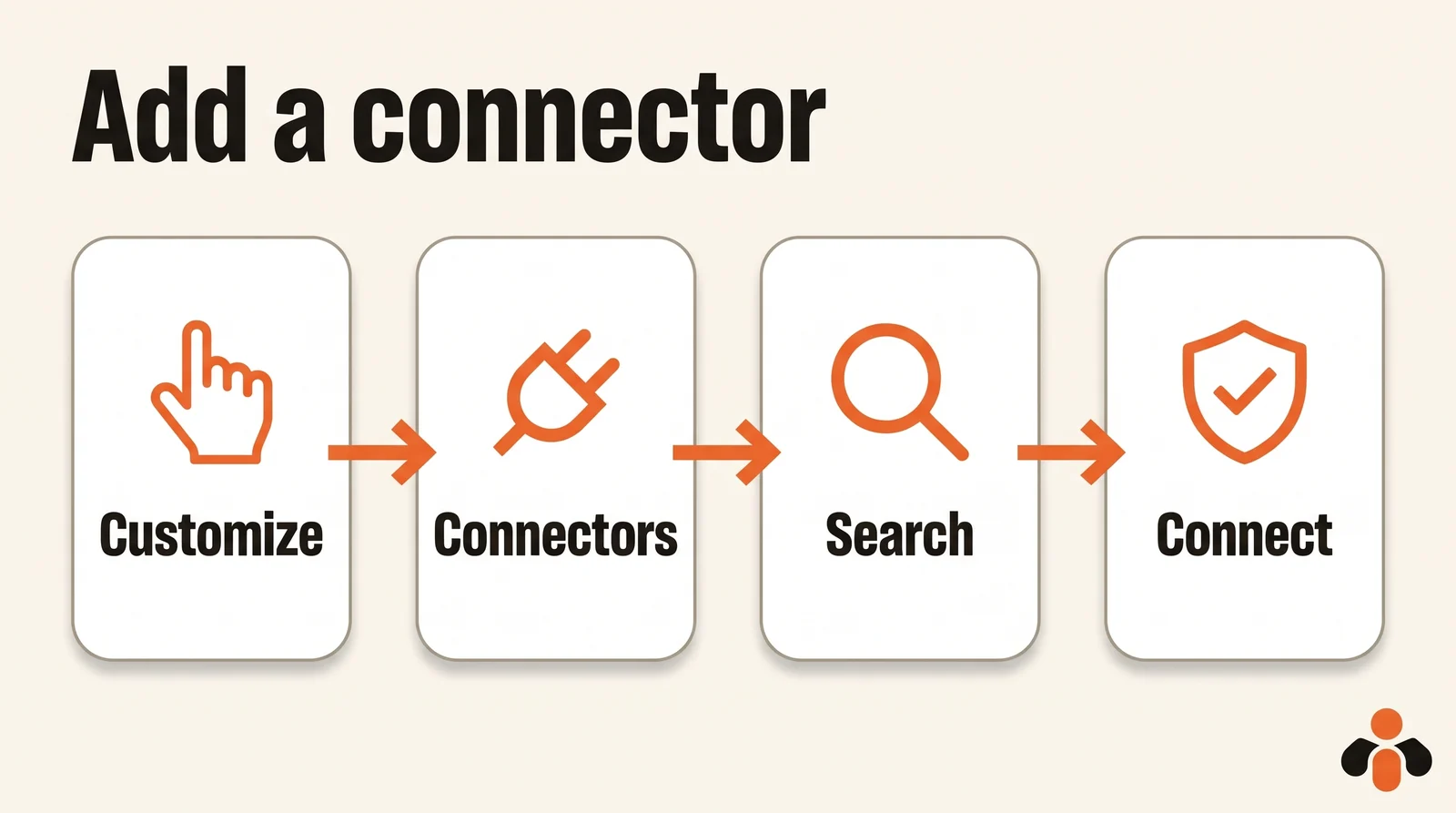
Here are the steps, based on Anthropic's help article on connectors:
- Go to Customize, then Connectors, and click the + button next to Connectors. From a chat, you can also click +, hover over Connectors and select Manage connectors.
- Search for the connector and click it.
- Read its description and capabilities.
- Click Connect or Install, then follow the authentication prompts.
- Connect your Instagram professional account on the authorization screen, the way the connector describes it.
Look at the label before you connect. Anthropic's connector verification page explains three of them: Verified connectors were tested more closely by Anthropic, Community connectors come from third-party developers that Anthropic screened but did not review in depth, and Custom means you added it yourself. The label does not change what the connector can do once connected.
On Team and Enterprise plans, an Owner or Primary Owner needs to enable connectors for the organization first. Members who cannot add one can select Request on the connector's page.
Adding an Instagram MCP server as a custom connector
If the connector you want is not in the directory, you can add it by its address. On a Free, Pro or Max plan, the steps from Anthropic's guide to connectors outside the directory are:
- Go to Customize, then Connectors.
- Click Add custom connector.
- Enter the remote MCP server URL.
- If needed, enter OAuth credentials.
- Click Add, then connect your account when the authorization screen opens.
The menus vary a little between accounts: the help center version of the same steps goes through Add, then Custom, then Web. Two limits to know. On the Free plan, you can add one custom connector. And on Team and Enterprise plans, an Owner adds it in Organization settings, then Connectors, and members connect from Customize.
The step people forget: a connector is not on in every chat. Click the + button in your chat, select Connectors, then turn each connector on or off for that conversation. If Claude says it cannot post, check this first.
How to connect Claude Code to Instagram
Claude Code is Claude's tool for the terminal. It connects to a remote server with one command, given in the Claude Code MCP documentation:
claude mcp add --transport http <name> <url>
Replace <name> with a name you choose and <url> with the server address. If the server needs a sign-in, type /mcp inside Claude Code and follow the steps in your browser. The same page says authentication tokens are stored securely and refreshed automatically.
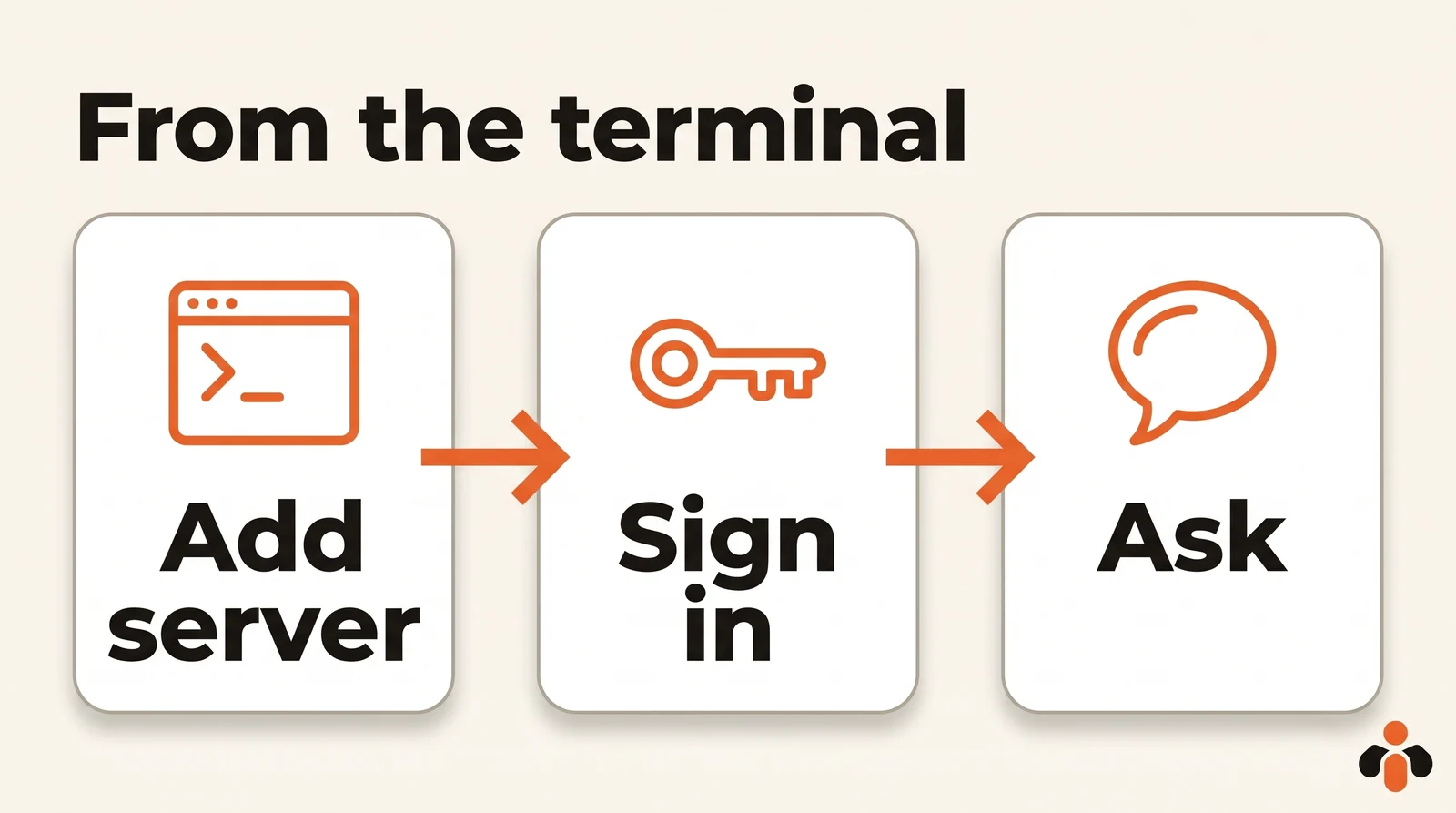
There is a shortcut. If you log into Claude Code with a claude.ai account, connectors you added in claude.ai are automatically available in Claude Code. So a connector set up once in the browser works in your terminal too.
One warning the documentation writes plainly: verify you trust each server before connecting it, because servers that fetch outside content can expose you to prompt injection, meaning hidden instructions slipped to Claude. The same remote server also works in Cursor, Codex or Gemini CLI, with each tool's own syntax.
Where it works: web, desktop, Cowork and mobile
Here is what Anthropic's help center says, as of October 30, 2026:
| Situation | What Anthropic says |
|---|---|
| Connectors from the directory | Available for all users on Claude, Cowork, Claude Desktop and Claude Mobile |
| Custom connector by URL | Claude, Cowork and Claude Desktop, on Free, Pro, Max, Team and Enterprise; Free is limited to one |
| Phone | A connector set up on the web or desktop is available on iOS and Android at your next login; installing on mobile is in beta |
| Team and Enterprise | An Owner enables the connector; each member still signs in individually |
So yes, Claude Cowork can post to Instagram once the connector is on. The realistic setup is to add the connector from a computer, then use it anywhere.
Posting to Instagram with Claude: a sample conversation
Once the connector is on, you talk to Claude like a coworker. Here is a realistic request from someone selling an online course:
Write three captions for my new lesson preview, friendly and direct, under 120 words each, with five hashtags. I'll pick one, then schedule it on my Instagram for Thursday at 6 pm with this video: [link to the video].
Claude drafts, you choose, then it calls the scheduling tool. Two details matter. The file has to be online: the connector receives it by its address. And when Claude needs to act, it asks for your approval first. Anthropic's advice for remote servers is to review tool approval requests carefully and only click Always allow for trusted servers.
Keep that habit at the start. Read the caption, the date and the account in the approval request before you accept. You can go further: under Customize, then Connectors, you can set a tool you don't need to Blocked, for example a delete tool you never want Claude to use.
Then ask what is still scheduled. It is the fastest way to check the date, the time and the account, and to move or cancel a post before it goes live. Some connectors also read the comments on your posts and draft replies for you to approve, which saves a trip to the app.
Instagram's rules apply to every connector
A trustworthy connector goes through Meta's official API, which means Meta sets the rules, not Claude. Three of them decide whether your post goes out.
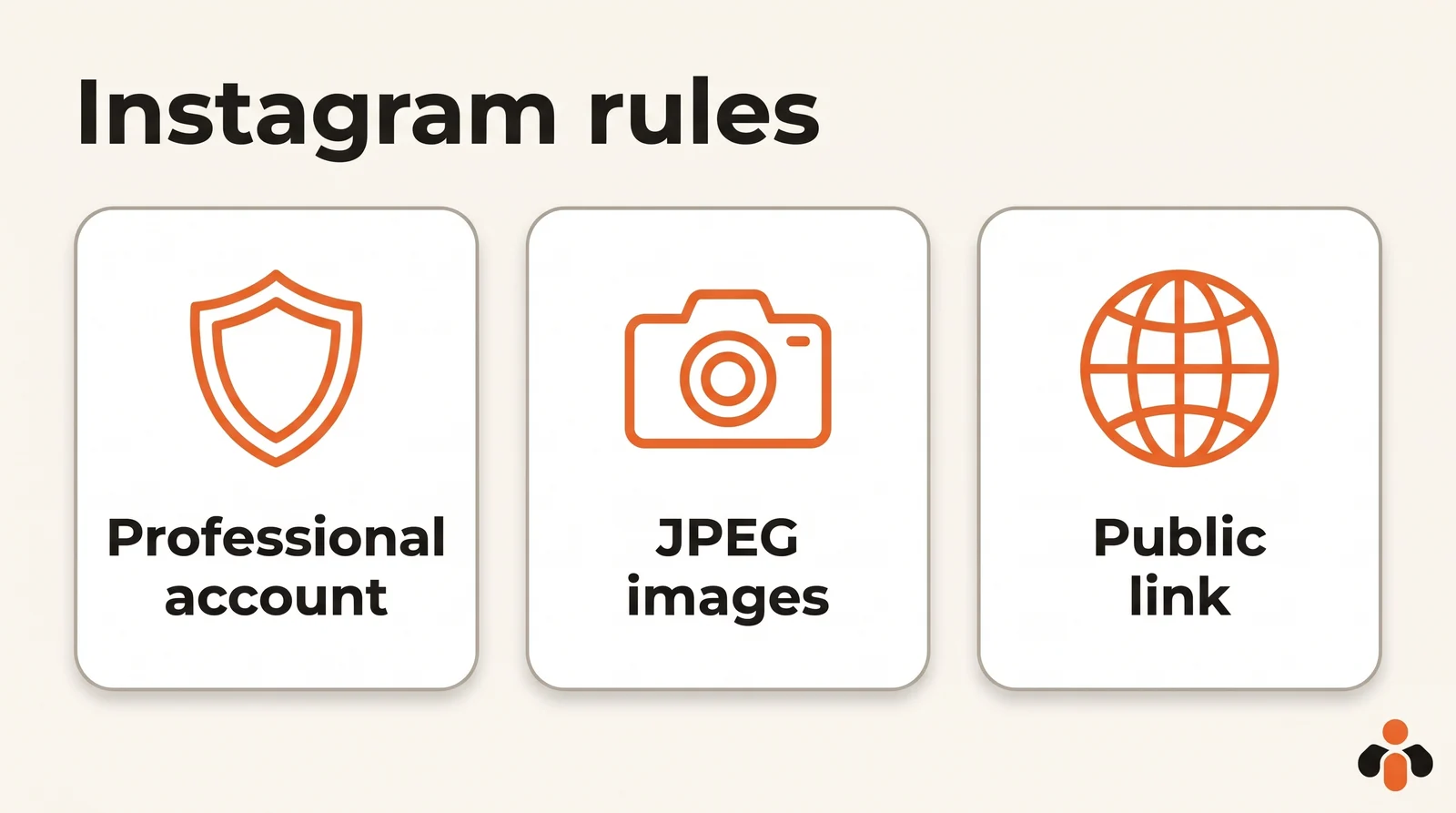
A professional account. Meta's content publishing guide covers publishing on Instagram professional accounts, business or creator. You switch in the app, under For professionals, then Account type and tools, then Switch to professional account. One catch: if your personal account is private, switching to a professional account will make it public.
JPEG images and a public link. JPEG is the only image format supported, and shopping tags and filters are not supported. Meta fetches the file itself, so the media must be hosted on a publicly accessible server at the time of the attempt. If Claude reports a refused image, check the format and the link first.
Volume and carousels. Carousels are limited to 20 images, videos, or a mix of the two. On volume, the same page says accounts are limited to 100 API-published posts in a 24-hour moving period, with a carousel counting as one, but its carousel section says 50. Either way, it is far above what a brand posts in a day.
A ready-made connector for Claude and Instagram
Kreatoai is a connector of this kind, listed in Claude's connector directory. You open Customize, then Connectors, search for Kreatoai and connect in one click, with nothing to install and no key to copy. For Claude Code, Cursor, Codex, Gemini CLI or any client that accepts a remote MCP server, the address is https://api.kreatoai.com/mcp/social.
From Claude, it publishes to Instagram, Facebook Pages, TikTok, personal LinkedIn profiles, YouTube Shorts, Bluesky and Google Business profiles, right away or at the time you choose, on the account you name. The same post can go to several networks and accounts at once. A scheduled post can be edited or canceled as long as it has not gone out, and Claude can tell you whether a post went live, with its link. It also reads comments on your Instagram account and Facebook Pages, suggests a reply for each and, after your approval, answers as the account; it can hide a comment that does not belong there. By default, Claude asks for your approval before publishing or canceling.
What it does not do from Claude: read your analytics or your private messages, and it never sees your passwords or payment details. The Claude setup page walks through the connection with sample requests. If you also use ChatGPT, our ChatGPT guide shows the same path there.
Key takeaways
- On its own, Claude writes your captions; to publish or schedule on Instagram, it needs a connector, meaning a remote MCP server.
- The easiest path is the directory: Customize, Connectors, search, Connect, then authorize your Instagram account.
- A connector outside the directory is added by URL; the Free plan allows one custom connector.
- Turn the connector on in each chat with the + button, then Connectors.
- In Claude Code, run
claude mcp add --transport http <name> <url>, then/mcpto sign in; connectors from claude.ai carry over. - Meta requires a professional account, JPEG images and a public file link, and you should never give your Instagram password to a third party.
- Review each approval request, and only choose Always allow for servers you trust.
Frequently asked questions
- Can Claude connect to Instagram?
- Yes, through a connector. Claude has no built-in Instagram switch, and Instagram has no Claude button. You open Customize, then Connectors, add a connector that publishes to Instagram, sign in on its authorization screen and connect your Instagram professional account. After that, you turn the connector on in a chat and ask Claude to post or schedule.
- Can Claude post to Instagram for you?
- Only with a connector that can write. On its own, Claude writes captions and plans content but cannot touch your account. With a publishing connector, it can publish or schedule a post with the image or video you give it. Anthropic advises reviewing each tool approval request carefully and choosing Always allow only for servers you trust.
- Do I need a professional Instagram account to post from Claude?
- Yes, when the post goes through Meta's API, which is what a serious connector uses. Meta's content publishing guide covers Instagram professional accounts only, business or creator. You switch in the Instagram app, but a private personal account becomes public when it switches.
- How do I connect Claude Code to Instagram?
- Run claude mcp add --transport http followed by a name of your choice and the MCP server address. Then type /mcp inside Claude Code and follow the sign-in steps in your browser. If you already connected the connector on claude.ai with the same account, it is available in Claude Code automatically.
- Can Claude Cowork or the Claude mobile app post to Instagram?
- Anthropic's help center says web connectors are available on Claude, Cowork, Claude Desktop and the Claude mobile apps. A connector you set up on the web or desktop is available on iOS and Android the next time you log in. Installing connectors on mobile is in beta, so it is easier to add one from a computer.
- Can Claude make Instagram Reels?
- Claude can write a Reel script, a hook and a caption, but it does not edit or render the video. You make the video elsewhere, put it online, and a publishing connector posts it as a Reel. Kreatoai, for example, publishes the videos you provide and does not create them.
- Does Claude see my Instagram password?
- It should not. Meta's platform terms say apps must not separately request or collect a Meta user's login credentials. You sign in on Meta's own screen. Kreatoai, for example, never shows Claude your passwords, private messages or payment details.
Have it done for you
Kreatoai publishes and schedules your posts on all your networks, from your dashboard or by asking ChatGPT and Claude, and its agent answers your direct messages. Ten free posts every month, no credit card.
Try it free