What Is an MCP Server? Explained Simply, With a Real Example
What is an MCP server? A plain-English definition, what it's used for, how ChatGPT and Claude use one, MCP vs API, and a real example that posts to social media from an AI.
 By Kreatoai
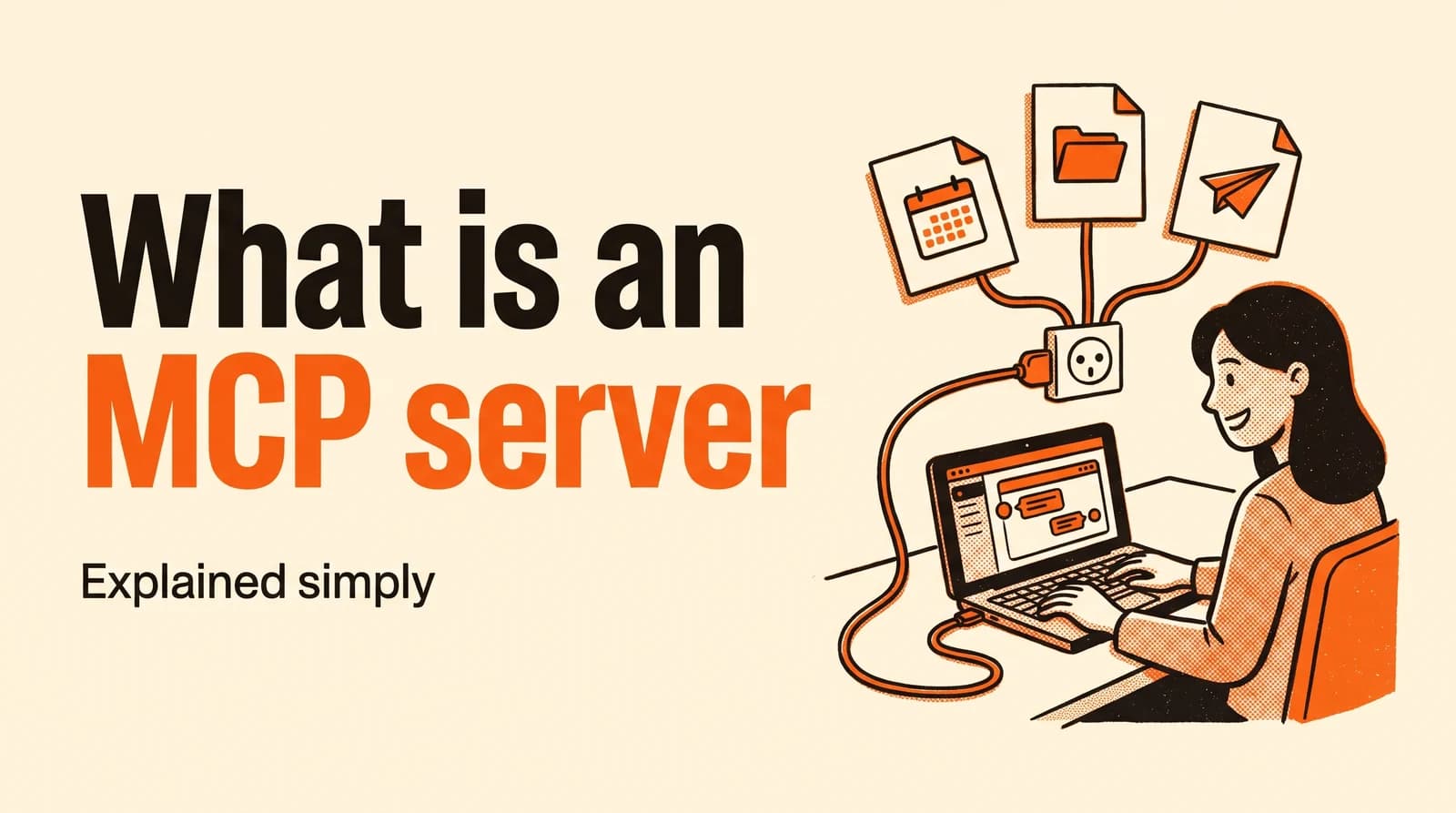
An MCP server is a program that lets an AI such as ChatGPT or Claude plug into an outside tool (your calendar, your files, an Instagram account) and act there for you. MCP stands for Model Context Protocol: the shared standard that describes how the AI and the tool talk to each other. This guide explains it in plain English, with a real example where an AI posts to social media.
In this guide:
- the definition, with a simple analogy;
- the three parts of an MCP connection: the app, the client, the server;
- what a server gives the AI: tools, resources and prompt templates;
- local vs remote servers, and how MCP differs from an API;
- a full example: asking Claude to post to Instagram;
- how to add one, and the precautions to take.
What is an MCP server, in simple terms
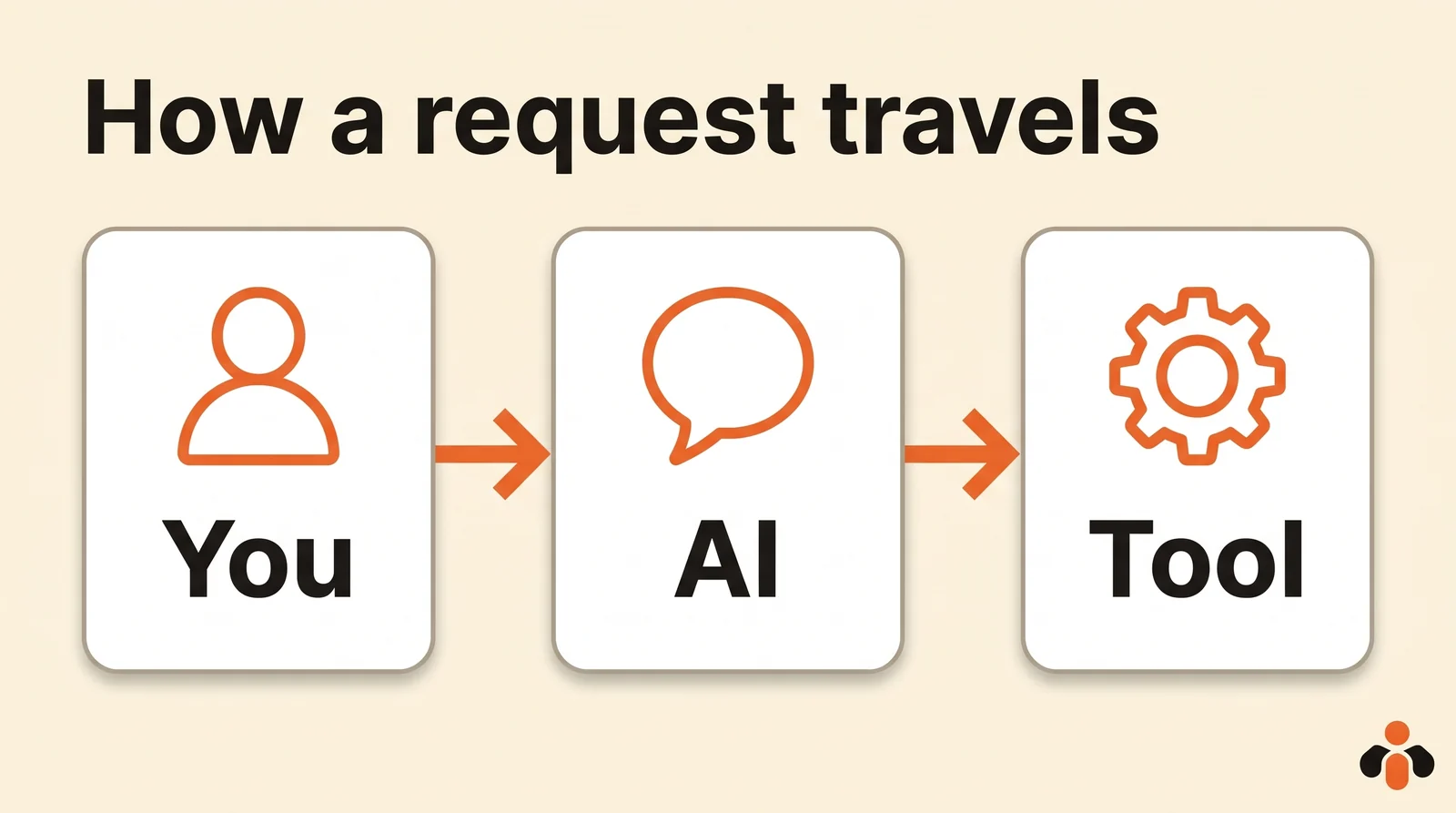
On its own, an AI like ChatGPT or Claude only knows what you type and what it learned in training. It can't see your calendar, read your files or publish anything. For that, it needs access to the tool in question.
The MCP server is that access. The official documentation defines it as a program that exposes specific capabilities to AI applications through standardized protocol interfaces (modelcontextprotocol.io). Common examples: a server for files, one for a database, one for GitHub, one for Slack, one for a calendar.
The documentation's own analogy is a USB-C port for AI applications (introduction to MCP). Before USB-C, every device had its own cable. Before MCP, every AI had to be wired to every tool with a custom integration. With a shared port, one server works with every compatible AI, and one AI can plug into every server.
Where MCP comes from
Anthropic, the company behind Claude, released the Model Context Protocol in November 2024 as an open standard for connecting AI assistants to the systems where data lives (Anthropic's announcement). It shipped ready-made servers for Google Drive, Slack, GitHub and Postgres alongside it.
The protocol no longer belongs to a single company. Anthropic donated it to the Agentic AI Foundation, a fund under the Linux Foundation co-founded by Anthropic, Block and OpenAI, with support from Google, Microsoft, AWS, Cloudflare and Bloomberg (donation announcement). The same announcement counts more than 10,000 active public MCP servers. That's why ChatGPT, Claude, Cursor and Visual Studio Code all speak the same protocol.
The three parts of an MCP connection
The documentation describes a client-server architecture with three participants (MCP architecture):
| Part | What it is | Example |
|---|---|---|
| Host | The AI app you use | Claude, ChatGPT, Claude Code, Visual Studio Code |
| Client | The piece of the host that keeps the connection to one server | Created by the host, one per server |
| Server | The program that gives access to the tool | A server for a calendar, a code repository, social media |
You never see the client: the host creates it, one per connected server. Add three servers to Claude and Claude opens three connections, one to each.
What an MCP server gives the AI
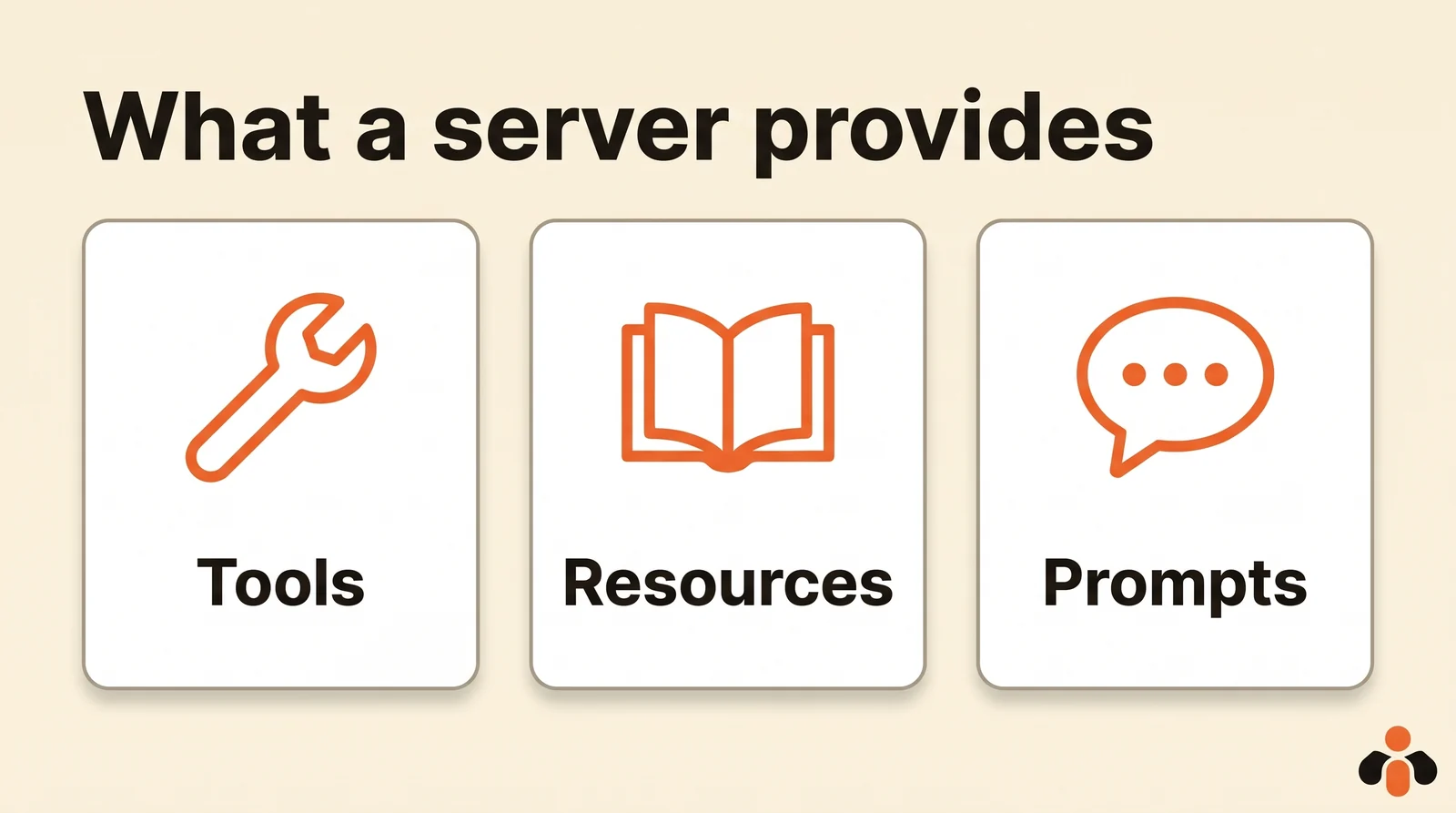
A server offers three kinds of things, which the documentation calls primitives (MCP servers):
- Tools: actions the AI can run. Search flights, send a message, create an event, publish a photo. The AI decides when to use them, based on your request.
- Resources: information the app reads for context. A file's contents, a customer record, documentation.
- Prompts: ready-made requests you pick, such as "summarize my meetings" or "draft an email".
The key idea is discovery. Nobody has to explain the server to the AI in advance: it asks the server for its list of tools, each with a name, a description and the inputs it expects. It then picks the tool that fits your request. If the server adds a tool, the AI sees it on the next connection.
Local vs remote MCP servers
The protocol supports two ways to connect (MCP architecture):
- Local: the server runs on your computer, next to the app. Good for reading files or controlling installed software such as Blender. It often means installing something.
- Remote: the server lives online, at a web address. You connect over the internet by signing in to the service, often with OAuth (the familiar "Allow access" window). Nothing to install: that's how Claude connectors and ChatGPT plugins work.
For no-code use, a remote server is simplest: add an address or pick the service from a directory, sign in, and you're done.
MCP server vs API: what's the difference
An API is a front door built for programs. Every service has its own, with its own rules, and a developer writes the code that calls it.
An MCP server presents its actions to an AI in a way that's the same for every server. The AI reads the list of tools itself and knows how to call them, with no code to write. Many MCP servers are a layer on top of an existing API: the server receives the AI's request, calls the service's API and returns the result.
| API | MCP server | |
|---|---|---|
| Built for | A program written by a developer | An AI (ChatGPT, Claude, an agent) |
| How you learn it | Documentation to read | Discovered by the AI on connection |
| Format | Specific to each service | Shared by every server |
| What you do | Write code | Add the server to your AI |
A real example: posting to Instagram from Claude
Here's a concrete case, using Kreatoai's MCP server for social media. Once the server is added to Claude, you type:
Schedule this photo on Instagram and my Facebook Page for tomorrow at 6 pm, with a short caption announcing our new Saturday hours.
Here's what happens, step by step:
- Claude reads the server's list of tools and finds, for example,
list_accounts(list connected accounts) andcreate_post(create a post). - It calls
list_accountsto find your Instagram and Facebook accounts. - It writes the caption and shows you what it's about to schedule: text, accounts, date.
- Once you approve, it calls
create_post. The post goes out on its own at the set time.
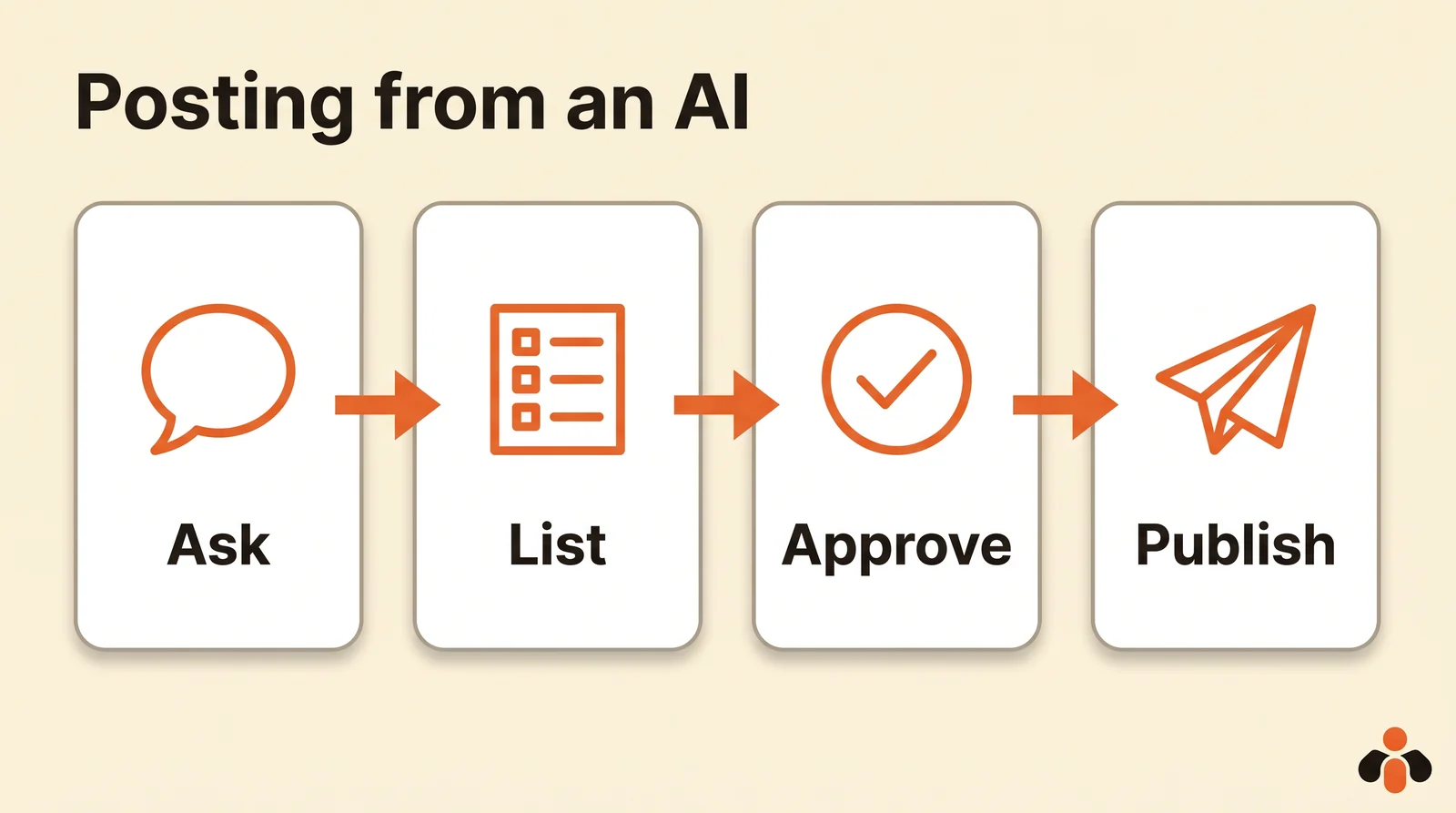
You didn't write any code: you wrote one sentence, and the AI used the server's tools.
How to add an MCP server
Depending on the AI you use:
- Claude: connectors live in the Connectors Directory, each with a page describing what it can do; you can also add a custom connector or connect to any service that supports MCP (Claude Help). Connectors work across Claude, Claude Desktop, Claude Code and the API.
- ChatGPT: apps and plugins install from their directory. Adding a custom MCP server with full support is available on the Business, Enterprise and Edu plans on the web (OpenAI Help).
- Developer tools (Claude Code, Cursor, Visual Studio Code): you add the server's address in settings or from the command line.
For a step-by-step walkthrough with a social media server, see our guide to scheduling social media posts with MCP.
Precautions to take
An MCP server acts with the rights of the account you give it. Claude's help center says it plainly: a connector inherits each person's permissions in the connected service (Claude Help).
- Choose servers from known publishers. An unknown server can see whatever you give it.
- Keep approval on before each action. The protocol documentation describes approval dialogs for individual actions, settings to pre-approve safe operations, and activity logs (MCP servers).
- Only connect what you need. A server that doesn't need to write shouldn't be able to.
- Review before you approve. The AI can pick the wrong account or date: checking is your job.
An MCP server for your social media
Kreatoai is an MCP server for social media. Connected to ChatGPT, Claude or any compatible AI, it posts and schedules to Instagram, Facebook Pages, TikTok, personal LinkedIn profiles, YouTube (Shorts), Bluesky, Google Business profiles and Pinterest. The AI writes the text with you, publishes, schedules, reschedules or cancels a post, reads comments and analytics, and replies to Instagram and Messenger messages once you approve. By default, ChatGPT and Claude ask for your approval before publishing or canceling, and the AI never sees passwords or payment details.
In Claude, Kreatoai is in the Connectors Directory: Customize, Connectors, search for Kreatoai and connect in one click, with nothing to install (see the Claude page). In ChatGPT, it installs as a plugin from the directory (see the ChatGPT page). Ten posts a month are free, no credit card required. To compare the options, see the best social media MCP servers, and for the full Instagram example, connect Claude to Instagram.
Key takeaways
- An MCP server is a program that gives an AI access to an outside tool, so it can read information and take actions there.
- MCP stands for Model Context Protocol: an open standard released by Anthropic in November 2024 and since donated to the Linux Foundation.
- Three parts: the host (the AI app), the client (the connection) and the server (the access to the tool).
- A server provides tools to act, resources to know and ready-made prompts; the AI discovers its tools on its own.
- A local server runs on your computer; a remote server lives online and needs nothing installed.
- It acts with the connected account's rights: choose trusted publishers and keep approvals on.
Frequently asked questions
- What is an MCP server, in one sentence?
- It's a program that gives an AI such as ChatGPT or Claude access to an outside tool (a calendar, a database, a social media account) through a shared standard, the Model Context Protocol, so it can read information there and take actions.
- What does MCP stand for?
- Model Context Protocol. It's an open standard published by Anthropic in November 2024 and since donated to the Agentic AI Foundation, a fund under the Linux Foundation co-founded by Anthropic, Block and OpenAI.
- Do you need to code to use an MCP server?
- Not to use one: in Claude, you add a connector from the directory in a few clicks; in ChatGPT, you install a plugin or add an MCP server depending on your plan. Building your own MCP server, on the other hand, takes programming.
- What is the difference between an MCP server and an API?
- An API is built for programs written by developers, each with its own rules. An MCP server presents its tools to an AI in a way that's the same for every server: the AI discovers the list of tools and how to use them on its own, then calls them when your request calls for it. Many MCP servers are built on top of an API.
- Are MCP servers free?
- The protocol is open and free, and many servers are too. The service a server connects to may be paid. Kreatoai, for example, offers ten free posts a month with no credit card.
- Are MCP servers safe?
- A server acts with the rights of the account you connect, so only add servers from publishers you trust and keep approvals on before each action. The protocol documentation describes approval dialogs, permission settings and activity logs.
Have it done for you
Kreatoai publishes and schedules your posts on all your networks, from your dashboard or by asking ChatGPT and Claude, and its agent answers your direct messages. Ten free posts every month, no credit card.
Try it free