Best Time to Post on LinkedIn: Find Your Own Days and Hours
What is the best time to post on LinkedIn? What LinkedIn itself says about timing and frequency, why its analytics show no hours, how to build your own time log, a weekly posting schedule, and a four-week test.
 By Kreatoai
When is the best time to post on LinkedIn? When your network is online and can react quickly, and that moment is not the same for everyone. LinkedIn publishes no universal time. Its own posting guide tells you to test different times of the day instead, and its analytics break nothing down by hour: the answer comes from logging your own numbers.
In this guide: what LinkedIn really says about timing and frequency, what its analytics show (and what they don't), a simple time log to find your hours, a day-by-day grid, a four-week test, the time zone trap, and how to schedule at the slot you pick. Every help page cited was checked on November 25, 2026.
What LinkedIn says about posting time
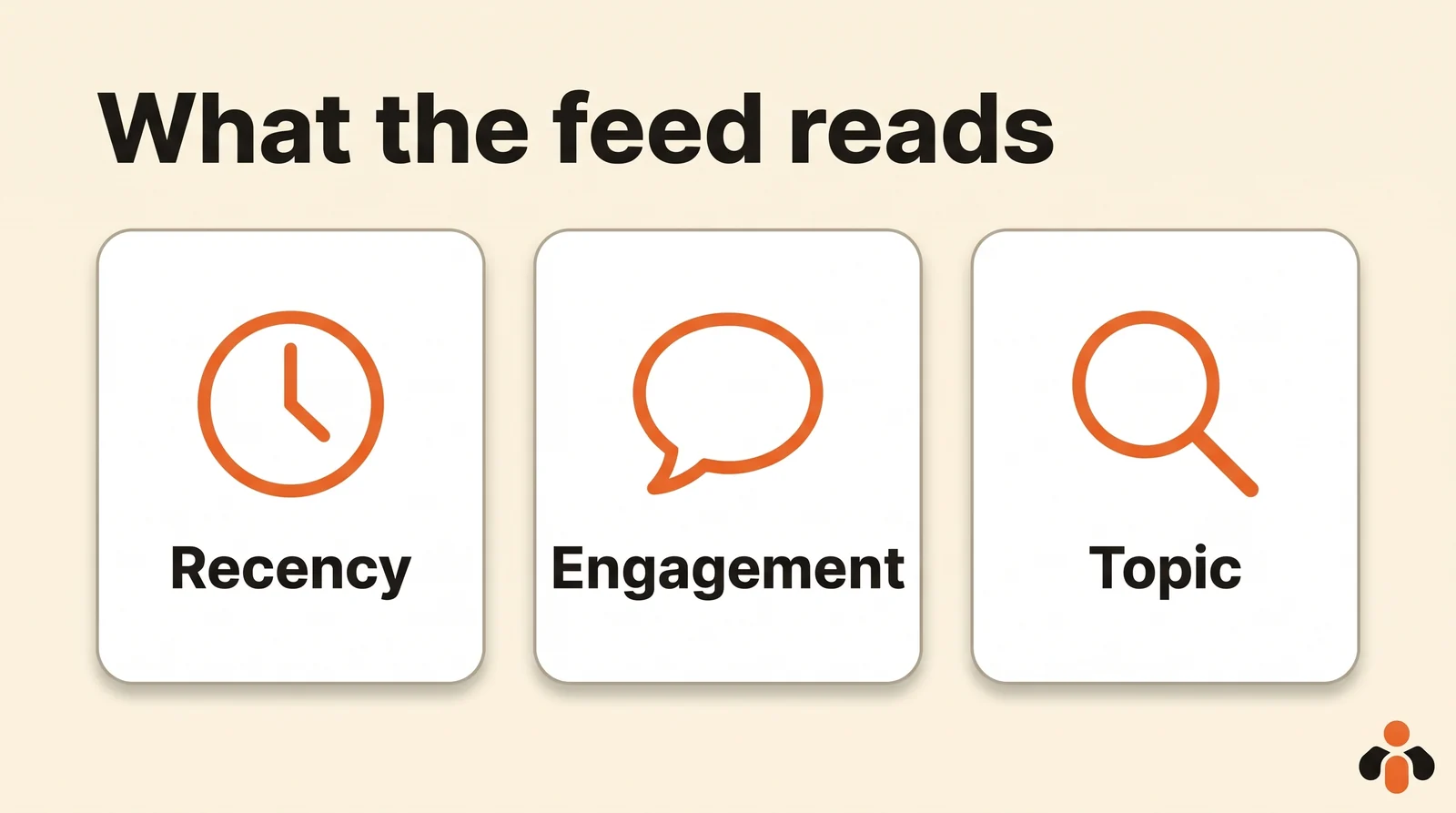
LinkedIn explains how its feed is ranked in its help page LinkedIn relevance. It lists three families of signals: your identity (profile, location, skills), the content, and your activity. Three of them are directly about timing:
- how recent the content is (LinkedIn help);
- how often a post is viewed or engaged with;
- the engagement others have with your posts and how recent it is.
One more detail people forget: members can sort their feed so that the most recent posts come first. For those readers, a post published while they were away sinks under the pile.
So posting time is not a secret code. It matters because a post published while your network is around gets its first reactions quickly, and LinkedIn reads those reactions and how fresh they are.
The best time is when your network is online. LinkedIn says so in its guide for Pages: test posting at different times of the day to figure out what works for your unique audience. The same guide adds: respond to engagement on your content as close to real time as possible.
The "Tuesday 8 am, Thursday noon" charts you see everywhere do not come from LinkedIn's help center. They are averages built on accounts that are not yours, often with an audience in another time zone. Use them as a starting point for a test, never as the answer.
What your analytics show, and what they don't
On Instagram or TikTok, the app shows the hours when your followers are online. LinkedIn offers nothing like that. Here is what its three analytics screens give you, according to its help pages.
| Screen | What it shows | By hour? |
|---|---|---|
| Post analytics | impressions, members reached, in network and out of network share, reactions, comments, reposts, saves, sends, viewer demographics | no |
| Combined post analytics | impressions and engagements across all your posts, 7 to 365 days, daily or cumulative view, .XLSX export | no, by day |
| Audience analytics | total followers, new followers per day, breakdown by job title, location, industry, seniority, company size | no |
To open these screens on desktop: click the Me icon at the top of your homepage, click your profile card, then scroll to the Analytics section and click Show all (path described by LinkedIn). A single post's analytics also open from Me, Posts & Activity, then the impressions count under the post (LinkedIn help).
Three details matter for what follows:
- combined analytics only show data up to yesterday, so this morning's post is not in there yet;
- the full post table is rolling out gradually and is desktop only for now;
- a post's numbers stay available for a long time: discovery and social engagement for 1,000 days, members reached for 400 days, demographic breakdowns for 180 days.
The audience tab gives you one valuable clue: where your followers are located. If most of them are on the East Coast, think in Eastern Time; if a large share is in California, your 8 am post in New York lands at 5 am for them.
Find your hours: a three-step time log
Since LinkedIn breaks nothing down by hour, do it yourself. The log fits in a spreadsheet and takes ten minutes a week.
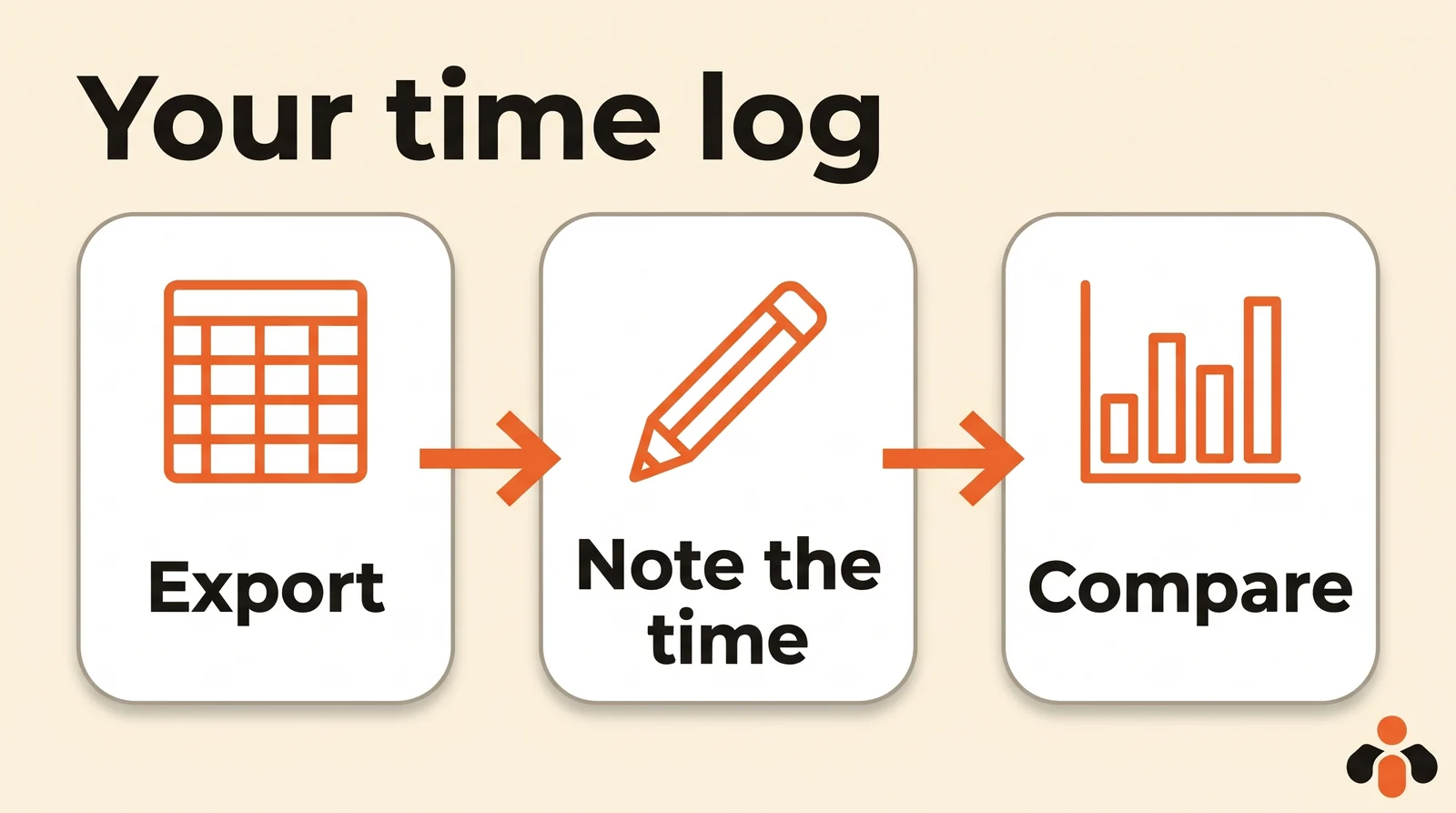
- Export your analytics. In combined post analytics, pick 90 days and export the .XLSX file.
- Note the time of each post. Add a "day" column and a "time" column: you know them if you schedule your posts, or from your activity. Add the format too (text, image, document, video), or you will end up comparing a carousel with a one-liner.
- Compare like with like. For each time slot, average members reached and engagements (reactions, comments, reposts, saves, sends). Impressions also count repeat views; members reached don't.
One more number worth watching: the out of network share of impressions. When it rises for a time slot, your connections' reactions carried the post to new readers.
If you post rarely, it will take a few weeks to get enough rows. That is fine: ten well-logged posts beat a vague impression.
When to post on LinkedIn, day by day
The question comes up for every day: best time to post on LinkedIn on Monday, on Tuesday, on Thursday, on Friday, on Saturday, on Sunday. LinkedIn gives no time per day, and its guide for Pages even suggests working toward posting at least once a day, even on weekends. The best day to post on LinkedIn is the one your log points to.
To get started before you have data, begin with your audience's habits, then let the log correct you. Here is the grid for a made-up example: Maya, a recruiting consultant in New York, whose followers are mostly founders and HR leads on the East Coast.
| Day | Starting guess | Why | Slot kept after 4 weeks |
|---|---|---|---|
| Monday | 8:00 am | start-of-week reading | 8:30 am |
| Tuesday | 12:30 pm | lunch break | 12:30 pm |
| Wednesday | no post | writing day | no post |
| Thursday | 8:00 am | morning commute | 7:45 am |
| Friday | 12:00 pm | quieter end of week | no post |
| Saturday | no post | audience works weekdays | no post |
| Sunday | 7:00 pm | planning the week | 7:00 pm, to test |
These times are an example, not a rule. An online brand selling to consumers, an app aimed at developers or an agency targeting students will end up with a very different grid. Two simple adjustments:
- Post before your audience arrives, not at the peak. A post published a little before the lunch break is already there when readers open the app.
- Treat weekends separately. Many professional audiences read less on Saturday, but some read on Sunday evening. Only your log can tell.
How often to post on LinkedIn
For Pages, LinkedIn gives numbers. Its posting guide offers three speeds, Walk, Run, Fly: at least monthly, weekly, or daily. Its best practices page says companies that post weekly see a 2x lift in engagement with their content.
For a personal profile, LinkedIn gives no number. Set your posting frequency the same way you set your time:
- Start with a pace you can hold, two or three posts a week, in the slots from your grid.
- Keep time to reply. LinkedIn's guide stresses replying to engagement quickly: one more post you can't follow up on is worth less than one well-tended post.
- Increase only if the numbers hold. If members reached per post stays steady when you go from two to three posts, keep three.
How often to post across every network is covered in how often should you post.
A weekly LinkedIn posting schedule
A LinkedIn posting schedule doesn't need to be complicated. One row per post: day, time, topic, format, status. Here is Maya's week, with three posts:
| Day | Time | Topic | Format | Status |
|---|---|---|---|---|
| Monday | 8:30 am | Three questions to ask in an interview | text | scheduled |
| Tuesday | 12:30 pm | The numbers behind a successful hire | document | to write |
| Thursday | 7:45 am | Behind the scenes of a search week | image | scheduled |
To fill in the topics, draw on these LinkedIn post ideas; to plan the whole month, reuse the columns of this content calendar template. The full method, from themes to tracking results, is in LinkedIn content strategy.
Test two time slots over four weeks
The log suggests candidates; a test decides. On LinkedIn, plan four weeks rather than two: people usually post less often than on TikTok, and you need enough posts per slot.
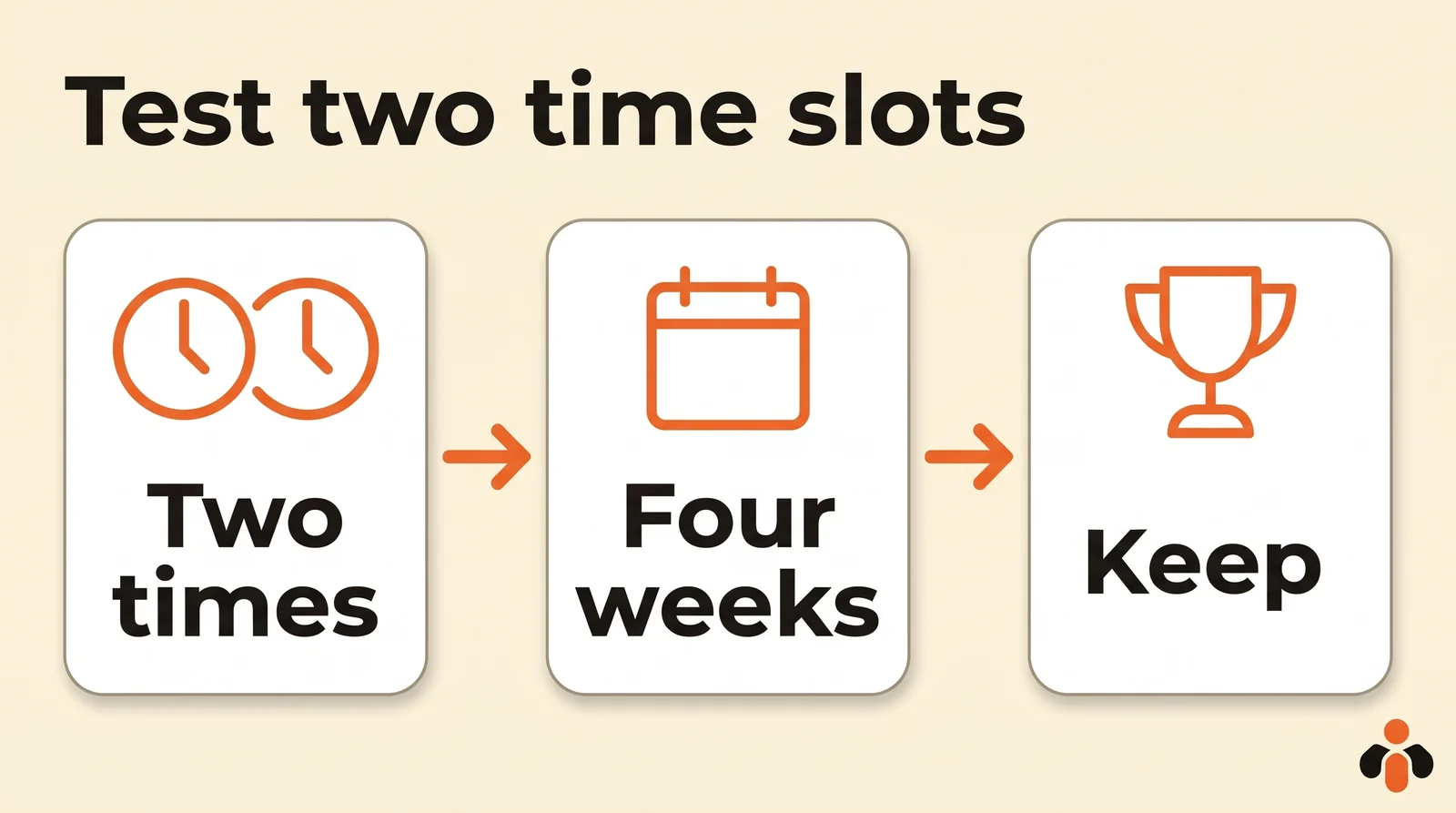
- Pick two times, for example 8:00 am and 12:30 pm on weekdays.
- Keep everything else the same: same format, similar length, topics of the same kind. A document against a single sentence proves nothing.
- Alternate: one week slot A on Monday and slot B on Thursday, the next week the reverse, and so on.
- Wait until the day after the last post: combined analytics stop at yesterday.
- Compare one metric chosen in advance, members reached or engagements, never the one that flatters the result.
- Keep the winner as your default time and rerun the test every quarter: a growing network changes its habits.
The time zone trap
LinkedIn spells it out in its scheduling help: scheduled times are converted to UTC based on your device's time zone settings. In practice:
- When traveling, check the device. A laptop still set to New York time during a trip to London will schedule 8 am New York, which is 1 pm in London.
- For a distant audience, do the math. If a large share of your followers is in California, an 11 am post in New York reaches them at 8 am.
- Keep your log in one time zone. Write every time in your main audience's time zone, or your averages get mixed up.
Schedule the post at the time you picked
Knowing your slot is useless if you are in a meeting at 8:30 am. LinkedIn schedules posts itself, for free, with the Clock icon in the post window (LinkedIn help):
- from 10 minutes to 3 months ahead on a profile;
- the dropdown offers 30-minute increments, but you can type a specific time, 7:45 am for example;
- events and jobs can't be scheduled;
- a scheduled post can be edited or rescheduled from the scheduled posts list.
The full walkthrough, profile and Page, is in how to schedule LinkedIn posts.
To go further, Kreatoai posts to personal LinkedIn profiles right away or at the time you choose, with a calendar, and to your other networks in the same post. A scheduled post can be edited (text, image, time) or canceled until it goes out, and a carousel goes out on LinkedIn as a multi-page document. Kreatoai doesn't pick the time for you: you give it the slots from your grid. LinkedIn company Pages are published from LinkedIn itself, and LinkedIn analytics are read in LinkedIn. You can ask ChatGPT or Claude, no code needed, to schedule each post of your test in the right slot (Kreatoai in Claude):
Schedule my three LinkedIn posts for this week: Monday 8:30 am, Tuesday 12:30 pm
and Thursday 7:45 am, New York time. Show me the texts before you confirm.
Ten posts are free every month, no credit card needed, enough to run the test. Setup is covered in post to LinkedIn with ChatGPT or Claude.
Key takeaways
- LinkedIn publishes no universal time: its guide says to test different times of the day.
- The feed considers how recent a post is and the engagement it gets: post when your network is there to react, and reply quickly.
- No LinkedIn analytics screen breaks activity down by hour: export combined post analytics and note the time of each post.
- Compare like with like, on members reached or engagements, and settle it with a four-week test.
- For frequency, LinkedIn offers Pages monthly, weekly or daily; for a profile, pick what you can sustain.
- Scheduled times follow your device's time zone: check it before you confirm.
Frequently asked questions
- What is the best time to post on LinkedIn?
- LinkedIn publishes no time that works for everyone. Its posting guide for Pages advises testing different times of the day to find what works for your audience. Its help center explains that the feed considers how recent a post is and the engagement it gets: the best time is when your network is online and reacts, and you find it by logging your own numbers.
- Does LinkedIn show when my followers are online?
- No. Post analytics show impressions, members reached, reactions, comments, reposts, saves, sends and viewer demographics. Combined post analytics show daily figures over 7 to 365 days and export to an .XLSX file. None of them break activity down by hour: you have to note the time of each post yourself.
- What is the best day to post on LinkedIn?
- LinkedIn names no day. Its guide for Pages even suggests working toward one post a day, weekends included. The best day shows up in your combined post analytics, in the daily view: note the day of each post and compare its reach and engagement over four weeks.
- How often should I post on LinkedIn?
- For Pages, LinkedIn offers three speeds: at least monthly, weekly, or daily, and says companies that post weekly see a 2x lift in engagement. For a personal profile, it gives no number. Pick a pace you can hold every week, two or three posts for example, then adjust from your analytics.
- Are LinkedIn scheduled times in my time zone?
- Yes. According to LinkedIn's help center, scheduled times are converted to UTC based on your device's time zone settings. If you schedule while traveling, or for an audience in another time zone, check the device setting and do the math before you confirm.
- How can I post on LinkedIn at a set time without being at my desk?
- LinkedIn schedules a post 10 minutes to 3 months ahead with the Clock icon, except events and jobs. Kreatoai also schedules posts to personal LinkedIn profiles, with a calendar and your other networks in the same post; a scheduled post can be edited until it goes out, and you can ask ChatGPT or Claude to do it, no code needed.
Have it done for you
Kreatoai publishes and schedules your posts on all your networks, from your dashboard or by asking ChatGPT and Claude, and its agent answers your direct messages. Ten free posts every month, no credit card.
Try it free