Best Time to Post on TikTok: Find Your Hours, Day by Day
What is the best time to post on TikTok? What TikTok itself says about timing, where to read your followers' activity by hour and by day, the UTC trap, and a simple test to keep the right time slot.
 By Kreatoai
When should you post on TikTok? When your followers are online, and TikTok shows you exactly that, by hour and by day, in TikTok Studio. No universal time holds up: TikTok publishes none, and the "Tuesday 9 am, Thursday 7 pm" charts going around are averages built on accounts that are not yours.
In this guide: what TikTok really says about timing, the three conditions to see your data, the exact path in the app, the UTC trap, a day-by-day grid to fill in, a two-week test, and how to schedule at the slot you pick.
What TikTok says about posting time
TikTok explains its ranking in its help page How TikTok recommends content. The For You feed relies on three families of signals:
- user interactions: what each viewer likes, shares, comments on, watches in full or skips;
- content information: sounds, hashtags, number of views, the country where the content was posted;
- user information: language, location, device, and also time zone and day.
Most importantly, TikTok states that for most people, interactions, such as time spent watching a video, weigh more than other factors. So posting time is not a secret code. It matters because a video posted while your followers are around gets its first views and reactions quickly, and those reactions are what the ranking reads.
The best time is when your audience is online. And TikTok gives you that time.
Three conditions to see your active hours
Before looking for the screen, check three things. If one is missing, the page stays empty or shows "No data".
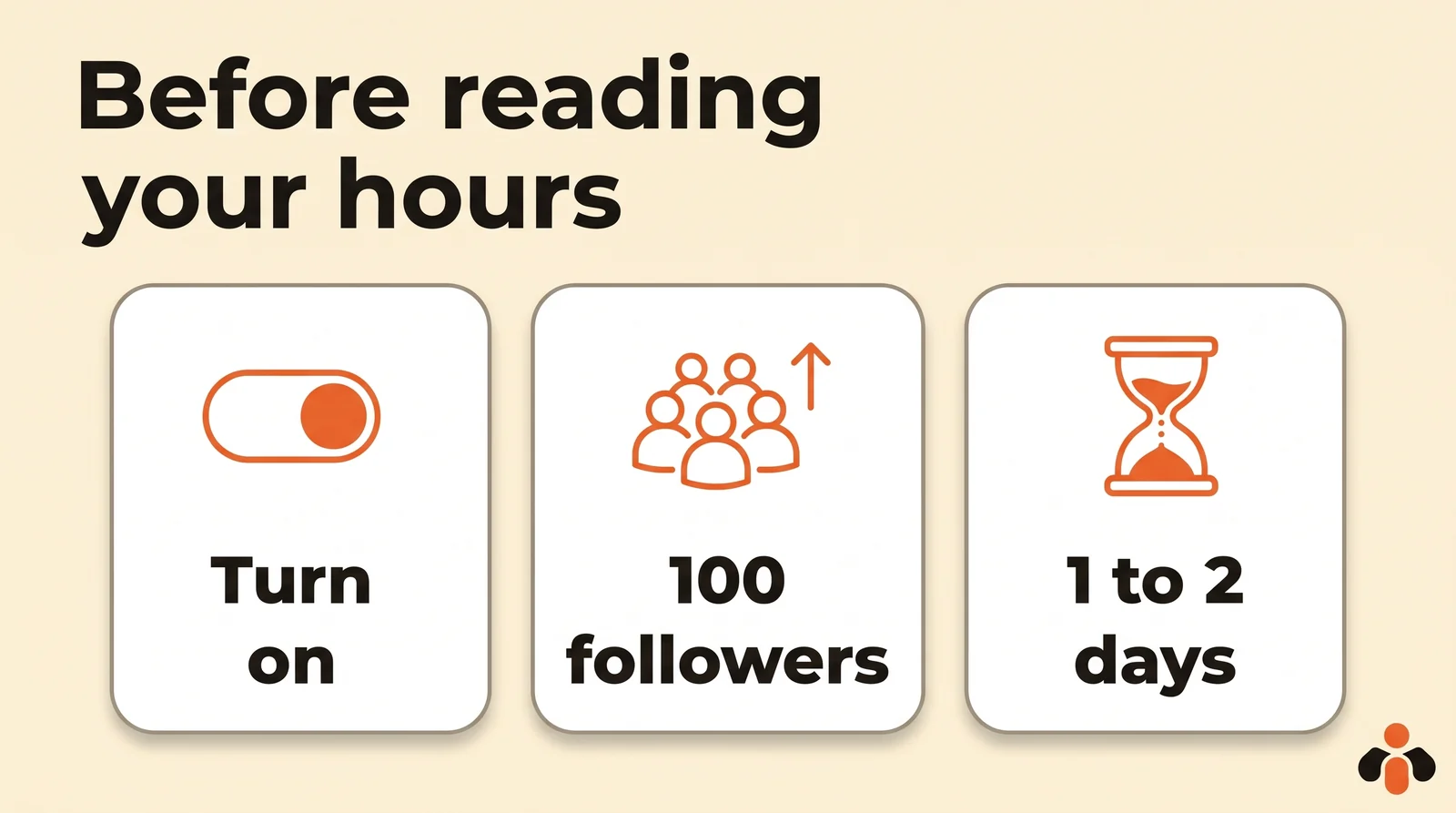
- Turn on analytics. In the app: Profile, the Menu ☰ button at the top, TikTok Studio, then Get started within Analytics and Turn on. Note that data only covers videos posted after you turn the feature on. The longer you wait, the shorter your history.
- Reach 100 followers. TikTok puts it plainly: you get more insights about your viewers once you have 100 followers.
- Wait 1 to 2 days. Analytics data needs about 1 to 2 days to update. Yesterday's video is not fully counted yet.
TikTok adds that the Analytics option is currently not available to everyone. If it does not show up although all three conditions are met, that is probably why.
Where to read follower activity, hour by hour
On a phone, the path takes four taps.
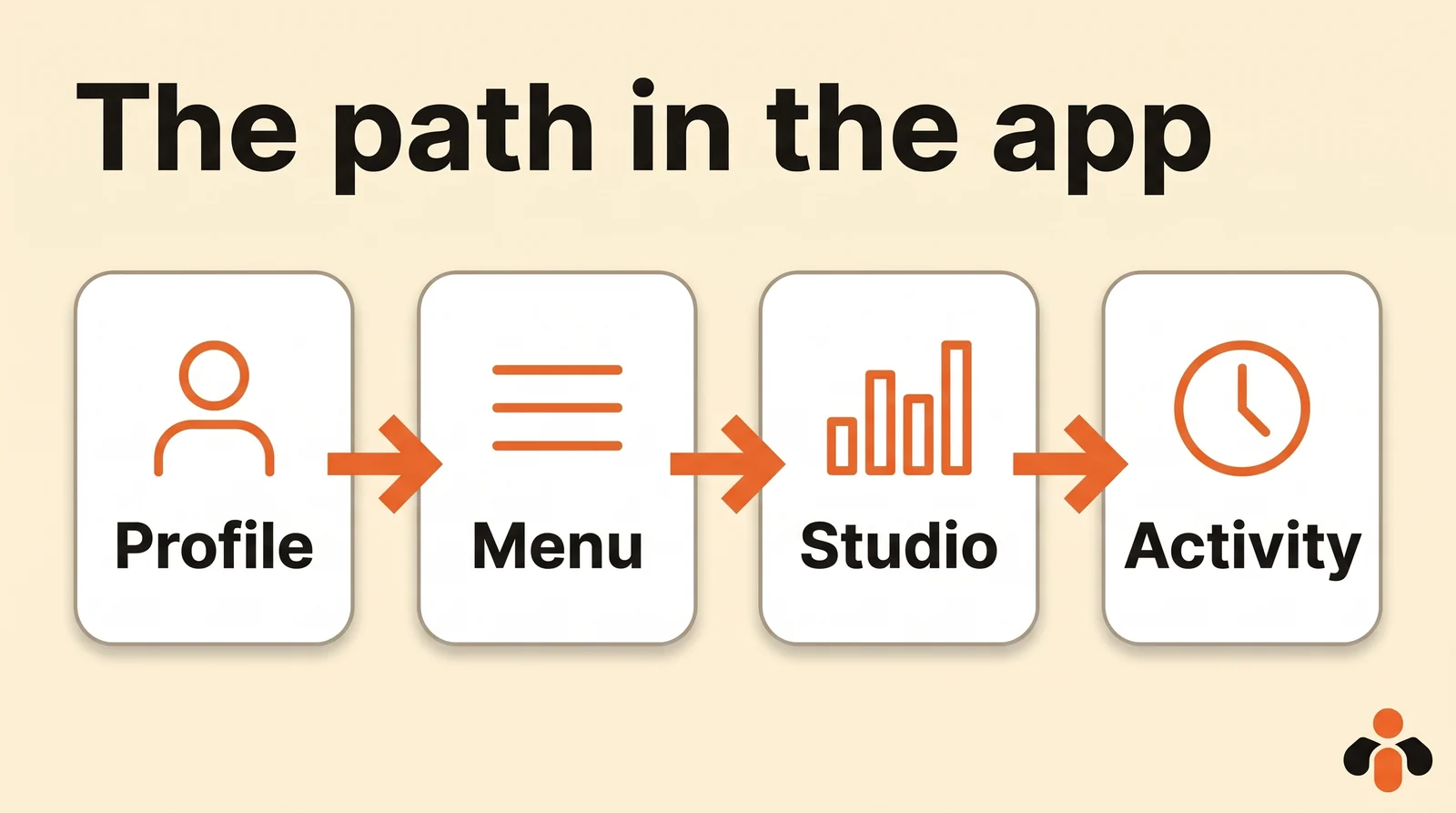
- Tap Profile at the bottom.
- Tap the Menu ☰ button at the top, then TikTok Studio.
- Find Analytics and tap View all (path described by the Creator Academy).
- Open the Followers tab: it shows your audience's consumption habits broken down by hours and days.
A second screen completes the first. The Viewers tab shows the most active times of your viewers over the last 7 days, and TikTok Studio lists their activity times there. The difference matters: followers are the people who follow you, viewers include everyone who watched your videos, often through For You. To build loyalty, read followers; to reach new people, read viewers too.
On a computer, go to tiktok.com/tiktokstudio, log in, then select Analytics in the left menu. TikTok notes that analytics are best accessed from a web browser: it is the right place to write down your time slots.
For the date range, TikTok Studio offers the last 7, 28, 60 or 365 days, or a custom report. To pick a time, 28 days is a good balance: long enough to smooth out an odd week, short enough to follow a changing audience.
The time zone trap: local time or UTC
TikTok is simpler than Instagram here, with one catch. The help center says it in one sentence: follower activity is displayed in your local time zone, while all other analytics data is displayed in UTC.
In practice:
- Read the peak as it is. A 7 pm peak in follower activity is 7 pm where you are, as long as your phone is set to your time zone.
- Daily figures are shifted. Views, likes and day-by-day charts are in UTC. New York is 5 hours behind UTC in winter and 4 hours behind in summer.
- A late video changes day. Posted at 8:30 pm on a winter evening in New York, it lands at 1:30 am UTC the next day: your analytics count it on the following day.
| What you read | Display time zone | What to do |
|---|---|---|
| Follower activity (hours, days) | your local time | nothing, read it as is |
| Views, likes, daily charts | UTC | shift by 5 hours in winter, 4 in summer (New York) |
| Time of a video scheduled on desktop | your computer's time zone | check your computer's clock before confirming |
If your audience lives elsewhere, follower activity is still shown in your own time: a 10 pm peak for an audience in Los Angeles, seen from New York, is 7 pm over there.
Best time to post on TikTok, day by day
The question comes up for every day: "best time to post on TikTok on Monday", "Wednesday", "Friday", "Sunday". TikTok gives no time per day. But the Followers tab breaks activity down by day, and that is the answer for your account.
The method: for each day, write down the highest peak, then the second bump if there is one. Here is the grid filled in for a fictional example, a fitness coach in Chicago whose followers work office hours:
| Day | Main peak read | Second bump | Slot chosen |
|---|---|---|---|
| Monday | 7 pm | 12 pm | 6:30 pm |
| Tuesday | 8 pm | 12 pm | 7:30 pm |
| Wednesday | 6 pm | 1 pm | 5:30 pm |
| Thursday | 8 pm | 12 pm | 7:30 pm |
| Friday | 6 pm | none | 5:30 pm |
| Saturday | 11 am | 9 pm | 10:30 am |
| Sunday | 8 pm | 10 am | 7:30 pm |
These numbers are an example, not a rule: your grid will look different. Two simple adjustments:
- Post a little before the peak. Half an hour ahead gives the video time to be seen just as your audience arrives.
- Treat the weekend separately. Many accounts see their hours shift on Saturday and Sunday. The grid shows it quickly.
The same goes for the day itself: the Followers tab shows the days when most of your followers are online. The best day to post on TikTok is yours, not an average.
Test two time slots in two weeks
A chart names candidates; a test decides. Allow two weeks.
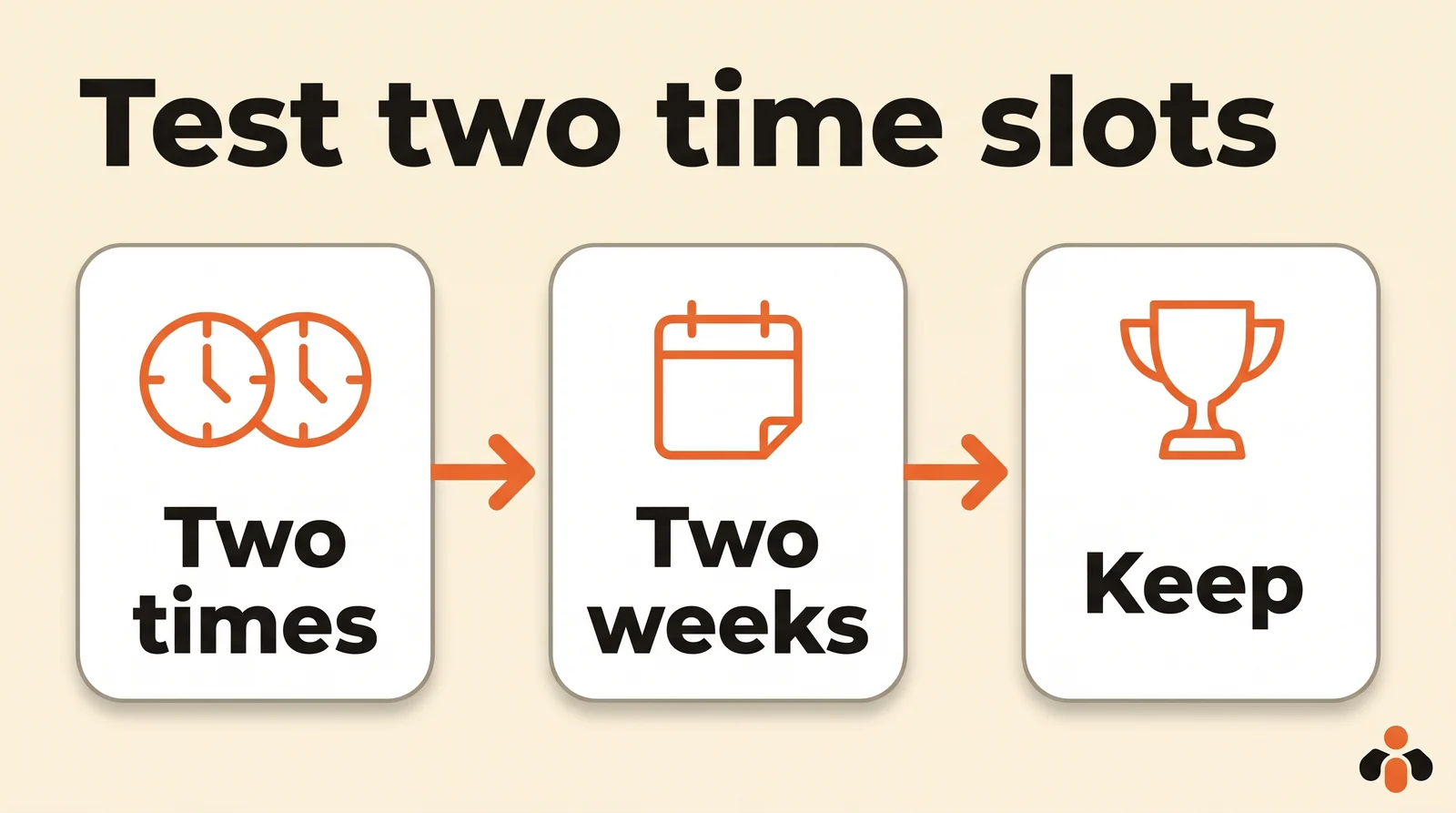
- Pick two times from your grid, for example 12 pm and 7:30 pm on weekdays.
- Keep everything else the same: same type of video, same length, same weekday for each pair. A recipe against a tutorial proves nothing.
- Alternate for two weeks: in week one, slot A on Monday and slot B on Thursday; in week two, the other way round.
- Wait at least 2 days after the last video so that the data can update.
- Compare one metric. TikTok highlights retention rate, average watch time and the share of viewers who watched the full video: better judges than views alone, if what you want is more views over time.
- Keep the winner as your default time, and run the test again every quarter.
How often to post on TikTok
TikTok gives no number per day or per week. Its page How to grow your audience says two things: upload high-quality content on a regular basis, and create content that is longer than one minute.
In practice, posting frequency works like posting time:
- Start with a pace you can hold, for example three videos a week at the three best slots in your grid.
- Do not trade quality for volume. Ranking reads watch time first: one more rushed video does not help.
- Increase only if the numbers follow. If retention holds when you go from three to five videos, keep five.
If you post the same videos elsewhere, the method in repurposing a video for Instagram, TikTok and YouTube Shorts saves you from starting over for each network. The same way of reading your hours works on Instagram, with its own traps: see the best time to post on Instagram.
Schedule the video at the chosen time
Knowing your slot is useless if you are not on your phone at 7:30 pm. TikTok has its own scheduler, with strict rules, covered in how to schedule TikTok posts:
- on desktop, limited to a Business account or an account with 10,000 followers or more;
- from 15 minutes to 10 days in advance;
- a scheduled video cannot be edited, only deleted;
- the time follows your computer's time zone.
TikTok Studio also lets you upload, schedule and edit posts from the app.
To go further, Kreatoai posts to TikTok right away or at the time you choose, with a calendar, on one or several accounts and on your other networks in the same post. A scheduled post can be edited (text, image, time) or cancelled until it goes out. Kreatoai does not pick the time for you: you give it the slots from your grid. You can also ask ChatGPT or Claude, no code needed, to schedule each video of your test at the right slot, then to read the analytics of posts made with Kreatoai (views, likes, comments, shares) by day or by week (Kreatoai in Claude):
Schedule my three TikTok videos this week: Monday 6:30 pm, Wednesday 5:30 pm
and Saturday 10:30 am. In two weeks, compare the views and likes of the
12 pm and 7:30 pm videos.
TikTok needs a video or images that you provide: Kreatoai does not make videos. Ten posts are free every month, no credit card, enough to run the test. The step-by-step guide to connecting the AI is in connect Claude to TikTok.
Key takeaways
- TikTok publishes no universal time: its For You feed weighs interactions, such as watch time, most.
- Follower activity is in TikTok Studio (Profile, Menu, TikTok Studio, Analytics, Followers tab), by hour and by day.
- You need analytics turned on, 100 followers and 1 to 2 days of delay; only videos posted after turning analytics on are counted.
- Follower activity is in your local time; everything else is in UTC.
- Fill in a grid per day, post half an hour before the peak, and settle between two slots with a two-week test.
- On frequency, TikTok only says "on a regular basis": choose a pace you can hold and let the numbers decide.
Frequently asked questions
- What is the best time to post on TikTok?
- TikTok publishes no time that works for everyone. Its help center explains that the For You feed ranks mostly on each viewer's interactions, such as time spent watching a video. The best time is when your own followers are online: TikTok Studio shows it in follower activity, by hour and by day, once you have 100 followers.
- Where can I see when my followers are active on TikTok?
- In the TikTok app: Profile, the Menu button at the top, TikTok Studio, then Analytics and View all. The Followers tab breaks down your audience's habits by hours and days, and the Viewers tab shows the most active times of the last 7 days. On a computer, the same dashboard is at tiktok.com/tiktokstudio, Analytics in the left menu.
- Why can't I see my follower activity on TikTok?
- Three likely reasons, according to TikTok's help center: analytics are not turned on (they only cover videos posted after you turn them on), the account does not have 100 followers yet, or the data has not updated, which can take 1 to 2 days. TikTok also notes the feature is not available to everyone yet.
- Are TikTok analytics shown in my time zone?
- Follower activity is: TikTok says it is the only analytics data shown in your local time. Everything else (views, likes, daily figures) is in UTC. New York is 5 hours behind UTC in winter and 4 in summer, so a video posted at 8:30 pm on a winter evening is counted on the next day.
- How often should I post on TikTok?
- TikTok gives no number. Its help center advises uploading high-quality content on a regular basis and creating content longer than one minute. The right pace is the one you can hold every week without lowering quality; your analytics then tell you whether to post more.
- How can I post on TikTok at a set time without being on my phone?
- TikTok lets you schedule a video from a computer, 15 minutes to 10 days ahead, with a Business account or at least 10,000 followers; a scheduled video can no longer be edited. Kreatoai also posts to TikTok at the time you choose, with a calendar, and a scheduled post can be edited until it goes out; you can ask ChatGPT or Claude to do it, no code needed.
Have it done for you
Kreatoai publishes and schedules your posts on all your networks, from your dashboard or by asking ChatGPT and Claude, and its agent answers your direct messages. Ten free posts every month, no credit card.
Try it free