How to Schedule Facebook Posts: Page, Profile, Mobile
How to schedule Facebook posts on a Page, from desktop or phone, with Instagram at once: the 20-minute to 29-day window, groups, and the profile question.
 By Kreatoai
On Facebook, scheduling really exists for Pages. That is the first thing to check before you hunt for the button: if you post from your personal profile, the option described in most guides will not appear, and no outside tool can add it. If you have a Page, Meta lets you schedule from a computer or a phone, Instagram included, from 20 minutes to 29 days ahead. This guide follows Meta's help pages, read on October 30, 2026.
In this guide:
- Page, group or profile: what Meta lets you schedule;
- how to schedule a Facebook post on desktop;
- how to schedule from your phone;
- where to find, edit or delete scheduled posts;
- how to schedule Facebook and Instagram together;
- stories and groups;
- when a scheduling tool makes sense.
Page, group or personal profile: what Meta lets you schedule
Facebook's help page on scheduling is about posts for your Facebook Page: you switch to the Page, open Meta Business Suite and pick a date. Meta Business Suite, Meta's free dashboard for a Page and an Instagram account, lists destinations such as your Facebook Page, Instagram profile, or Facebook Group. A personal profile is not among them. Groups have their own scheduling, covered further down.
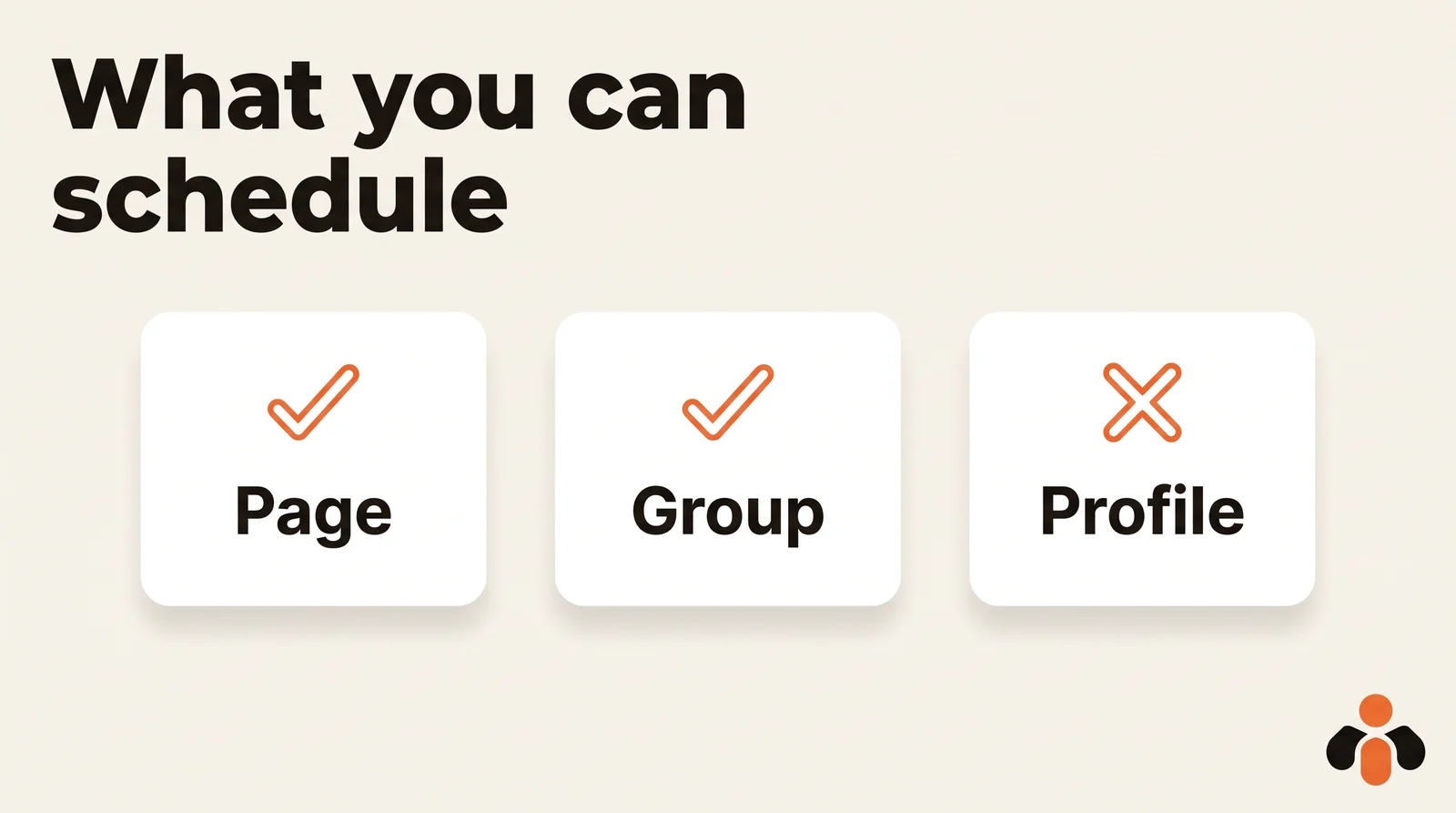
For outside tools, the door closed years ago. In 2018, Meta announced that the publish_actions permission, which grants apps access to publish posts to Facebook as the logged in user, would be deprecated, and that roughly 60,000 apps would lose it. Since then, a scheduling tool can post to a Page, not to a profile.
So if you post for a business from your profile, the lasting fix is to create a Page and post from it. You keep your profile for friends and family, and the Page unlocks scheduling, insights and a business inbox. A coach who sells programs, a real estate agent or an online store all gain from separating the two.
How to schedule a Facebook post on desktop
On a computer, scheduling goes through Meta Business Suite. You need full control of the Page, or Content permission. Without one of them, you cannot create the post.
The steps, as Meta describes them:
- Switch to the Page you want to use.
- From your Page, click Meta Business Suite in the left menu.
- Click Create post below your Page's profile picture.
- Add your text, photos or video.
- Next to Scheduling options, click the Set date and time toggle.
- Set a date and time. You can click Active times to see recommended publishing times.
- Click Schedule.
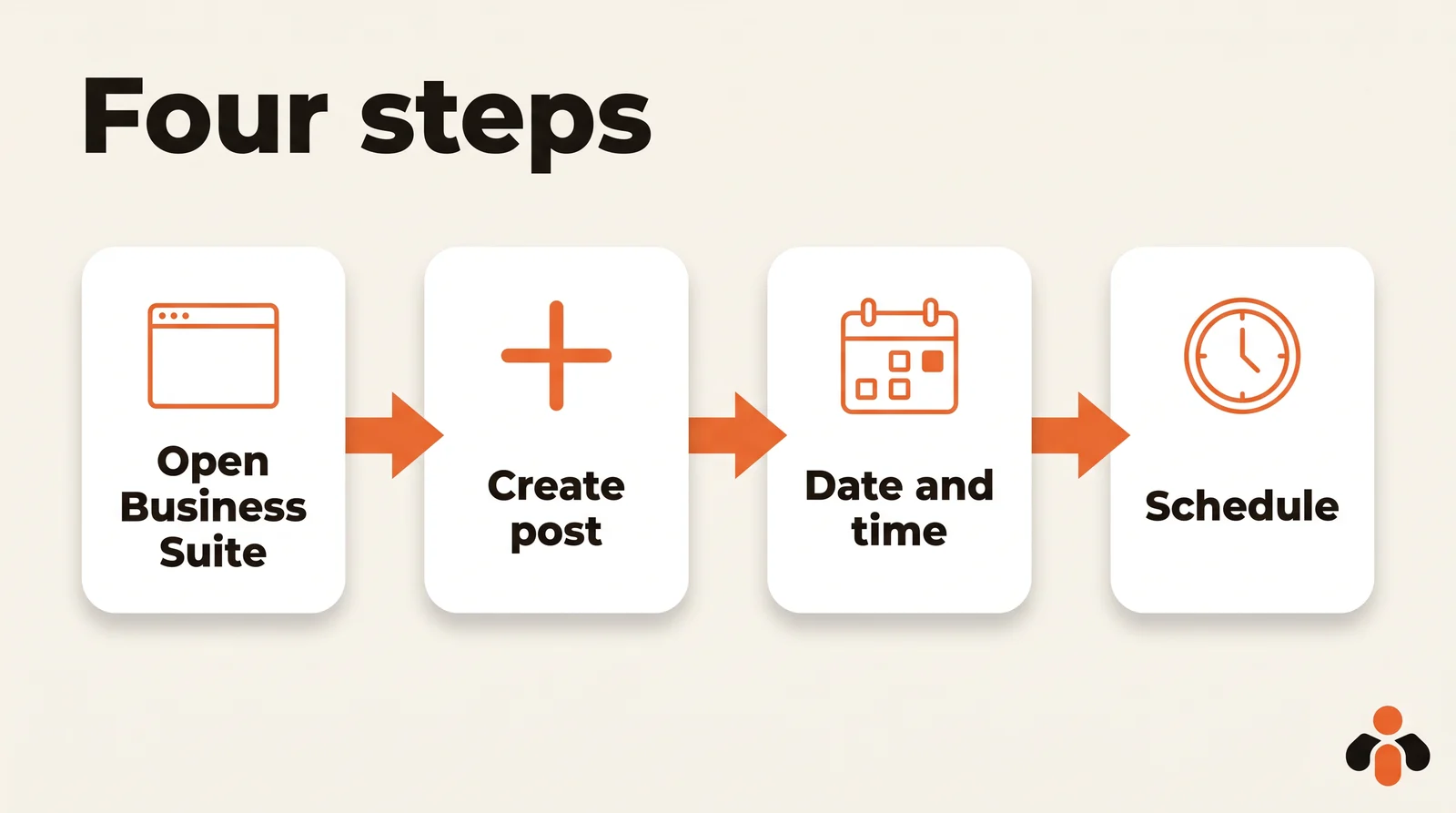
Three details matter. The window runs between 20 minutes and 29 days away: beyond that, come back later. All times correspond to your current time zone, which matters if you travel or your audience lives elsewhere. And Active times suggests slots based on when followers were most active on Facebook and Instagram over the past 7 days: a useful hint, worth checking against several weeks of results.
Who can schedule? Meta says scheduled posts can be created and edited by people with Facebook or Task access to the Page. An agency managing a client's Page needs that access first.
How to schedule a Facebook post on mobile
The Facebook app alone is not the place for this: on a phone, scheduling goes through the Meta Business Suite app. Meta's steps:
- Open the Meta Business Suite app and tap Content in the bottom menu bar.
- At the top, select the content type: Posts, Reels or Stories.
- Tap Create. The first time, the app asks to access your photos and videos: tap Continue.
- Add your text and media, then tap Next.
- Tap Schedule for later, choose the date and time, then tap Schedule.
For Facebook posts, you can also tap Save as draft and finish the post later. Meta notes that this mobile experience may not be available to you yet, so labels can differ slightly. To post on mobile, you need at least partial access to the Page and to be assigned to manage it.
Where to find, edit or delete scheduled Facebook posts
A scheduled post does not show on your Page until it goes live. To find it:
- in Meta Business Suite on desktop: Content in the left menu, the Posts & reels tab, then the Scheduled tab, next to Published, Drafts, Expiring and Expired;
- in the Planner: a calendar view of your Page's posts, stories and reels, by Week or Month;
- on mobile: the Planner in the Meta Business Suite app.
Once you open the post, the Options menu lets you, according to Meta:
- Edit post: change the text, media, link or location;
- Duplicate post: copy it as a new post;
- Reschedule post: pick a new date and time;
- Move to drafts: cancel the scheduled time and keep the post as a draft;
- Delete post.
Move to drafts is the right reflex when news makes a scheduled post feel out of place: the time is canceled, the text and image stay.
How to schedule Facebook and Instagram posts together
If your Instagram account is connected to your Page, there is no need to do everything twice. In Meta Business Suite on desktop, the Post to section lets you select the Page and the Instagram account together, and you can customize the text for each: hashtags for Instagram, a clickable link for Facebook.
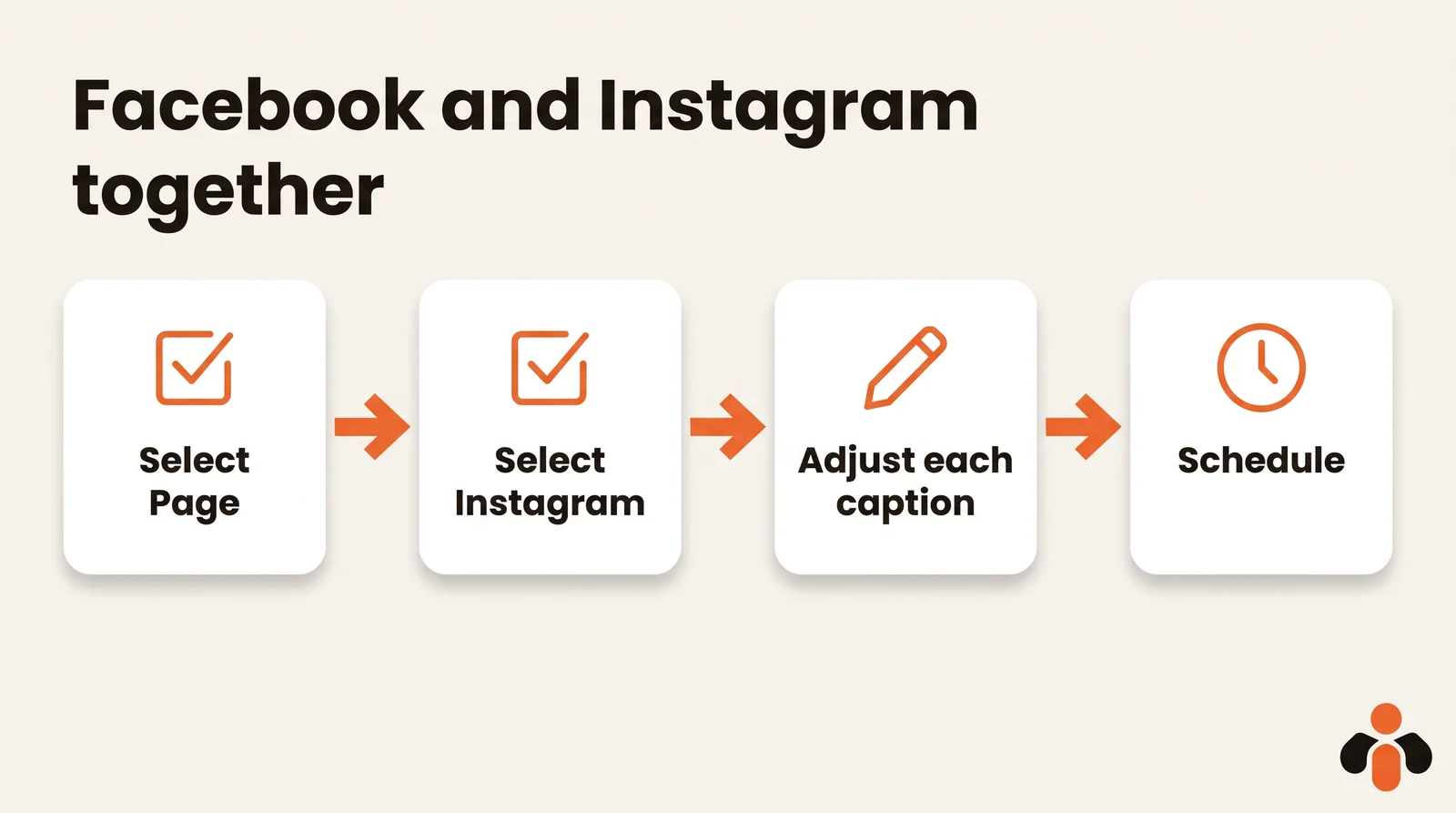
Two limits come from Instagram, not Facebook. In Meta Business Suite, the limit for posting to Instagram is 10 photos. And Instagram never publishes text alone: a post without a photo or video can only go to the Page. The Instagram account also has to be a professional account connected to the Page and in the same business portfolio.
For the Instagram side in detail, our guide on how to schedule Instagram posts compares the app, Meta Business Suite and API tools. For everything Business Suite can do, including the Planner and failed posts, see how to schedule posts in Meta Business Suite.
How to schedule Facebook stories
A Page story can be scheduled too. On desktop, in Meta Business Suite, click Create story, choose the destination under Post to, add up to 10 photos or videos, then select Schedule under Scheduling options and pick the date and time. In the mobile app, choose Stories at the top of the Content tab, create the story, then tap Schedule for later.
Before scheduling, the Edit button lets you crop, trim a video, and add text, mentions or stickers, and Add link adds a URL viewers open by swiping up. For the Instagram equivalent, see how to schedule Instagram stories.
How to schedule posts in a Facebook group
Groups do not need Business Suite. Meta's help center says admins and moderators can schedule group posts:
- Go to facebook.com/groups and select your group.
- Click Write something... to start a post.
- Write your post, then click the Calendar icon next to Post.
- Select the date and time, then click Schedule.
The option only appears once you start typing. To edit, reschedule or publish now, open Scheduled Posts in the Admin tools menu. Admins can also set up a post that recurs daily, weekly or monthly with Admin Assist, handy for a weekly prompt in a course community.
When a scheduling tool makes sense
Meta Business Suite covers Facebook and Instagram well. Once you also post on LinkedIn, TikTok or YouTube, or manage Pages for several clients, a tool connected to each network's API saves you from switching apps. As explained above, these tools post to Facebook Pages, never to personal profiles. Our article on the real limits of auto-posting to multiple networks details what each network allows.
One calendar for your Page and your other networks
Kreatoai is one of these tools. It publishes to Facebook Pages, Instagram, TikTok, personal LinkedIn profiles, YouTube Shorts, Bluesky and Google Business profiles, right away or at the time you choose, with a calendar, and one post can go to several networks and accounts at once. It handles several Pages, and you pick the one you want when you publish. It also schedules stories for Facebook Pages and Instagram, a photo or a video without text, and a scheduled post can be edited (text, image, time) or canceled as long as it has not gone out.
You can even ask ChatGPT or Claude, with no code: "schedule this text on our Page and on Instagram for Thursday at noon" is enough, and the assistant asks for your approval first. The ChatGPT setup page and Claude setup page walk through it, or you can see the full picture and create an account to connect your Page.
Key takeaways
- Meta's scheduling covers Facebook Pages and groups; Meta Business Suite does not publish to a personal profile, and outside apps lost that access in 2018.
- On desktop, schedule from your Page through Meta Business Suite: Create post, Set date and time, Schedule, between 20 minutes and 29 days ahead.
- On a phone, use the Meta Business Suite app: Content, Create, Next, Schedule for later.
- Upcoming posts sit in the Scheduled tab of Meta Business Suite and in the Planner; Move to drafts cancels the time without losing the post.
- Facebook and Instagram can be scheduled together in Meta Business Suite, with a caption for each, up to 10 photos for Instagram, never text alone on Instagram.
- Page stories schedule from Meta Business Suite; group admins and moderators schedule with the Calendar icon next to Post.
Frequently asked questions
- Can you schedule Facebook posts on a personal profile?
- Meta's help pages describe scheduling for Facebook Pages, through Meta Business Suite, and for groups you manage. Meta Business Suite lists a Page, an Instagram profile or a group as destinations, not a personal profile. And since 2018, Meta has removed the publish_actions permission that let apps post as the logged-in person, so third-party schedulers post to Pages, not profiles.
- How far in advance can you schedule a Facebook post?
- On a Page, Meta's help center gives a window of 20 minutes to 29 days ahead. All scheduling times follow the current time zone of the person scheduling.
- Where do I find scheduled posts on Facebook?
- In Meta Business Suite on desktop, open Content, then the Posts and reels tab, then Scheduled. The Planner shows upcoming posts in a calendar, by week or month. In the Meta Business Suite mobile app, scheduled content also appears in the Planner.
- Can you schedule a Facebook and Instagram post at the same time?
- Yes. In Meta Business Suite, under Post to, you can select the Facebook Page and the Instagram account together and customize the text for each. You need access to both, and Meta Business Suite accepts up to 10 photos for an Instagram post.
- Can you schedule Facebook stories?
- Yes, for a Page. In Meta Business Suite on desktop, click Create story, choose the destination, add up to 10 photos or videos, then pick Schedule under Scheduling options. In the mobile app, select Stories at the top of the Content tab, then Schedule for later.
- Can you schedule posts in a Facebook group?
- Yes, if you are an admin or moderator. Meta's help center says you write the post, click the Calendar icon next to Post, pick a date and time, then click Schedule. Admins can also set up recurring posts with Admin Assist.
- Can ChatGPT or Claude schedule Facebook posts?
- Not on their own: ChatGPT and Claude have no access to Facebook. They need a connector linked to a Page. Kreatoai is such a connector: once your Page is connected, you ask, for example, to schedule a post for Thursday at noon, and the assistant does it after your approval.
Have it done for you
Kreatoai publishes and schedules your posts on all your networks, from your dashboard or by asking ChatGPT and Claude, and its agent answers your direct messages. Ten free posts every month, no credit card.
Try it free