Connect ChatGPT to Facebook: Page, Messenger and Limits
How to connect ChatGPT or Claude to Facebook: post and schedule on a Page, answer comments and Messenger, set up the connector, and know Meta's rules.
 By Kreatoai

To connect ChatGPT to Facebook, you need a connector: an MCP server linked to your Facebook Page through Meta's authorization screen. ChatGPT and Claude write the post on their own; to publish it, schedule it, or answer comments and Messenger, they need that bridge, and it only works for a Page, never for a personal profile. This guide was checked against Meta's, OpenAI's and Anthropic's official pages on November 6, 2026.
In this guide:
- what ChatGPT and Claude do with Facebook on their own, and what a connector adds;
- what Meta allows: Pages, profiles, comments, Messenger;
- the steps in ChatGPT, then in Claude;
- a sample conversation and a table of methods;
- why posting and managing ads are two different things.
ChatGPT and Facebook: what the AI does on its own
Without a connector, ChatGPT stays inside the chat. It writes a post for your Page, offers three versions, shortens a long text, plans a month of topics or drafts the reply to an unhappy customer. You copy the text into Facebook or Meta Business Suite, add the photo and click Post. When people search "chatgpt facebook post", that is often what they want, and it works well.
A connector gives the AI hands. Once it is linked to your Page, the assistant posts right away or at a set time, moves or cancels a scheduled post, reads the comments that are waiting for an answer, and replies to Messenger. It acts when you ask, and shows you what it is about to send first.
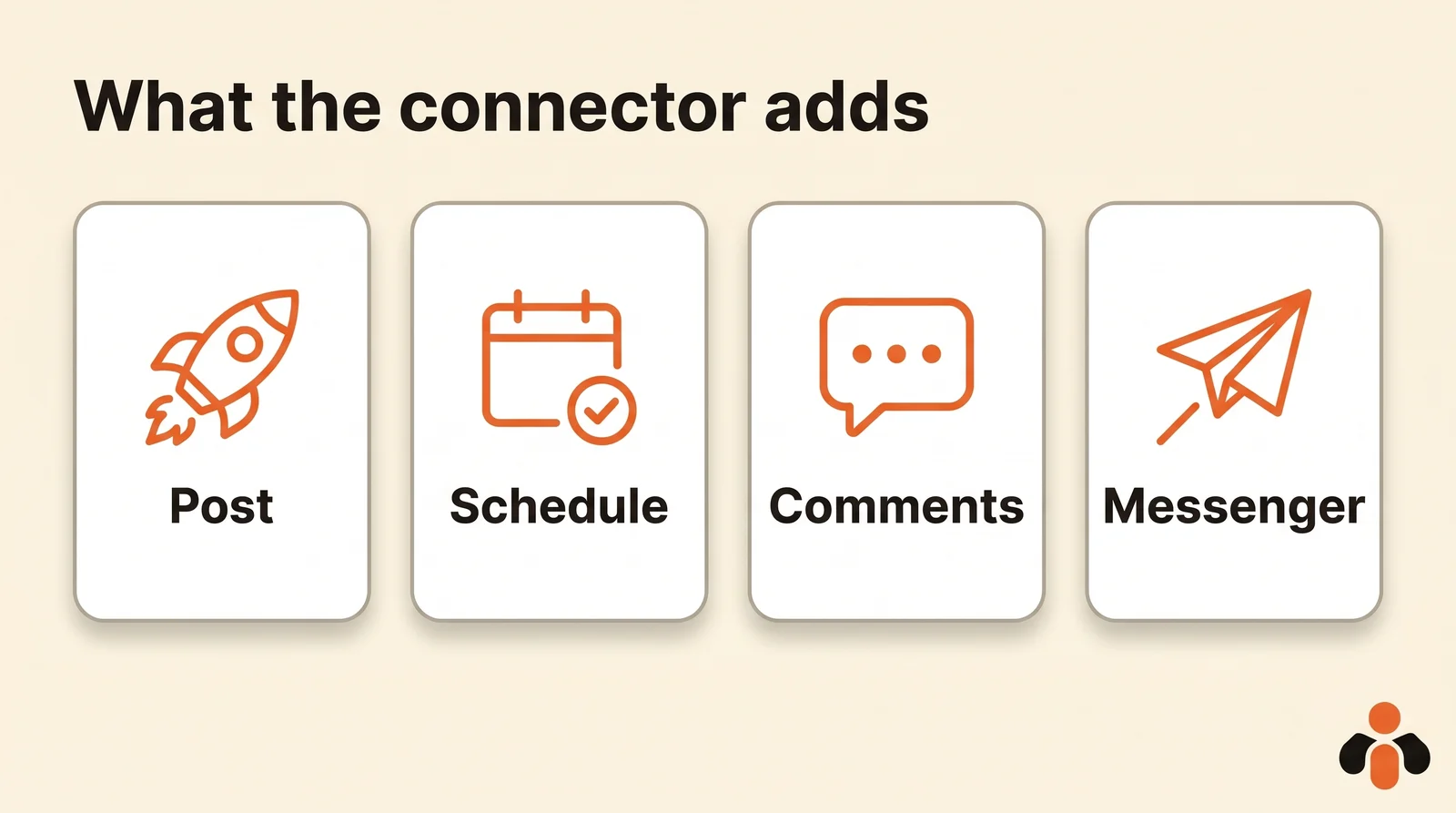
"Chatgpt facebook plugin", "chatgpt facebook connector" and "claude facebook mcp" all describe the same bridge. In both ChatGPT and Claude, a connector is an MCP server, short for Model Context Protocol: a standard plug the assistant knows how to use, with the AI on one side and a service that talks to Facebook on the other. The server exposes a few actions, such as "create a post" or "list comments", and the AI picks the one that matches what you typed.
What Meta allows: Pages, not profiles
Meta lets apps publish on behalf of a Facebook Page, read and answer that Page's comments, and handle its Messenger conversations, each with its own permission. None of this applies to a personal profile. These rules decide what any connector can do for you, whichever assistant you use.
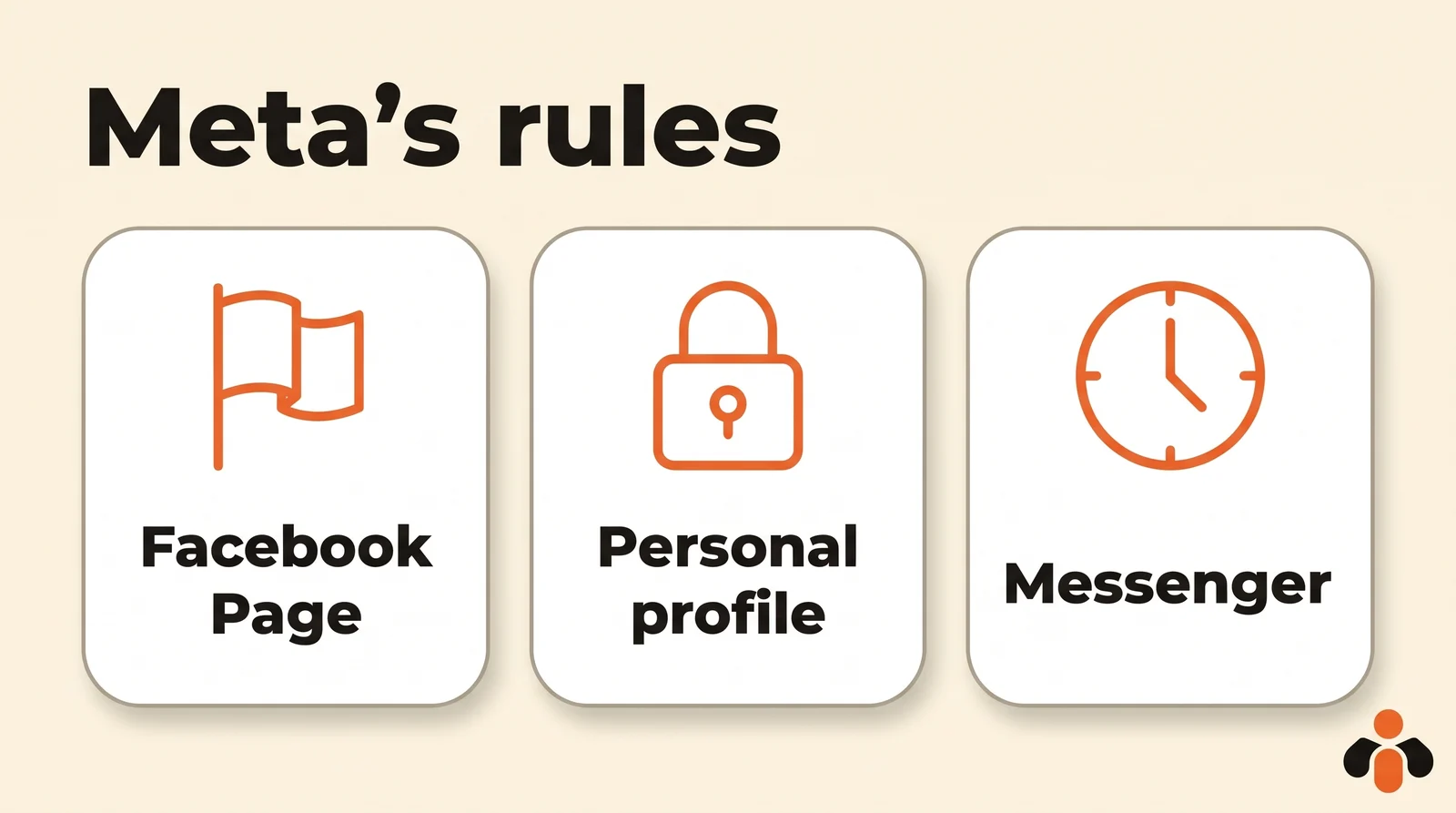
Facebook Pages. According to the Pages API posts documentation, an app publishes to a Page with a Page access token and the pages_manage_posts and pages_read_engagement permissions, and the person who signs in must be able to create content on that Page. The same page sets the scheduling range: a Page post can be scheduled between 10 minutes and 30 days after the request. You grant these rights by signing in on Meta's screen, where you tick the Pages involved.
Personal profiles. In the list of permissions Meta offers to apps, the ones that publish all target a Page; the one tied to a person's timeline, user_posts, only reads their posts. A tool that promises to post to your personal profile from ChatGPT therefore uses something other than the API, such as a bot that drives your browser. Avoid it.
Comments. The same list includes pages_read_user_content to read the comments left on a Page and hide or delete the ones that do not belong, and pages_manage_engagement to answer them as the Page. A connector can show you the comments waiting for a reply and answer each one after you approve.
Messenger. Meta's messaging policy gives a Page the length of the standard messaging window to answer: 24 hours for most customer actions, and up to 7 days when the person writes after clicking a Click-to-Messenger ad. After that, replies are allowed only in specific cases. An AI linked to Messenger answers quickly or not at all, and it never writes first to someone who has not asked anything.
How to connect ChatGPT to Facebook, step by step
In ChatGPT, the shortest path is a plugin from the plugin directory: you open its page, install it and authorize access, without copying anything. The other path, adding a custom MCP server, depends on your plan.
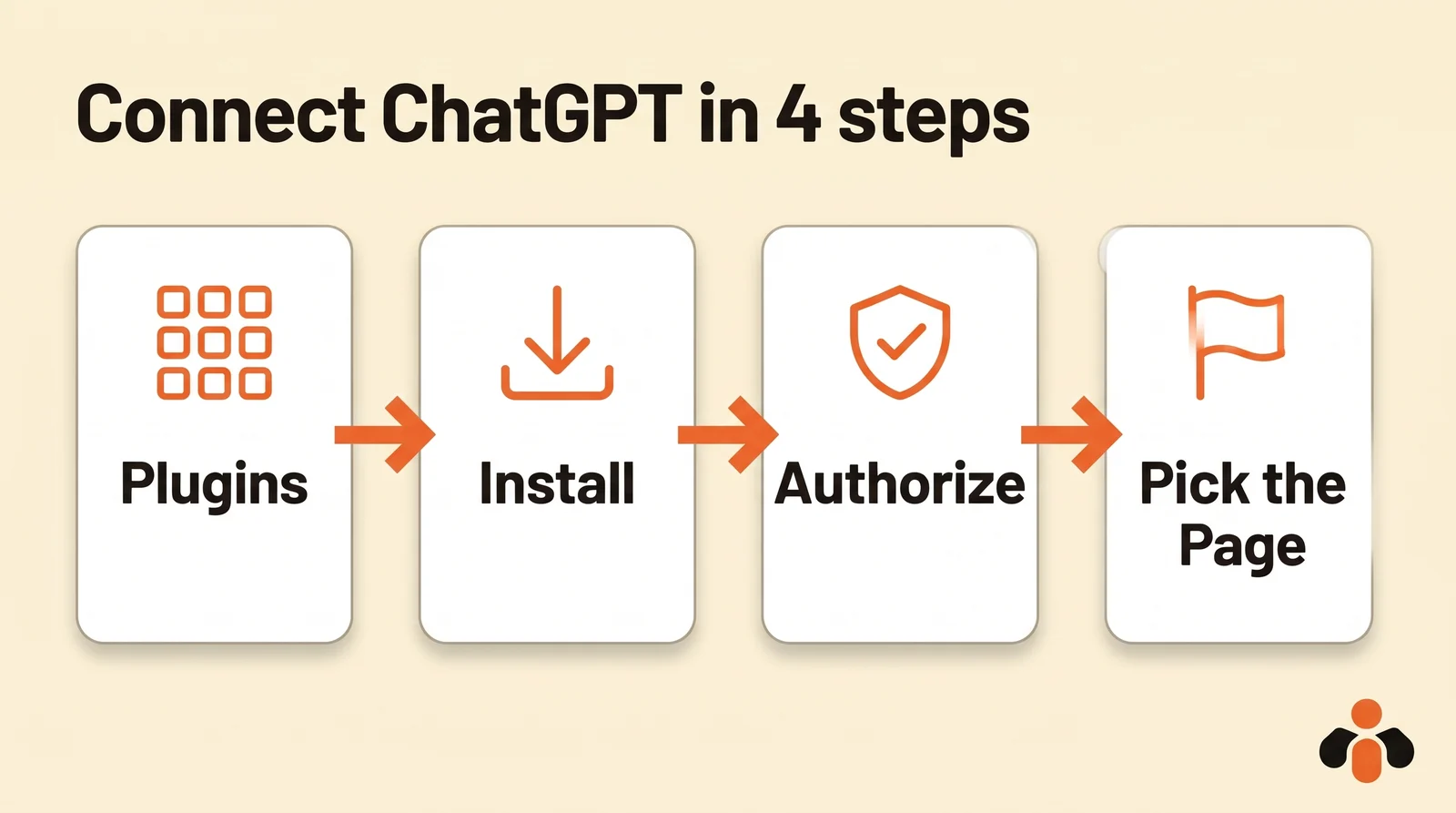
From the directory:
- Open Plugins in ChatGPT and search for the connector.
- Open its page and install it.
- Sign in when the authorization screen opens, then link Facebook on Meta's screen.
- Tick the Page or Pages you want to hand over, and only those.
According to OpenAI's help page, checked on November 6, 2026, adding a custom MCP server with write actions, such as posting, is available on the Business, Enterprise and Edu plans, on the web: Plugins, the plus button, Add custom MCP server, the server's HTTPS address, the risk warning, then Create as a plugin. On Business, only admins and owners create these connections. On Pro, OpenAI says a custom server connects with read and fetch permissions only, which is not enough to post. And custom servers connect on the web, not from the mobile app.
To use it, start a new chat, type @ and pick the plugin. For write actions, ChatGPT asks for confirmation depending on the app's permissions and the context: read it before you approve.
How to connect Claude to a Facebook Page
In Claude, you add a connector from the connector directory, or by pasting the address of a remote MCP server. According to Claude's help center, each directory connector has a page that says what it reads and what it writes: that is where you check that it posts to a Page, rather than only reading numbers.
- Open Customize, then Connectors.
- Find the connector in the directory, or choose Add custom connector and paste the server address.
- Click Connect and follow the authorization screen, then Meta's screen to pick your Pages.
- In the chat, check that the connector is turned on, through the + button, then Connectors.
Claude's free plan is limited to one custom connector; on Team and Enterprise, an owner first enables the connector for the organization, then each member connects. A connector added on the web is then available in Claude on iPhone and Android. If Claude says it cannot post, check that the connector is turned on in the chat: that is the most common cause.
A sample conversation for a Facebook Page
Once the connector is on, you talk to the assistant like a colleague. Here is a realistic exchange for a real estate agency that runs its own Page:
Write the Facebook post for the house on Lilac Street: four rooms, garden, open house on Saturday. Warm tone, 600 characters at most, with the photo I'm giving you. Schedule it for Thursday at 6 pm on the agency's Page. Then show me this week's comments with no reply, and the Messenger messages waiting.
The AI writes, you review, then it prepares the scheduled post and shows it to you: text, photo, date, Page. You approve. It then lists the comments with no reply, post by post, and drafts an answer for each; then the Messenger conversations waiting, the most urgent first, with Meta's deadline. Nothing goes out without your approval.
Two details specific to Facebook. A Page post can be text only, unlike Instagram. And if you run several Pages, name the one you mean: a good connector knows your Pages by name. To schedule by hand, our guide to scheduling Facebook posts walks through Meta's screens one by one.
The methods compared
There are five ways to go from an AI to Facebook. They differ in what they automate and in the risk to your Page.
| Method | What it does | Personal profile | Limit |
|---|---|---|---|
| Copy and paste | The AI writes, you post by hand | Yes, by hand | No automation |
| Meta Business Suite | The AI writes, you schedule in Meta's tool | No | One Page and one post at a time |
| Zapier, Make or n8n workflow | A trigger sends AI text to the Page or Messenger | No | You build and maintain each workflow |
| Browser bot | Clicks in Facebook for you | Promised, at your own risk | Outside Meta's API |
| MCP connector through the API | The AI posts, schedules and replies after you approve | No | Pages only, 24-hour window on Messenger |
The pages that rank first for "connect chatgpt to facebook" mostly describe workflows that pipe Messenger into ChatGPT. They work, but each workflow is built by hand for one job. A connector does the opposite: you talk to the AI, and it picks the action. Our article on auto-posting to multiple social networks explains what each network opens to outside tools.
Posting or managing ads: two different kinds of access
In search suggestions, "chatgpt facebook ads" and "claude facebook ads mcp" come up often. That is a different need. Reading an ad account's numbers or creating a campaign goes through other Meta permissions, tied to Ads Manager, than posting to a Page. A posting connector does not necessarily manage your ads, and an ads connector does not necessarily post to your Page. Read its page before you add it.
A connector for your Facebook Page and your other networks
Kreatoai is that kind of connector, listed in Claude's connector directory and, since October 22, 2026, in ChatGPT's plugin directory: you add it in one click, with no key to copy. It goes through Meta's official API and posts to Facebook Pages, not to personal profiles; it also schedules Page stories, a photo or a video with no text. It handles several Pages, which the AI knows by name.
From ChatGPT or Claude, you ask it to write the post with you, then to publish it right away or at the time you choose; a scheduled post can be edited or cancelled until it goes out. The AI reads the Page's comments, sees which ones are waiting for an answer, drafts one for each and replies after you approve; it can also hide a comment that does not belong. It reads the Messenger conversations waiting, the most urgent first, and replies within Meta's 24-hour window. It also reads the views, likes and comments of posts made with Kreatoai. Kreatoai does not manage ads.
The same post can go out in one go to Instagram, TikTok, LinkedIn, YouTube (Shorts), Bluesky, Google Business profiles and Pinterest. By default, ChatGPT and Claude ask for your approval before posting or cancelling, and the AI never sees your passwords or payment details. Ten posts are free every month, with no credit card. For Claude Code, Codex, Cursor or any AI that connects a remote MCP server, the address is https://api.kreatoai.com/mcp/social. The Kreatoai in ChatGPT and Kreatoai in Claude pages show the setup step by step, and our guide to connecting ChatGPT to Instagram does the same for Instagram.
Key takeaways
- ChatGPT and Claude write a Facebook post on their own; to publish it, schedule it or reply, they need a connector, an MCP server that goes through Meta's API.
- Meta's API publishes on behalf of a Facebook Page; no permission publishes to a personal profile.
- Through the API, a Page post can be scheduled between 10 minutes and 30 days ahead.
- On Messenger, a Page answers within 24 hours of the customer's last message, except in cases Meta lists.
- In ChatGPT: a plugin from the directory, or a custom MCP server on the web with Business, Enterprise or Edu.
- In Claude: Customize, Connectors, then the directory or a custom connector, turned on in the chat.
- Posting and managing ads are separate kinds of access: check the connector's page.
Frequently asked questions
- Can I connect ChatGPT to Facebook?
- Yes, through a plugin. Neither ChatGPT nor Facebook has a built-in switch for it. You open Plugins in ChatGPT, install a plugin that publishes to Facebook, sign in on Meta's authorization screen and pick your Page. After that, you type @ in a chat, choose the plugin and ask ChatGPT to post or schedule.
- Can ChatGPT post to my personal Facebook profile?
- No. Meta's API publishes on behalf of a Facebook Page, through the pages_manage_posts permission; none of the permissions Meta offers to apps can publish to a personal profile's timeline. A serious connector posts to your Pages, never to your profile.
- Can ChatGPT reply to my Facebook Messenger messages?
- Yes, with a connector that reads the Page's messages, within Meta's rules: a Page answers a customer within 24 hours of their last message, except in cases Meta lists. Kreatoai, for example, lists the Messenger conversations waiting for an answer, drafts a reply for each and sends it once you approve.
- Is there a Claude connector for Facebook?
- Claude uses third-party connectors, added from Customize, then Connectors. Some read your ad numbers, others publish to a Page. To post and answer comments, pick a connector that goes through Meta's official API, such as Kreatoai, which is listed in Claude's connector directory.
- Can I schedule a Facebook post from ChatGPT?
- Yes, if the connector can schedule. Through Meta's API, a Page post can be scheduled between 10 minutes and 30 days ahead. A connector such as Kreatoai also holds the post on its side and sends it at the chosen time, and you can edit or cancel it until it goes out.
- Does a ChatGPT Facebook connector manage ads?
- Not necessarily: posting to a Page and managing ads are two separate kinds of access at Meta. Dedicated ads connectors read the numbers of an ad account. Kreatoai posts and schedules on Pages and reads comments and Messenger, but it does not manage ads.
Have it done for you
Kreatoai publishes and schedules your posts on all your networks, from your dashboard or by asking ChatGPT and Claude, and its agent answers your direct messages. Ten free posts every month, no credit card.
Try it free