Connect ChatGPT to YouTube: Post Shorts and Read Their Stats
How to connect ChatGPT or Claude to your YouTube channel: what the AI does alone, what the YouTube API allows, the steps in both assistants and the rules for Shorts.
 By Kreatoai
You can connect ChatGPT or Claude to your YouTube channel, but not directly: you need an app or an MCP server that goes through YouTube's official API. Once connected, the assistant posts and schedules your Shorts and reads their stats, with your approval on each upload. This guide shows what each option does and the steps in both assistants; YouTube's rules were checked on its official pages on November 6, 2026.
In this guide:
- what ChatGPT does with YouTube when nothing is connected, and what it does not;
- what the YouTube API allows: uploading, reading stats, its limits;
- three ways to connect a channel to an AI;
- the steps in ChatGPT, then in Claude;
- a sample conversation, from a finished video to a scheduled Short;
- the rules for Shorts and AI-made content.
What ChatGPT does with YouTube on its own
With no app connected, ChatGPT cannot see your channel. It reads neither your analytics, nor your comments, nor your video list, and it posts nothing. It is still useful upstream: finding topic ideas, writing a script, suggesting ten titles, drafting a description with the right keywords, preparing interview questions.
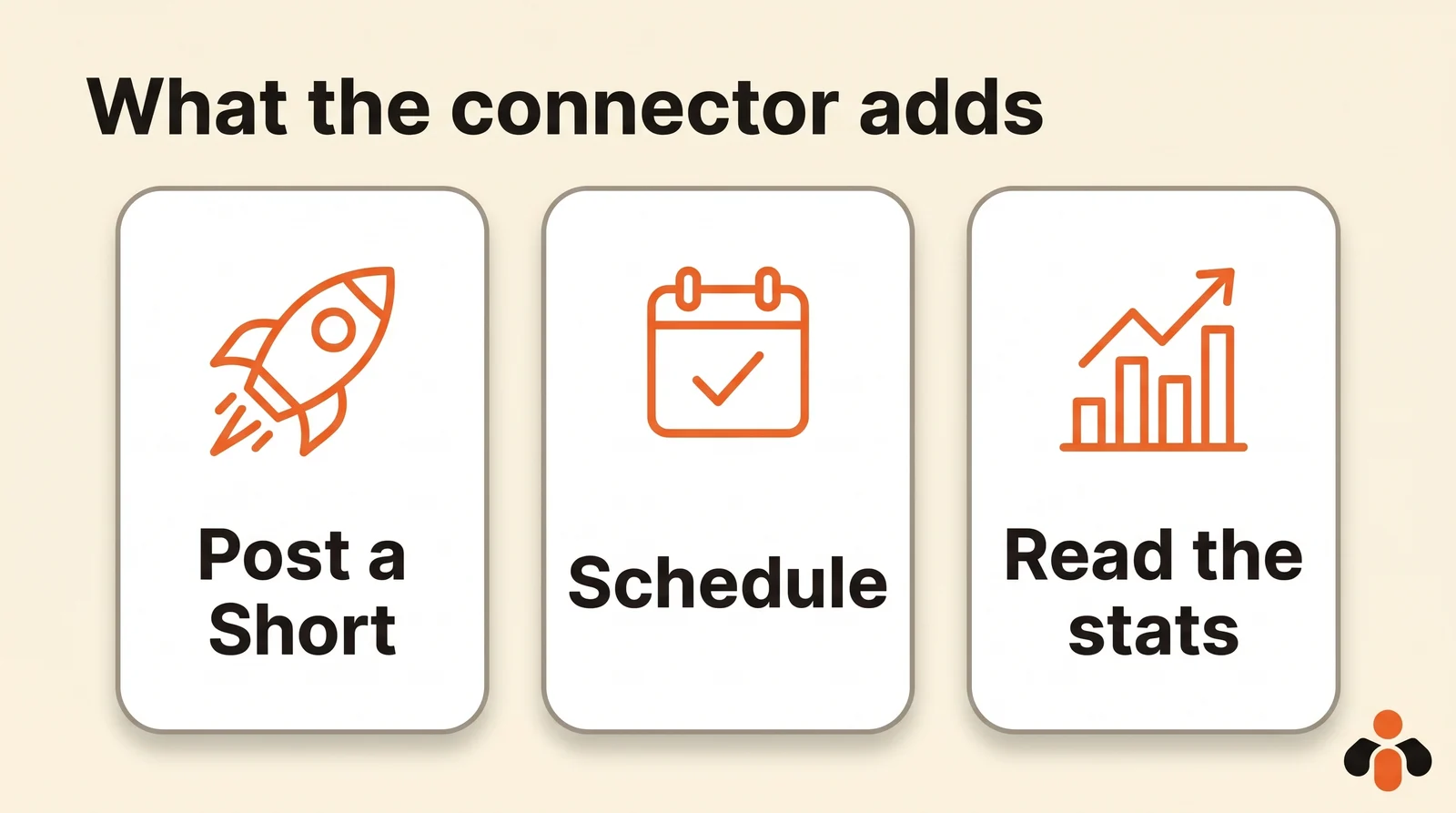
It does not make the video for you in YouTube either: shooting and editing happen with your phone or your usual software. What a connector adds is what comes next: sending that video to the channel at the right time with the right text, then telling you how it performs.
OpenAI's help article on ChatGPT apps, checked on November 6, 2026, names Google Drive, Gmail and Slack among the services you can connect, not YouTube. To act on a channel, you go through a third-party app or an MCP server.
What the YouTube API allows
Every serious connector goes through the YouTube Data API, Google's official access for software. It covers two kinds of actions.
Uploading. The upload method, videos.insert, takes files up to 256 GB, with title, description, tags and visibility. If no visibility is set, the video is public, unless the account's settings say otherwise. A field also lets you declare realistic content made or altered with AI.
Reading. The same API returns a channel's videos and their counters (views, likes, comments), and the YouTube Analytics API provides the channel's detailed reports.
The limit to know is the quota. Since June 2026, each Google project gets 100 video uploads per day by default, in a separate counter shared by all of the app's users. A tool serving thousands of channels has to split that quota, or ask Google for more through a form. That is why posting tools often set a daily limit per account.
Good news compared with the old rule: the videos.insert page now states that videos uploaded from unverified projects are no longer forced to private.
Three ways to connect a channel to an AI
| Option | What it does | Best for |
|---|---|---|
| Zapier or Make workflow | Reacts to an event (new video) and sends text to ChatGPT, or the other way round | A repeated task, always the same |
| Read-only MCP server | Reads transcripts or public data for research | Summarizing, analyzing existing videos |
| Posting tool with MCP | Posts, schedules and reads your videos' stats from the chat | Running your channel by talking to the AI |
Results for "claude youtube mcp" mostly show the second option: servers that fetch a video's transcript to summarize it. They post nothing to your channel. To post, you need the third: a tool with its own access to the YouTube API that exposes it to the assistant.
Connect YouTube to ChatGPT, step by step
With a posting tool listed in ChatGPT's directory, there is nothing to copy.
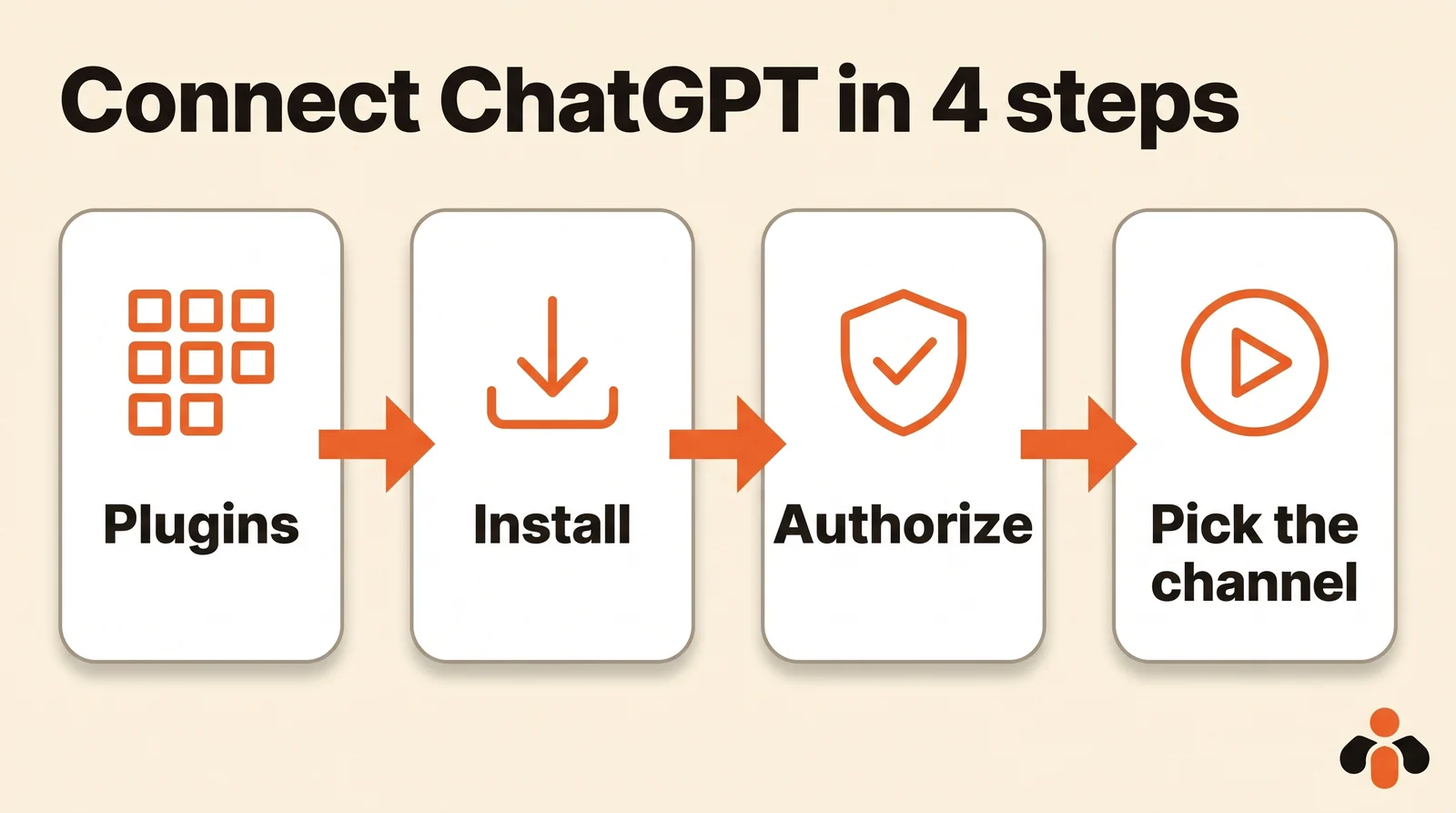
- In ChatGPT, open Plugins and find the tool in the directory.
- Click Install, then sign in to your account with that tool.
- Authorize access: the screen says what ChatGPT will be able to do.
- Link your channel: the tool opens Google's window, where you pick the account that owns the channel and accept the upload permissions.
For a server that is not listed, ChatGPT offers Add custom MCP server, on the web only. According to OpenAI's help center, write actions such as posting are reserved for the Business, Enterprise and Edu plans; on Pro, a custom server can only read.
Connect YouTube to Claude
In Claude, the path is almost the same. Open Customize, then Connectors, find the tool in the directory and click Connect. Claude's help center notes that each directory connector has a page saying what it reads and writes, and that a connector added on the web follows your account to iPhone and Android.
On a Claude Team or Enterprise plan, an owner must first enable the connector for the organization. Then, in each chat, check that the connector is on, through the + button, then Connectors: if it is off, Claude says it cannot post.
Claude Code and Cursor take the MCP server's address instead, with one command or one settings field.
A sample conversation
A fitness coach films three 45-second vertical videos each week and puts them in her cloud storage. Here is what she writes to ChatGPT, with a posting tool connected:
Here are three videos (links below). Turn them into three YouTube Shorts: a short title for each, a two-sentence description with a call to subscribe. Schedule them Monday, Wednesday and Friday at 7 am New York time.
The assistant first lists the connected accounts, to target the right channel. It then suggests the three titles and descriptions, and sums everything up before sending: video, text, channel, day, time. She fixes things in plain words ("the second title is too long"), then approves. By default, ChatGPT and Claude ask for that approval before each post.
The following Friday, she asks: "How many views did this week's three Shorts get?" The assistant reads the numbers for the videos the tool posted and answers, video by video.
Two precautions: always give the time zone, and name the channel if you have several. The AI guesses neither.
Rules for Shorts and AI-made content
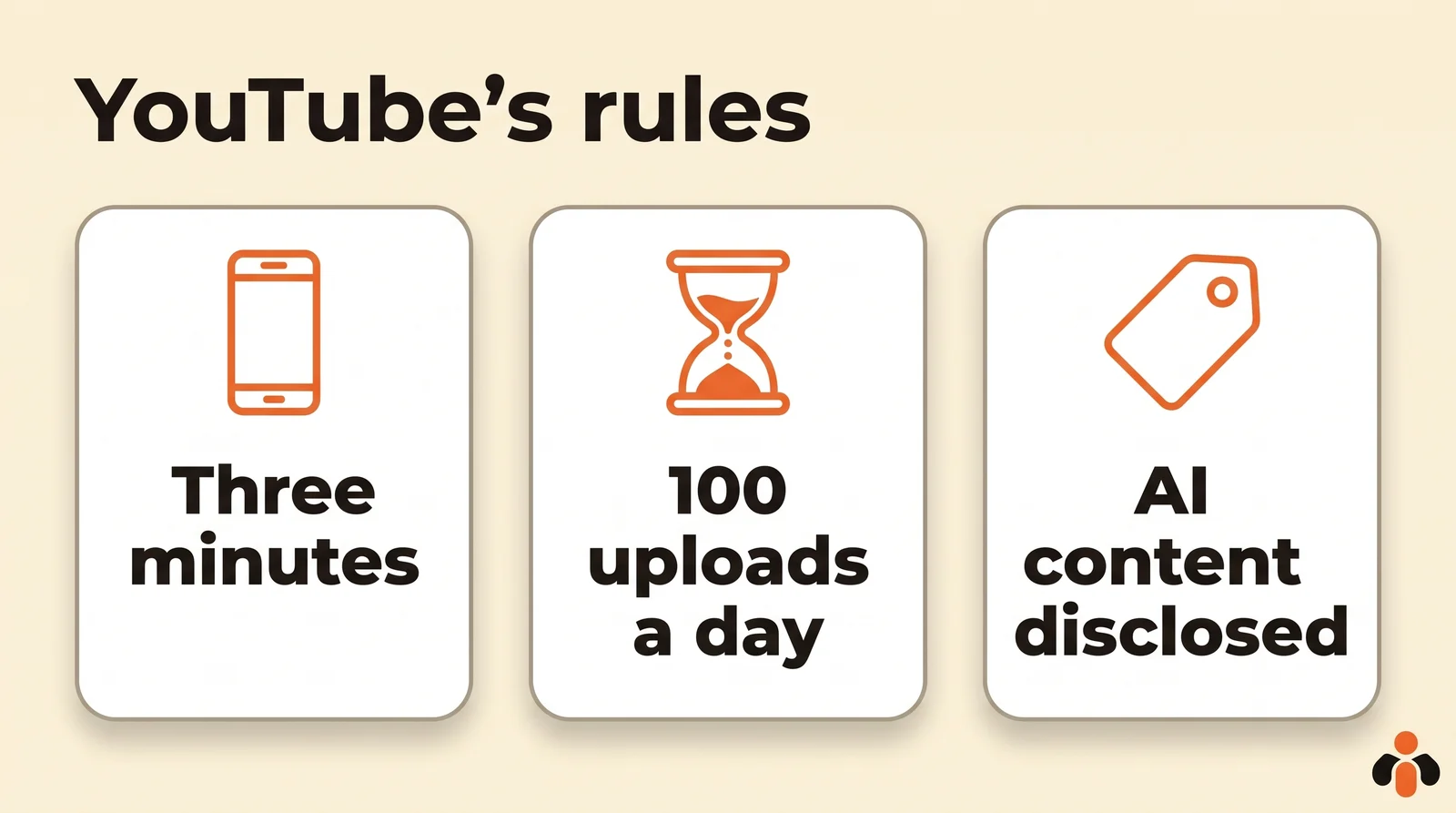
- A Short is a vertical or square video of up to three minutes. According to YouTube Help, any video in that format uploaded since October 15, 2024 is classified as a Short. Past one minute, a Short with a copyright claim is blocked everywhere.
- Realistic AI content must be disclosed. YouTube asks creators to disclose a video generated or meaningfully altered by AI that looks real (a scene that never happened, a cloned voice); animation that does not pass for real and minor edits do not need it. Writing the script with ChatGPT requires no disclosure.
- Uploading through the API follows the same rules as the app. Copyright, content for kids, community guidelines: a connector bypasses nothing.
To adapt one video for Instagram, TikTok and YouTube without remaking it, our guide to posting the same video on three networks gives each one's formats and lengths.
Post your Shorts from ChatGPT or Claude
Kreatoai connects ChatGPT, Claude or any compatible AI to your YouTube channel, with no code. It is in Claude's connector directory (Customize, then Connectors, search for Kreatoai) and, since October 22, 2026, in ChatGPT's plugin directory: you install it and sign in with nothing to copy, then link your YouTube channel.
You then write to the AI like a colleague: it drafts the text with you, posts or schedules a Short, moves or cancels it until it goes out, and tells you whether it went out, with its link. The video is attached by its online URL. The same request can also target Instagram, TikTok, Facebook Pages or Pinterest, all at once. The AI also reads analytics for posts made with Kreatoai (views, likes, comments), YouTube included, per video, per day, week or month.
Kreatoai does not make videos: it publishes the ones you make elsewhere. It does not post YouTube Stories. By default, ChatGPT and Claude ask for your approval before posting or cancelling, and the AI never sees your passwords or payment details. Ten posts are free every month, with no credit card. The Kreatoai in Claude and Kreatoai in ChatGPT pages show the setup, and our guide to connecting ChatGPT to Instagram does the same for Instagram.
Key takeaways
- ChatGPT and Claude do not connect to YouTube on their own: you need an app or an MCP server that goes through the official API.
- Alone, they write ideas, scripts, titles and descriptions; connected, they post, schedule and read the numbers.
- The most-cited "YouTube MCP" servers read transcripts; to post, you need a posting tool.
- The YouTube API caps each app at 100 video uploads per day by default.
- A Short is vertical or square and up to three minutes; realistic AI content must be disclosed.
Frequently asked questions
- Can I connect ChatGPT to my YouTube channel?
- Yes, through an app or an MCP server that goes through YouTube's official API. Without one, ChatGPT cannot see your channel: it reads neither your analytics nor your comments, and posts nothing. With a posting tool such as Kreatoai, ChatGPT posts and schedules Shorts on the connected channel, after your approval.
- Can ChatGPT upload a video to YouTube?
- Not on its own. It needs a connector that sends the video through the YouTube API. With Kreatoai, you give ChatGPT or Claude the video's online URL, it drafts the title and description with you, then posts or schedules it as a Short once you approve.
- Can I connect YouTube Studio to ChatGPT?
- YouTube Studio itself does not connect to ChatGPT. What connects is the channel, through the YouTube API: a connector can then upload videos and read numbers. Kreatoai reads analytics for posts made with Kreatoai, YouTube included, but not the channel's whole history.
- Is there a YouTube connector for Claude?
- Claude connects to YouTube through an MCP server. Kreatoai is in Claude's connector directory: Customize, then Connectors, search for Kreatoai and connect, then link your YouTube channel. Claude then posts and schedules Shorts, and reads their stats.
- Can ChatGPT make a YouTube video for me?
- ChatGPT helps write the script, title and description, but a posting connector does not make the video. Kreatoai does not make videos: it publishes the ones you make elsewhere, with your phone or editing software.
- How many videos can I upload to YouTube per day through the API?
- YouTube sets a quota per project: 100 video uploads per day by default, for the whole app.
Have it done for you
Kreatoai publishes and schedules your posts on all your networks, from your dashboard or by asking ChatGPT and Claude, and its agent answers your direct messages. Ten free posts every month, no credit card.
Try it free