Automate TikTok: What's Allowed and What Gets Your Account Banned
Automate TikTok safely: post through the official API, upload drafts, schedule, set up auto messages, with n8n, Make, Zapier or AI, and what gets an account banned.
 By Kreatoai
You can automate TikTok posting and scheduling, through TikTok's own tools or its official posting API. What gets an account banned is the other kind of automation: fake followers, mass likes or comments, scripts that pretend to be a human. TikTok says so in plain words, and the penalties go all the way to a ban.
This guide sorts the two, then shows how to post with n8n, Make, Zapier or an AI like ChatGPT and Claude, using rules read on November 28, 2026 on TikTok's official pages.
In this guide:
- what you can automate safely, and what is banned;
- the three official ways to post without opening the app;
- what TikTok's API requires, and the audit trap;
- n8n, Make and Zapier, tool by tool;
- AI, automatic messages and the habits that keep an account safe.
What you can automate on TikTok, and what gets you banned
The line is drawn in one sentence of TikTok's Community Guidelines: "We strictly prohibit automation tools, scripts, or other tricks designed to bypass our systems." The same page bans trading services that inflate engagement, and says TikTok removes the fake likes and followers it detects. The penalties listed: content removal, a restricted account (less visible in search and the For You feed), a ban, and a ban on new accounts created to get around it.
| What you automate | Verdict | Through what |
|---|---|---|
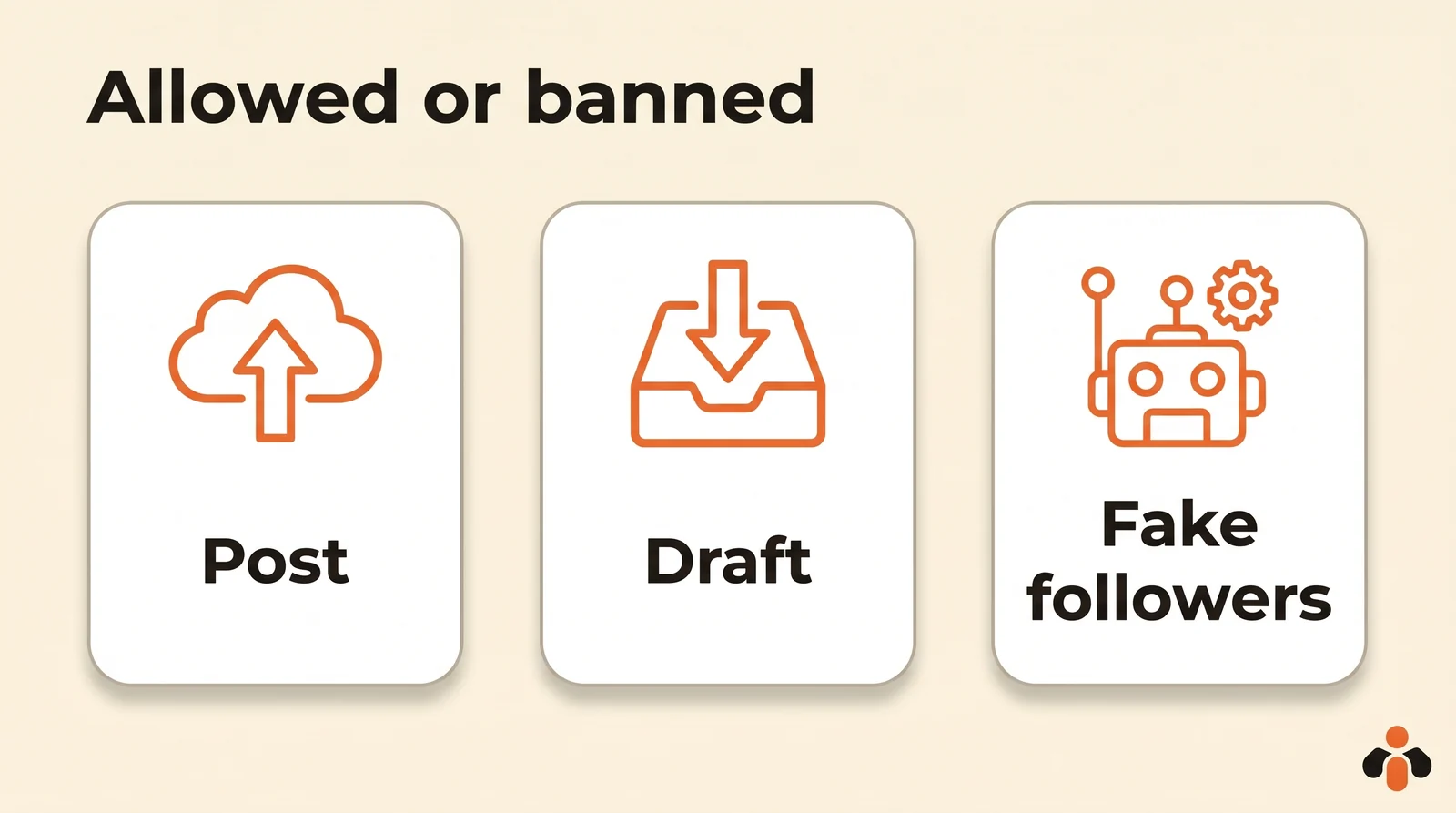
| Post a video or photos | Allowed | TikTok's posting API, with the account's consent |
| Upload a video as a draft | Allowed | API, the creator finishes in the app |
| Schedule for a date | Allowed | TikTok's scheduler, or your tool at the set time |
| Reply to DMs | Allowed, with conditions | Automatic messages for Verified Business Accounts |
| Mass follow, like, comment | Banned | No official route: this is the "TikTok bot" |
| Buy followers or views | Banned | Fake engagement, removed by TikTok |
| Scrape videos or profiles | Banned without written approval | Terms of Service |
The simple rule: if a tool pretends to be you inside the app, it is out of bounds. If it goes through a door TikTok opened (its scheduler, its API, its automatic messages), it is allowed.
Three official ways to post without opening the app
1. TikTok's scheduler. On desktop, TikTok Studio lets you pick a date and time. TikTok's help center limits it to Business Accounts or accounts with 10,000 followers or more, from 15 minutes to 10 days ahead, and a scheduled post cannot be edited, only deleted. The walkthrough is in how to schedule TikTok posts.
2. Direct Post through the API. An app the account has authorized sends the video, its caption and its settings, and TikTok publishes it. This is what posting tools and n8n, Make or Zapier scenarios do.
3. Upload as a draft. The app sends the video without posting it; according to TikTok, the creator gets an inbox notification and finishes the post in the app. Handy to add a sound from TikTok's library or review before posting. The cap: at most five pending shares in any 24-hour window; past that, the API refuses the upload.
| Route | Who presses "Post" | For whom |
|---|---|---|
| TikTok's scheduler | TikTok, at the set time | Business Accounts or 10,000+ followers, on desktop |
| Direct Post (API) | Your tool | Authorized app, audited to post publicly |
| Draft upload (API) | You, in the app | Authorized app, five pending drafts at most |
What TikTok's API requires
The Content Posting API getting-started guide lists the steps: an app registered on TikTok for Developers, the Content Posting API product added with Direct Post turned on, the video.publish scope approved for the app and then granted by the target TikTok account, and that account's access token. Drafts use the video.upload scope.
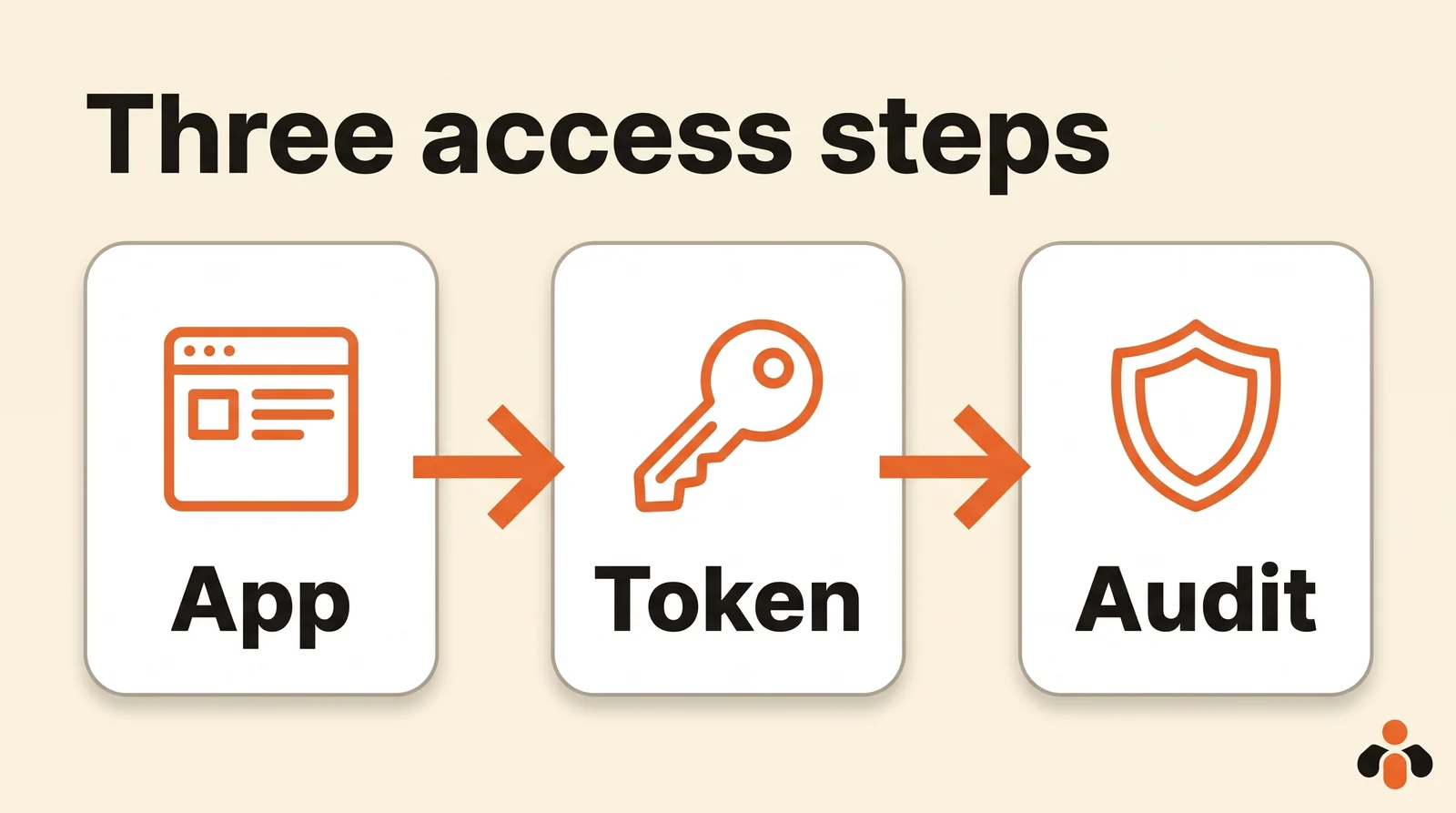
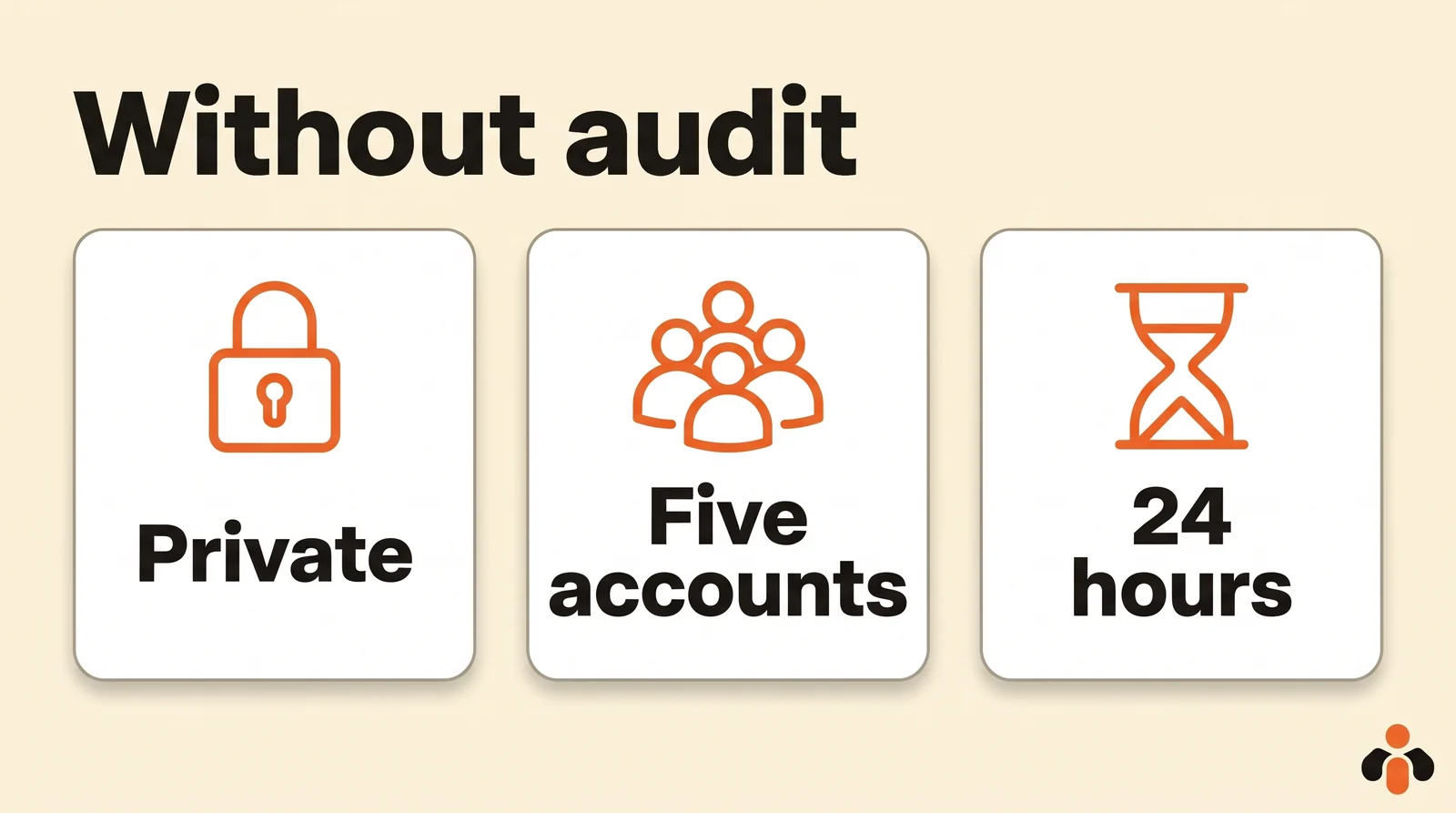
Then comes the audit, the real obstacle. TikTok states that all content posted by unaudited clients is restricted to private viewing. Its guidelines spell out the restrictions:
- at most five users can post through the app in a 24-hour window;
- those accounts must be set to private at the time of posting;
- videos go out as
SELF_ONLY, and the owner then has to make the account public and switch each video to "Everyone".
And the audit is not granted for every use. On the same page, TikTok lists as unacceptable "a utility tool to help upload contents to the account(s) you or your team manages", along with an app that copies content from other platforms. In other words, the app you build for your own scenario is not meant to be audited, and your videos will stay private.
Even audited, an app lives under two caps: a daily active creator cap set during the audit, and a per-account posting cap over 24 hours that varies by creator, "typically around 15 posts per day", shared across every app posting to that account. On the technical side, the Direct Post reference allows 6 requests per minute per token and a 2,200-character caption, and the media transfer guide accepts MP4 (recommended), 23 to 60 frames per second, up to 4 GB.
Automate TikTok with n8n
n8n has no built-in TikTok node: its official node list contains none. Searches for "n8n tiktok node" lead to community nodes or workflow templates, not to a node n8n maintains.
The official route uses the HTTP Request node with your own TikTok app. A typical "n8n TikTok upload" workflow has four nodes:
- The trigger. A Schedule Trigger runs the workflow at a set time, in the workflow's time zone if set, otherwise the instance's (America/New York by default when self-hosted). Or a new spreadsheet row.
- Creator info. A POST to the first address below returns the account's allowed privacy levels and maximum video length. TikTok requires it before each post.
- The post. A POST to the init address, with
title,privacy_leveland the video source:PULL_FROM_URL(a URL on a domain you verified with TikTok) orFILE_UPLOAD(sent in chunks). - Tracking. A Wait node, then a status check, until the post is final.
POST https://open.tiktokapis.com/v2/post/publish/creator_info/query/
POST https://open.tiktokapis.com/v2/post/publish/video/init/
If you want to keep costs down, n8n has a Community Edition, published on GitHub, that you install on your own server (n8n pricing page). The tool is then cheap; what blocks you is TikTok's audit, not the tool's price. For n8n and Make side by side on the same scenario, see n8n vs Make for social media automation.
Automate TikTok with Make
Make has a TikTok app, but its documentation describes it as TikTok Campaign Management: creating campaigns, updating ad groups, reading results from an ad account. It does not post organic videos.
To post to TikTok from Make, you are left with Make's HTTP module, the same addresses, the same TikTok app and the same audit as in n8n. Nothing changes on TikTok's side: only the tool sending the request differs.
Automate TikTok with Zapier
On Zapier, the TikTok Lead Generation integration has a single trigger, New Lead: it picks up contacts left in TikTok ad forms and sends them to a CRM or spreadsheet. Zapier also offers TikTok Conversions, from the same ads side. Neither posts a video.
So a "Zapier post to TikTok" also goes through a web request (Webhooks by Zapier) to TikTok's API, with your own app, or to an API that posts for you.
| Tool | TikTok app provided | Posts a video? | Route to post |
|---|---|---|---|
| n8n | No built-in node | No | HTTP Request node + your TikTok app |
| Make | TikTok Campaign Management | No (ads) | HTTP module + your TikTok app |
| Zapier | TikTok Lead Generation, TikTok Conversions | No (ads, leads) | Webhooks by Zapier + your TikTok app |
TikTok automation with AI
"AI TikTok automation" covers two very different things.
Making videos with AI. Allowed, but TikTok asks creators to label AI-generated content showing realistic scenes or people; unlabeled, it can be removed, restricted or labeled by TikTok. Through the API, that is the is_aigc field. The same page keeps unoriginal or reused content without new additions out of the For You feed: a stream of copied videos will not get far.
Having an AI post for you. ChatGPT and Claude cannot post to TikTok on their own: they need a connector, an MCP server linked to an authorized account. The TikTok rules above apply to every connector. The walkthroughs are in connect ChatGPT to TikTok and connect Claude to TikTok.
TikTok's automatic messages
DMs can be automated too, by TikTok itself. According to TikTok for Business help, Verified Business Accounts and TikTok accounts with Advanced Access can set up four types of messages:
- a welcome message for people who start a chat with the account for the first time;
- a keyword reply, triggered by an exact match;
- suggested questions, with preset answers;
- chat prompts, topic buttons to start the conversation.
They are not available to general TikTok accounts. Setup and the question of scheduled messages are covered in schedule TikTok messages.
Habits that keep your account safe
- Use official doors only: TikTok's scheduler, the posting API, automatic messages. Never a tool that asks for your password to act in the app on your behalf.
- Stay under the caps: around 15 posts per day per account, five pending drafts, 6 requests per minute per token.
- Post original content, and turn on the AI label when it applies.
- Disclose commercial content: TikTok separates your own brand (promotional content) from a paid partnership.
- Skip watermarks: TikTok's guidelines forbid apps from adding logos, links or promotional text to videos.
- Watch for failures: a workflow that fails silently ends up posting twice or never. Wire an alert to the error output.
Post to TikTok without building an app
For an n8n, Make or Zapier workflow, the long part is not the workflow: it is the TikTok app, its scope and its audit, which is not meant for an internal tool. The review process of the other platforms is detailed in auto-post to multiple social networks.
Kreatoai takes that role: it posts to TikTok, Instagram, Facebook Pages, personal LinkedIn profiles, YouTube (Shorts), Bluesky, Google Business Profiles, Pinterest and Threads, right away or at the time you choose. A single request to its public API posts to several platforms: your automation tool does not have to talk to each one or go through their app reviews. A scheduled post goes out on its own, even if the automation tool is off, and an idempotency key (idempotencyKey) keeps a rerun workflow from posting twice. From ChatGPT or Claude, the connector posts and schedules right in the conversation, after your approval.
The guides are on the n8n, Make and Zapier pages of the documentation. Ten posts are free every month, no credit card needed.
Key takeaways
- Posting, uploading drafts, scheduling and automatic messages are allowed, through TikTok's official doors.
- Fake followers, mass likes or comments, and scripts that bypass TikTok's systems are banned, up to a full account ban.
- Neither n8n, Make nor Zapier has a module that posts to TikTok: you go through the posting API, with a TikTok app.
- Without an audit, an app posts privately, for five accounts at most in 24 hours, and a tool built only for your own accounts is not an accepted use.
- Count on around 15 posts per day per account, and five pending drafts at most.
Frequently asked questions
- Can you automate TikTok posting?
- Yes, as long as you use the official routes: TikTok's built-in scheduler, or TikTok's Content Posting API, called by an app the account has authorized. What TikTok prohibits is automation tools, scripts and tricks designed to bypass its systems, along with fake likes, fake followers and other inflated engagement.
- Can n8n post to TikTok?
- Yes, but without a built-in TikTok node: n8n's node list has none. You call TikTok's posting API with the HTTP Request node, which takes your own TikTok app, the video.publish scope and an access token. Until TikTok audits the app, every video it posts stays private.
- Why are my videos posted through the TikTok API private?
- Because the app has not passed TikTok's audit. TikTok states that all content posted by unaudited clients is restricted to private viewing (SELF_ONLY), that at most five users can post through the app in a 24-hour window, and that those accounts must be private when posting. TikTok also lists a utility tool for uploading to accounts you or your team manage as an unacceptable use.
- How many videos can you post per day through the TikTok API?
- TikTok caps posts per creator account over 24 hours. The limit varies by creator, is typically around 15 posts per day, and is shared across every app posting to that account. Draft uploads have their own cap: at most five pending shares in any 24-hour window.
- Can you automate TikTok DMs?
- Partly. Verified Business Accounts and TikTok accounts with Advanced Access can set up four types of automatic messages: welcome message, keyword reply, suggested questions and chat prompts. They are not available to general TikTok accounts.
- Can n8n, Make or Zapier post to TikTok without creating a TikTok app?
- Yes, by calling an API that already holds that access. Kreatoai posts to TikTok, Instagram, Facebook Pages, personal LinkedIn profiles, YouTube Shorts, Bluesky, Google Business Profiles, Pinterest and Threads with a single request, sent from n8n's HTTP Request node, Make's HTTP module or a Zapier webhook. The guides are at /developers/n8n, /developers/make and /developers/zapier.
Have it done for you
Kreatoai publishes and schedules your posts on all your networks, from your dashboard or by asking ChatGPT and Claude, and its agent answers your direct messages. Ten free posts every month, no credit card.
Try it free