n8n vs Make for Social Media Automation: One Scenario, Two Tools
n8n vs Make for social media automation: what each one can post, platform by platform, what a real posting scenario costs, the traps they share, and how to post everywhere with a single request.
 By Kreatoai
n8n vs Make? For social media automation, Make is the more direct of the two: it has ready-made modules to post to Instagram, Facebook Pages, LinkedIn, YouTube, Pinterest, Bluesky and Google Business. n8n takes more work on some platforms, but it bills per execution, can run on your own server and lets you do everything with requests. And for TikTok and Threads, neither one has a built-in posting module.
Instead of a general comparison, this guide puts both tools on the same real job: posting the same announcement to several platforms every day, from a spreadsheet. Prices were checked on the official pricing pages on November 27, 2026.
In this guide:
- n8n and Make in a few lines;
- the reference scenario, in three blocks;
- platform by platform, what each tool can post;
- what that scenario costs on each;
- hosting, time zone and run time;
- the traps they share;
- which one fits your case;
- posting to every platform with a single request.
n8n and Make in a few lines
n8n builds workflows: connected nodes, a trigger and then actions. It comes in two versions: hosted by n8n (n8n Cloud), or the free Community Edition you install on your own server (n8n pricing page). People often pick it for its freedom: an HTTP Request node calls any API, and a code node runs JavaScript or Python.
Make (formerly Integromat) builds scenarios: modules connected on a canvas, in its web app. It lists more than 3,500 ready-made apps and bills in credits: each module action usually uses one (Make pricing page).
Both work with AI: n8n has an AI Agent node and an MCP Client node, Make has its agents (in beta) and its own MCP server. But to post to a platform, what matters first is the module that talks to it.
The reference scenario
Take a common case: an online skincare brand drafts its announcements in a spreadsheet and wants them to go out on their own every morning on Instagram, its Facebook Page, LinkedIn and Pinterest.
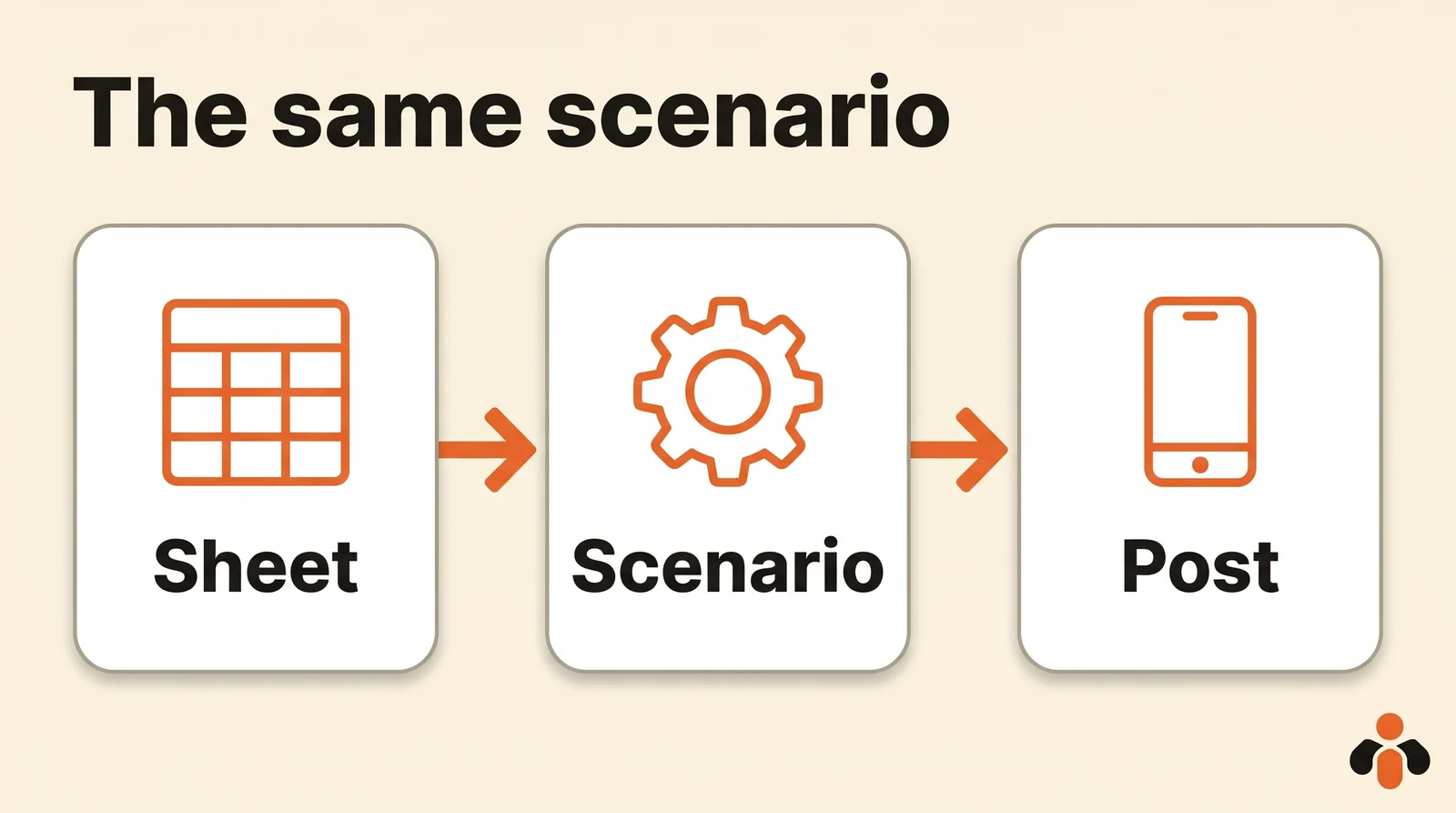
The scenario fits in three blocks, in n8n and in Make alike:
- The trigger. It starts the scenario every morning at 9 a.m. (Schedule Trigger in n8n, the scenario schedule in Make) and reads the next ready row of the sheet: text, image URL, target platforms.
- The post. One module per platform posts the text and the image.
- The follow-up. The scenario writes "posted" in a status column, so the same row never goes out twice.
That's where the differences show.
Platform by platform: what each tool can post
The table below lists the built-in nodes in n8n's documentation and the apps documented on apps.make.com, read on November 27, 2026. Third-party nodes and apps aren't counted.
| Platform | n8n (built-in node) | Make (app) |
|---|---|---|
| None of its own: Facebook Graph API node, request to write | Instagram for Business: photo, carousel, Reel | |
| Facebook Page | Facebook Graph API: request to write (/<page-id>/feed) |
Facebook Pages: post, photos, video, Reel |
| LinkedIn: create a post, as a person or an organization | LinkedIn: text, image, video, profile or company | |
| YouTube | YouTube: upload a video | YouTube: Upload a Video |
| Google Business | Google Business Profile: create a post | Google Business Profile: posts |
| None: HTTP Request | Pinterest: Create a Pin | |
| Bluesky | None: HTTP Request | Bluesky: Create a post |
| TikTok | None: HTTP Request | Ad campaigns only |
| Threads | None: HTTP Request | No app page |
What this means in practice:
- Make wins on ready-made modules. On Instagram, you pick the Page and map the image and the text: no request to write. Make does warn that Instagram creator accounts aren't supported, that you need a business account connected to a Facebook Page, and that a Google Drive image won't work, even when shared (Make documentation). No module posts Stories.
- n8n expects you to know Meta's API. Its Facebook Graph API node is generic: you set the node and edge of the request yourself (n8n documentation). It's more work, but anything the API allows becomes possible, Stories included, as our guide to automating Instagram posts with n8n shows.
- On LinkedIn, they're even. n8n's LinkedIn node posts as a person or an organization, with an image or an article link (n8n documentation); Make offers text, image and video modules for a profile or a company page (Make documentation).
- On TikTok and Threads, nobody has a shortcut. n8n has no built-in TikTok node, and Make's TikTok app is called TikTok Campaign Management: it's for ads (Make documentation). You have to call each platform's API with an HTTP request and your own app.
For our skincare brand, Make covers all four platforms with ready-made modules. In n8n, Instagram and the Facebook Page go through Graph requests you write yourself, and Pinterest through an HTTP Request node.
What that scenario costs
The two tools don't count the same thing, and that's often where the choice is made.
n8n counts executions. An execution is one full run of the workflow, however many steps it has. n8n gives the rule itself: a workflow that runs once a day makes 30 or 31 executions a month, one that runs every 5 minutes makes about 8,600 to 8,900 (n8n pricing page).
Make counts credits. Each module action usually uses one credit: reading a row, posting, updating the row. A scenario can use anywhere from two credits to thousands in a single run, depending on what it does (Make pricing page).
Entry plans, checked on November 27, 2026:
| n8n | Make | |
|---|---|---|
| Free | Self-hosted Community Edition; n8n Cloud trial: 1,000 executions, no card | Free: 1,000 credits a month, 2 active scenarios |
| First paid plan | Starter: $24 a month ($20 billed annually), 2,500 executions | Core: $10.59 a month ($9 billed annually), 10,000 credits |
| Next plan | Pro: $60 a month ($50 billed annually), 10,000 executions | Pro: $18.82 a month ($16 billed annually), 10,000 credits |
| What's counted | One full run of the workflow | Each module action |
| Shortest interval | Depends on the trigger | 15 minutes on Free, 1 minute on Core |
Applied to our scenario, running once a day:
- In n8n, it uses 30 or 31 executions a month, whether the row goes to one platform or four.
- In Make, each run reads a row (1 credit), posts to four platforms (4 credits) and updates the row (1 credit): about 6 credits a day, so about 180 a month. The free plan is enough.
The math flips when the scenario runs often. A workflow that checks the sheet every 15 minutes makes about 2,900 executions a month at n8n, more than the 2,500 in the Starter plan. The other way round, a Make scenario that posts lots of content to lots of platforms multiplies credits with every post.
One last point for video: Make caps the size of a processed file at 5 MB on Free and 100 MB on Core (Make pricing page). A scenario that downloads a video to send it to YouTube quickly goes past 5 MB.
Hosting, time zone and run time
Hosting. Make runs in its web app. n8n is either hosted (n8n Cloud) or installed on your server: the Community Edition is free, but updates, backups and security for that server are then on you.
Time zone. A post scheduled for 9 a.m. can go out at 3 p.m. n8n's Schedule Trigger uses the workflow's time zone if one is set, otherwise the instance's, which defaults to America/New York on a self-hosted install; n8n Cloud tries to detect the owner's time zone at sign-up, falling back to GMT (n8n documentation). Set it in the workflow settings first. The workflow also has to be published for the trigger to run.
Run time. Uploading a video takes time. n8n Cloud stops a run after 5 minutes on Starter and 40 minutes on Pro; Make after 5 minutes on Free and 40 minutes from Core up (pricing pages of n8n and Make).
The traps they share
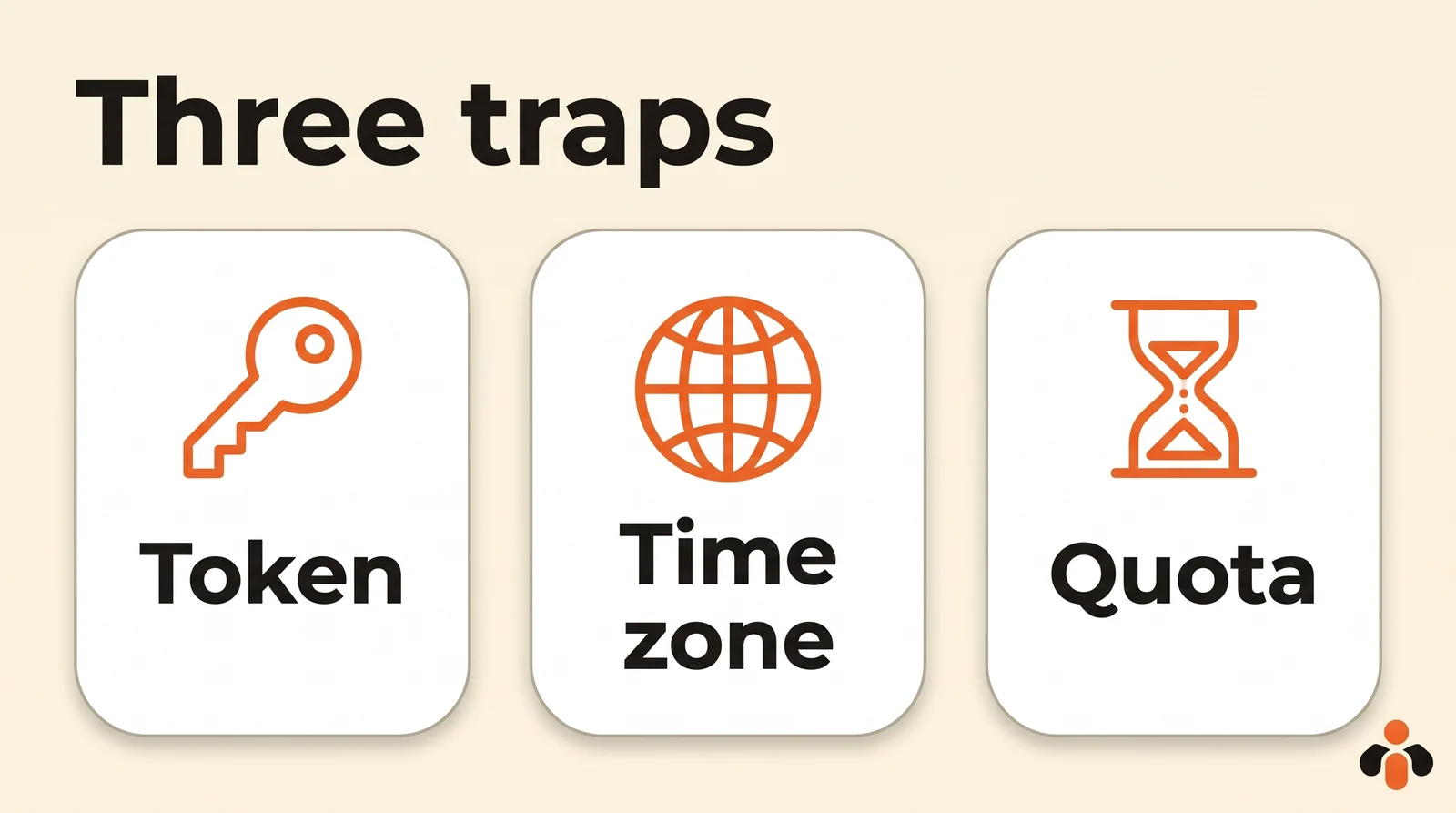
Switching tools doesn't change the platforms' rules. Three traps await n8n and Make alike.
The expiring token
Every connection relies on an access token granted by the platform. At LinkedIn, all access tokens are issued with a 60-day lifespan (LinkedIn documentation). If you use your own app, note the date and plan to reconnect the account before it runs out, or the scenario fails without warning.
The time zone
It's set twice: in the automation tool, and in your sheet's date column. A date written without a time zone is read in the tool's.
The platforms' quotas
- Instagram limits API-published posts over a rolling 24 hours, a carousel counting as one: 100 according to Meta's documentation, which also says 50 in its carousel section. A scenario that loops after an error can hit it.
- Video uploads through the YouTube API are limited to 100 calls a day per Google project (YouTube documentation).
- On TikTok, everything posted by an app that hasn't passed the audit stays private (TikTok documentation).
For each platform's quotas and reviews in detail, see auto-posting to multiple social networks.
Which one fits your case
| Your case | Go with |
|---|---|
| One or two simple scenarios, no server | Make (the free plan may be enough) |
| Instagram, Facebook, LinkedIn, Pinterest with ready-made modules | Make |
| Many steps per run, few runs | n8n (one execution per run) |
| Self-hosting, keeping your data in-house | n8n (Community Edition) |
| Writing your own requests, adding code | n8n |
| TikTok or Threads | Either, with an HTTP request |
Zapier, often mentioned alongside them, isn't compared here. The route below works with it too, since it only takes an HTTP request.
Either way, test your scenario on a test account before plugging it into the brand's account, and keep the status column that stops double posts.
Post to every platform with a single request
Whether you pick n8n or Make, the scenario grows with every platform: one more connection, format, quota and possible failure. And on TikTok or Threads, you have to create your own app and pass their reviews anyway.
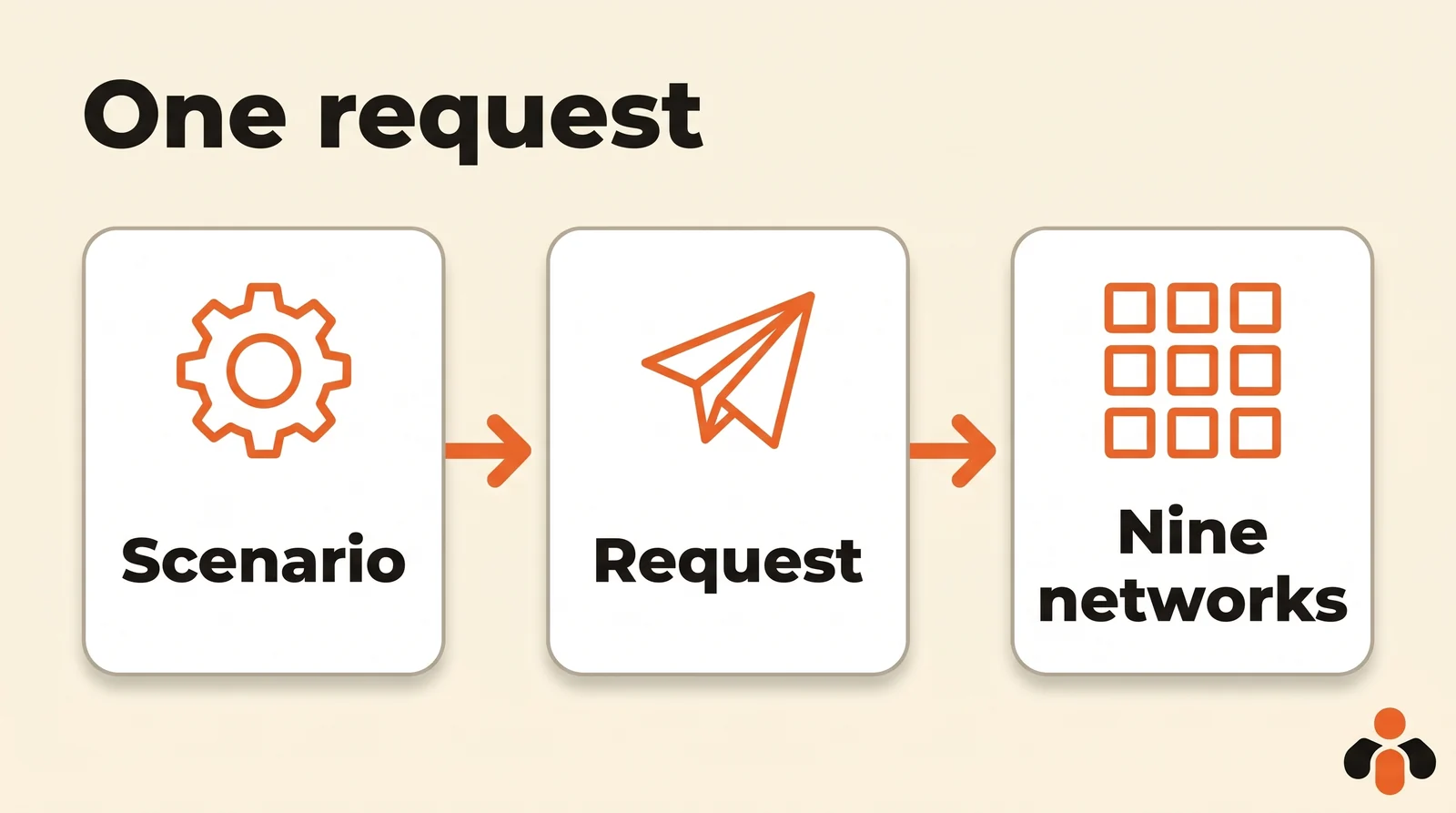
There's another route: calling an API that posts everywhere. That's what Kreatoai's public API does. A single request posts to Instagram, Facebook Pages, TikTok, personal LinkedIn profiles, YouTube (Shorts), Bluesky, Google Business profiles, Pinterest and Threads: the automation tool doesn't have to talk to each platform or go through their app reviews.
In our scenario, the four posting modules become a single HTTP Request node (n8n) or a single HTTP module (Make). A post can be scheduled for a date and goes out on its own, even if the automation tool is stopped; an idempotency key (idempotencyKey) stops a re-run scenario from posting twice; webhooks tell the scenario when a post goes out or fails. In n8n, an AI agent can also post through Kreatoai's MCP server, with the MCP Client Tool node.
Step-by-step guides are on the n8n page and the Make page of the documentation (in French). Ten posts a month are free, no credit card required.
Key takeaways
- Make has ready-made modules for Instagram, Facebook Pages, LinkedIn, YouTube, Pinterest, Bluesky and Google Business; n8n has them for LinkedIn, YouTube and Google Business, and uses requests for the rest.
- Neither has a built-in module that posts to TikTok or Threads.
- n8n counts executions (one full run), Make counts credits (each action): a scenario that runs once a day costs about 30 executions at n8n and about 180 credits at Make if it posts to four platforms.
- As of November 27, 2026: n8n Starter at $24 a month for 2,500 executions, free self-hosted Community Edition; Make Free at 1,000 credits a month, Core at $10.59 for 10,000 credits.
- Set the time zone first (America/New York by default on a self-hosted n8n).
- Expiring tokens, quotas and platform audits apply whatever the tool; an API that posts everywhere handles them for you.
Frequently asked questions
- n8n or Make: which is better for social media automation?
- Make if you want ready-made modules for Instagram, Facebook Pages, LinkedIn, YouTube, Pinterest, Bluesky and Google Business, with no server to run. n8n if you'd rather pay per execution than per action, host it on your own server, or write your own requests. For TikTok and Threads, neither has a built-in posting module: you need an HTTP request.
- Is Make free?
- Make has a free plan: 1,000 credits a month, two active scenarios, runs at most every 15 minutes, and files of up to 5 MB. Each module action usually uses one credit. As of November 27, 2026, the first paid plan (Core) costs $10.59 a month, or $9 a month billed annually, for 10,000 credits.
- Is n8n free?
- Both. n8n's Community Edition is free to self-host on your own server. The version hosted by n8n is paid: as of November 27, 2026, the Starter plan costs $24 a month, or $20 a month billed annually, for 2,500 executions a month. The free trial gives 1,000 executions, with no credit card.
- How many executions or credits does posting once a day take?
- At n8n, an execution is one full run of the workflow, however many steps it has: a workflow that runs once a day uses 30 or 31 executions a month. At Make, every action counts: a scenario that reads a row, posts to four platforms and updates the row uses about six credits per run, so about 180 a month at one run a day.
- Can you post to TikTok with n8n or Make?
- Not with a built-in module. n8n has no TikTok node in its list of built-in nodes, and the TikTok app documented by Make is for ad campaigns. You have to call TikTok's posting API with an HTTP request and your own app, and pass TikTok's audit: until then, the videos you post stay private.
- Can you post to every platform at once from n8n or Make?
- Yes, by calling an API that posts everywhere. Kreatoai posts to Instagram, Facebook Pages, TikTok, personal LinkedIn profiles, YouTube Shorts, Bluesky, Google Business profiles, Pinterest and Threads with a single request, sent from n8n's HTTP Request node or Make's HTTP module, with no app to create on each platform. A post can be scheduled and goes out on its own, even if the automation tool is stopped.
Have it done for you
Kreatoai publishes and schedules your posts on all your networks, from your dashboard or by asking ChatGPT and Claude, and its agent answers your direct messages. Ten free posts every month, no credit card.
Try it free