Social Media Scheduling API: Post Everywhere in One Request
Social media scheduling API: what each network's own integration costs, what a unified API changes, curl and Python examples, webhooks and how to choose one.
 By Kreatoai
A social media scheduling API lets software post and schedule on Instagram, Facebook, TikTok, LinkedIn or YouTube without opening their apps. There are two ways to do it: plug into each network's official API, one by one, or use a unified API, where one request posts to every network you target. This guide compares both, with examples you can copy; the networks' rules were checked on their developer pages on November 6, 2026.
In this guide:
- what a social media API does, and the two ways to use one;
- what integrating each network yourself really costs;
- what a single API changes: one request, webhooks, an idempotency key;
- curl and Python examples, to post now and to schedule;
- how to choose a social media API.
What a social media API is
An API, short for application programming interface, is a door a network opens to software: instead of clicking Post, your program sends a request with the text, the image and the date. Each network has its own: Meta's Graph API for Facebook and Instagram, TikTok's Content Posting API, LinkedIn's API, the YouTube Data API.
A unified API sits on top. It has already done the work with each network (apps, reviews, tokens) and gives you one door: you describe the post once, with a list of networks, and it handles the rest. That is what most software, SaaS products and agencies posting for their users choose, and it is also what n8n, Make and Zapier connect to.
What integrating each network costs
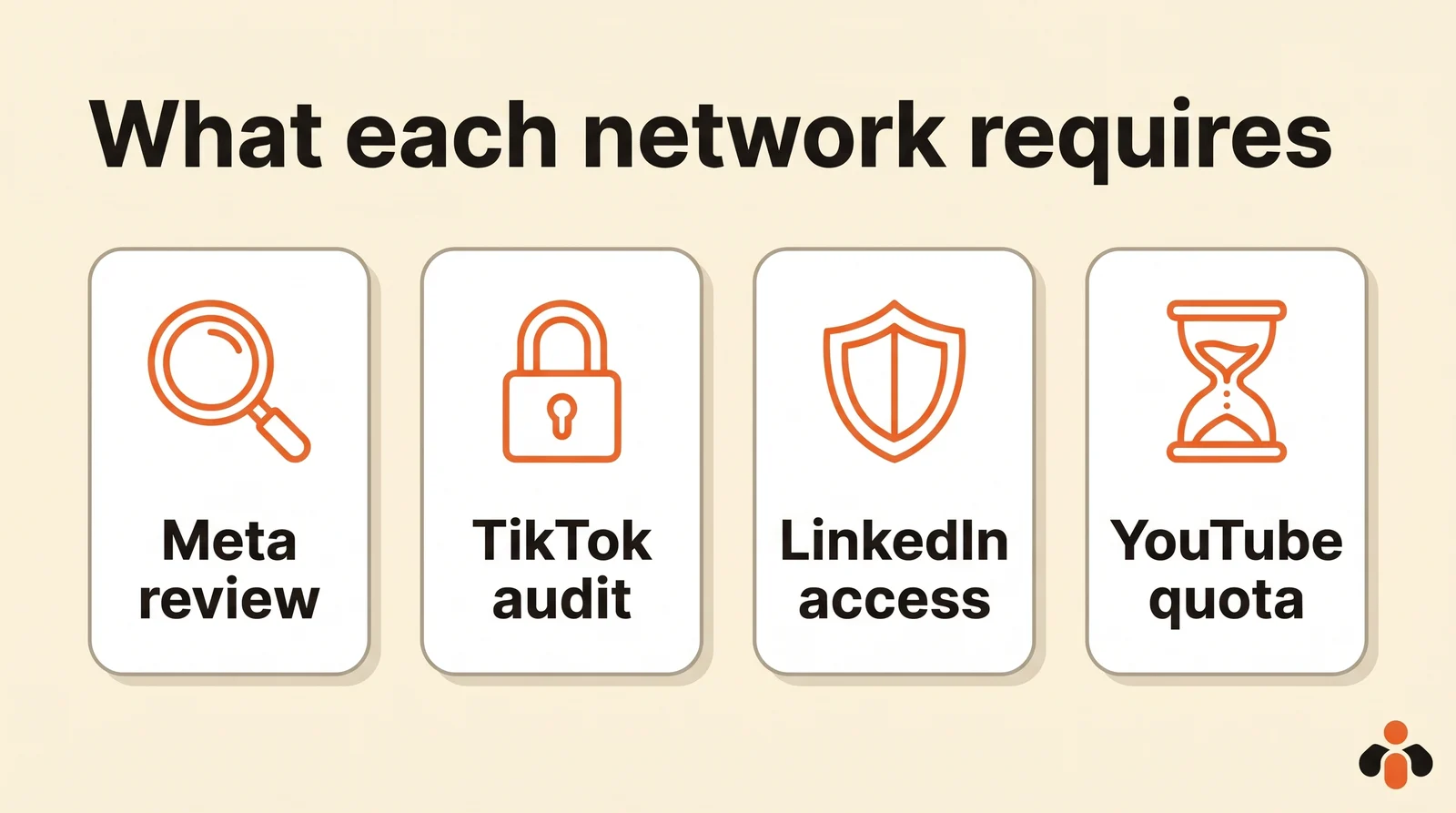
Plugging into each network yourself is free to use, but every network sets conditions before it lets you post for anyone other than yourself.
| Network | What it requires | Source |
|---|---|---|
| Facebook and Instagram | Advanced access through App Review as soon as your app serves people with no role on it; Instagram caps API posts at 100 per rolling 24 hours per account | Meta access levels, Instagram publishing |
| TikTok | Until the app passes the audit, everything it posts stays private | Content Posting API |
| Personal profiles through the w_member_social permission, 150 requests per member per day; company Pages through a reviewed product | Share on LinkedIn | |
| YouTube | A default quota of 100 video uploads per day per project, for the whole app | YouTube Data API quota |
Then it has to keep working: refresh tokens before they expire (60 days for LinkedIn and Instagram), follow each API's version changes, and handle each network's formats. Instagram only takes media that are already online, TikTok asks its own questions about visibility and branded content, YouTube wants a file uploaded in chunks. For software whose core is not posting, that is a lot of code to maintain.
What a single API changes
A unified API brings all of that down to one request and one address that keeps you informed.
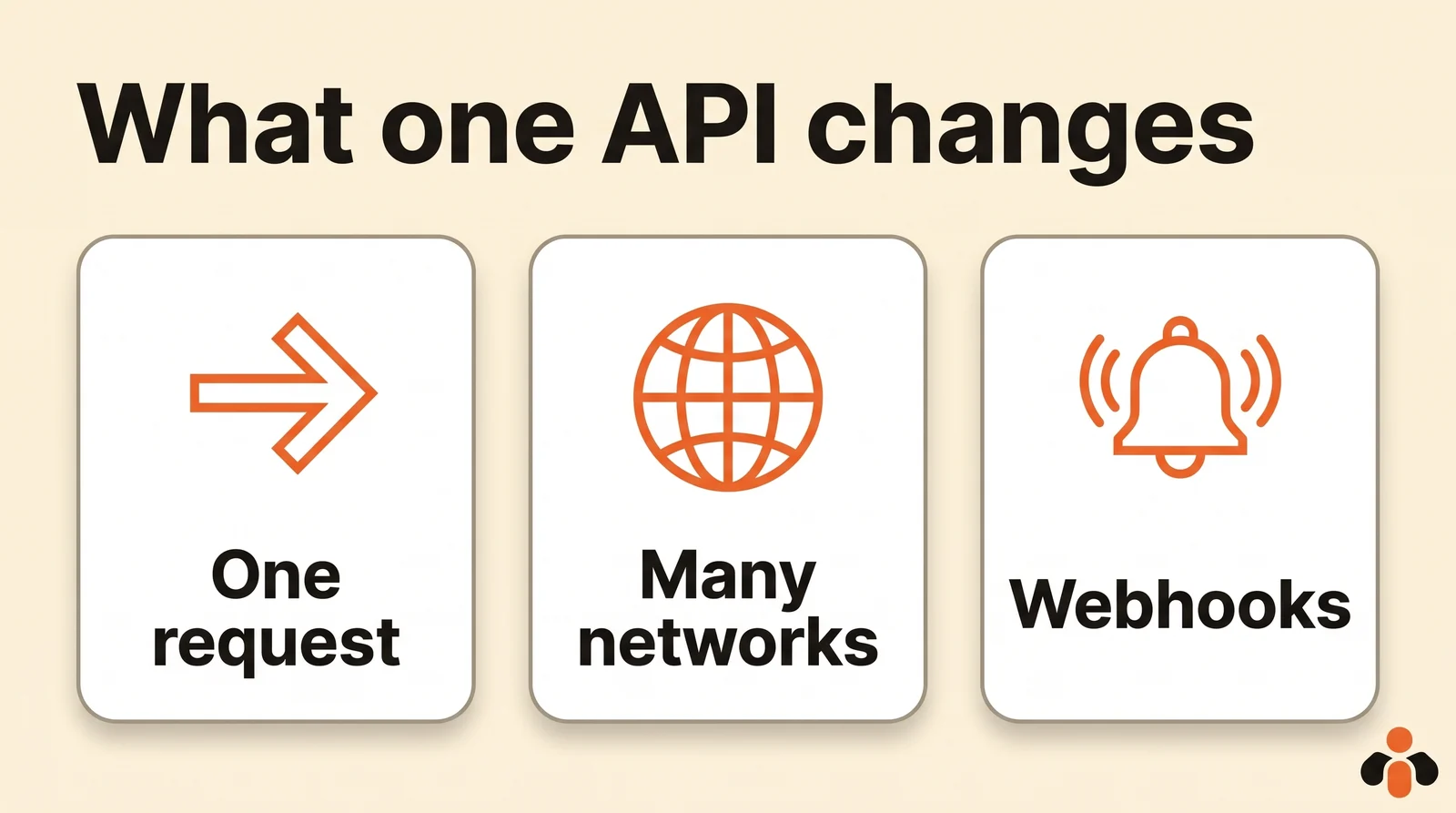
- One request for many networks. Text, media and targets go together; each network's limits (length, number of images) are checked target by target.
- Server-side scheduling. With a date, the post waits at the service and goes out on its own, even if your program is down.
- Webhooks for the result. Instead of polling the API, you get a call when a post goes out or fails.
- An idempotency key. If your program retries after a timeout, the same key prevents a double post.
Post with an API: a curl example
Here is an immediate post to a Facebook Page and a LinkedIn profile, with an image, through Kreatoai's API. You create the key in the dashboard and send it in the x-api-key header.
curl -X POST https://api.kreatoai.com/v1/posts \
  -H "x-api-key: sk-kre-v1-your_key" \
  -H "Content-Type: application/json" \
  -d '{
    "targets": ["facebook", "linkedin"],
    "content": "Our new offer is live!",
    "mediaUrls": ["https://example.com/visual.jpg"],
    "idempotencyKey": "offer-launch-2026-11"
  }'
The API answers right away with 202 Accepted, the post's ID and one line per target, each pending. Publishing happens in the background; GET /v1/posts/:id then gives each network's status, with the post's link once it is out. When you have two accounts on the same network, a target names the exact one: { "platform": "facebook", "channelId": "…" }.
Schedule in Python
To schedule, add a date in ISO 8601 format. The same call in Python, with the requests library, scheduled for Thursday at 6 pm New York time:
import requests

response = requests.post(
    "https://api.kreatoai.com/v1/posts",
    headers={"x-api-key": "sk-kre-v1-your_key"},
    json={
        "targets": ["instagram", "tiktok"],
        "content": "Behind the scenes at our workshop, in 30 seconds.",
        "mediaUrls": ["https://example.com/behind-the-scenes.mp4"],
        "scheduledAt": "2026-11-12T18:00:00-05:00",
        "idempotencyKey": "behind-the-scenes-2026-11-12",
    },
    timeout=30,
)
print(response.status_code, response.json()["status"])  # 202 scheduled
Until it goes out, the post can be edited with PATCH /v1/posts/:id (text, media, date) and cancelled with DELETE /v1/posts/:id. Instagram and TikTok need an image or a video; Facebook, LinkedIn, Bluesky and Google Business accept text alone.
Errors to plan for
A good API rejects right away what cannot go out, instead of failing silently a minute later. With Kreatoai, the request is checked network by network before it is accepted, and a rejection comes back as 400 with details for each target:
{
  "error": "invalid_targets",
  "details": [
    { "platform": "instagram", "error": "media_required_for_target" },
    { "platform": "tiktok", "error": "channel_not_connected" }
  ]
}
The most common cases to handle in your code:
- Missing media: Instagram and TikTok need an image or a video, YouTube a video.
- Text too long: 3,000 characters on LinkedIn, 2,200 on Instagram and TikTok, 1,500 on Google Business, 300 on Bluesky.
- Account not connected: the network has no active account in the workspace, or the targeted ID does not exist.
- Past date: a schedule date that has already passed is rejected.
Once accepted, a network can still refuse at posting time. The failure then says whether a retry is worth it (retriable: network unavailable, rate limit) or not (permanent: media rejected, account to reconnect). Never retry a permanent failure in a loop: fix its cause first.
Get the result by webhook
A post to three networks can succeed on two and fail on the third. Webhooks tell you, one event per network.
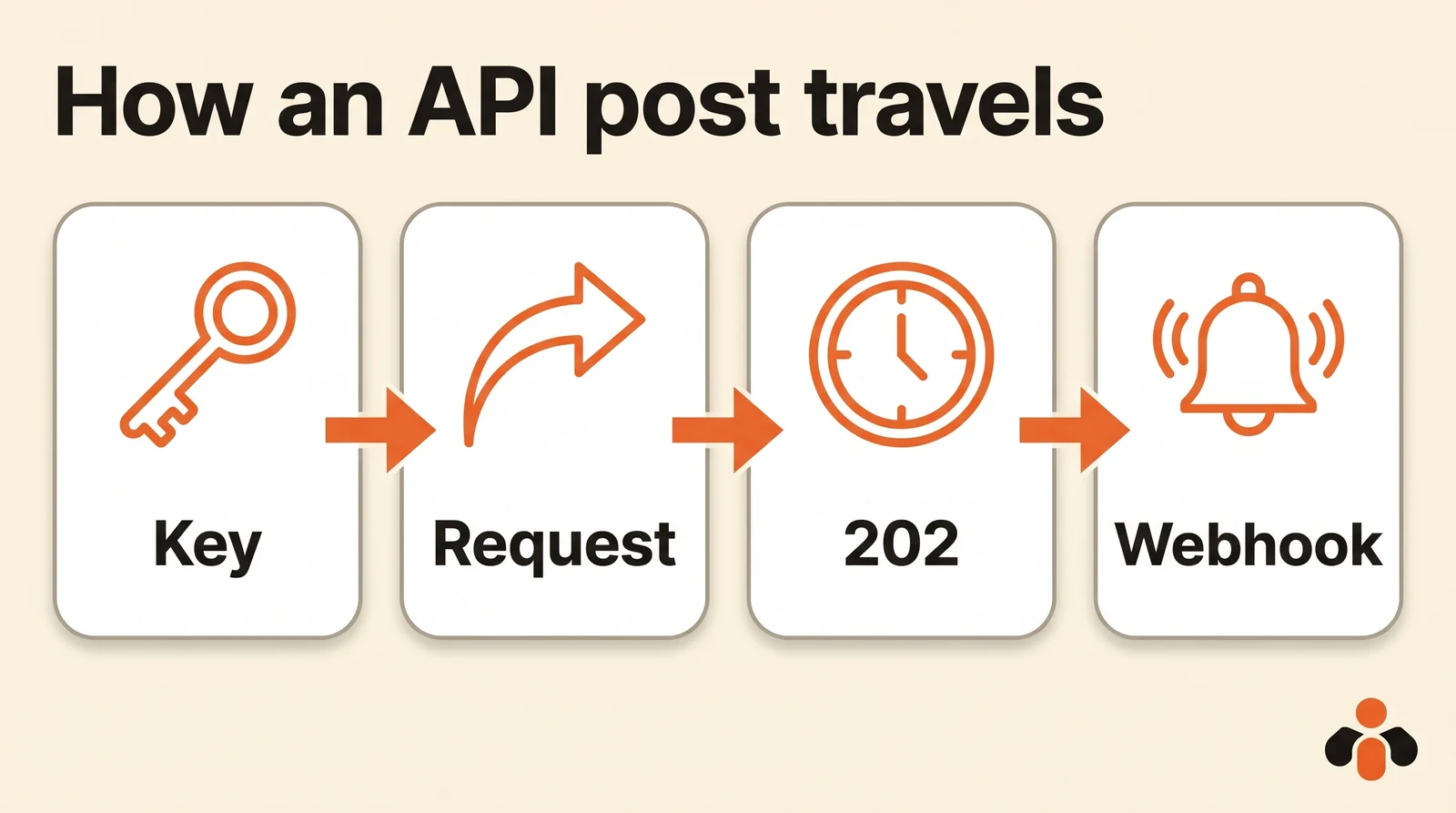
With Kreatoai, you register an address and receive publish.completed when a network has posted, and publish.failed with the reason and the kind of failure (worth retrying or final) when it refused. Each call is signed with HMAC-SHA256 using the address's secret, in the X-Kreato-Signature header, and timestamped: check the signature and the freshness before trusting the message. Answer with a 2xx code, even for events you do not handle, or deliveries are retried and the address is eventually disabled. The webhooks documentation has the full verification code.
Which social media scheduler has a public API and webhooks
Searches for "social media scheduling api" list many tools. Five questions sort them:
| Criterion | What to check |
|---|---|
| Networks and account types | Your networks, and the right type: Page or profile, Instagram professional account |
| Scheduling | A date is enough, and the post goes out without your program |
| Follow-up | Signed webhooks, status per network, the post's link |
| Safe retries | An idempotency key against double posts |
| Multiple clients | Several accounts per network, targeted by ID, for an agency or a SaaS |
According to pages checked on October 14, 2026, Buffer, Postiz, Publer (Business plan) and Kreatoai have a public API; Later did not announce one. Our comparison of social media scheduling APIs covers each one's prices and limits. If you do not write code, our guide to auto posting on multiple social networks shows the same thing from n8n, Make or Zapier.
One API to post to eight networks
Kreatoai offers a public API, with API keys, for posts, connected accounts and media, plus webhooks that tell you when a post goes out or fails. One request posts to Instagram, Facebook Pages, TikTok, personal LinkedIn profiles, YouTube (Shorts), Bluesky, Google Business profiles and Pinterest: your software does not have to talk to each platform or go through their app reviews.
A key belongs to a Kreatoai workspace. An agency connects its clients' accounts to its workspace and targets each one by ID; a SaaS can also let each user create a key and hand it over. The idempotencyKey prevents a replayed request from posting twice, and a scheduled post goes out on its own, even if your tool is down. The API accepts thirty requests per minute per key. You can call it from curl, Node.js, Python or any language, and from n8n, Make or Zapier, with a guide for each.
Ten posts are free every month, with no credit card. The API overview has the first calls, and the posts page every field.
Key takeaways
- A social media API lets software post and schedule without going through the networks' apps.
- Integrating each network yourself is free to use, but needs App Review at Meta, an audit at TikTok, a reviewed product at LinkedIn for Pages, and YouTube's quota.
- A unified API posts to several networks in one request, schedules server-side and reports back by webhook.
- An ISO 8601 date schedules; an idempotency key prevents double posts; a signed webhook says what went out.
- Before choosing: networks and account types, scheduling, follow-up, retries, multiple accounts.
Frequently asked questions
- What is a social media API?
- It is a technical entry point that lets software post, schedule or read data on a network without going through its app. Each network has its own (Meta's Graph API, TikTok's Content Posting API, LinkedIn's API, the YouTube Data API), and some services offer a single API that talks to all of them for you.
- Can I post to several networks with one API?
- Yes, with a unified API: one request describes the text, the media and the target networks, and the service posts to each one with its own access. Kreatoai, for example, posts to Instagram, Facebook Pages, TikTok, LinkedIn, YouTube, Bluesky, Google Business and Pinterest with a single POST /v1/posts request.
- Why not use each network's API directly?
- You can, but each network has conditions: App Review at Meta to serve accounts other than your own, an audit at TikTok or your videos stay private, a reviewed product at LinkedIn for company Pages, a daily upload quota at YouTube. You also have to refresh tokens and follow every version change.
- How do I schedule a post with an API?
- Send the post with a future date in ISO 8601 format, and the service publishes it on its own at that time. With Kreatoai, it is the scheduledAt field of POST /v1/posts; the post can be edited with PATCH and cancelled with DELETE until it goes out.
- Is there a free API to post to social media?
- The networks' official APIs are free to use, but they need reviews, audits and upkeep. Unified APIs have plans: Kreatoai gives ten posts a month with no credit card, API included.
- Which social media scheduler has a public API and webhooks?
- According to their pages checked on October 14, 2026, Buffer, Postiz, Publer (Business plan) and Kreatoai have a public API. Kreatoai also sends signed webhooks, publish.completed and publish.failed, one per network, so your app knows what went out without polling.
Have it done for you
Kreatoai publishes and schedules your posts on all your networks, from your dashboard or by asking ChatGPT and Claude, and its agent answers your direct messages. Ten free posts every month, no credit card.
Try it free